
Lightburn Basswood Settings Atomstack A5 Pro 2026
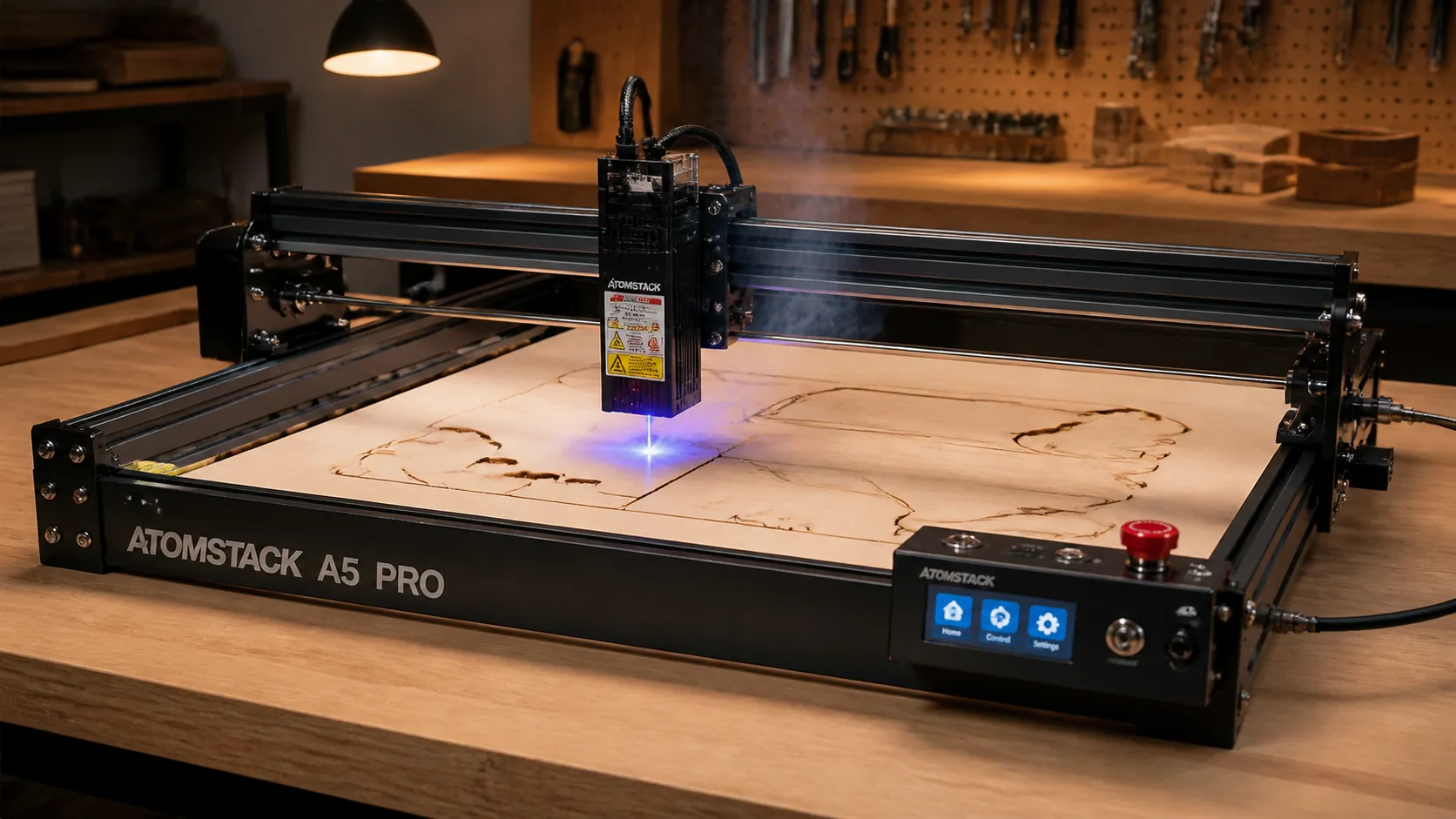
The best Lightburn settings for cutting 3mm basswood on your Atomstack A5 Pro are 10 mm/s at 100% power with air assist and 3 passes for complete cutthrough. This guide covers exact settings from real-world data, troubleshooting common issues, and why basswood is the ideal material choice for diode laser work.
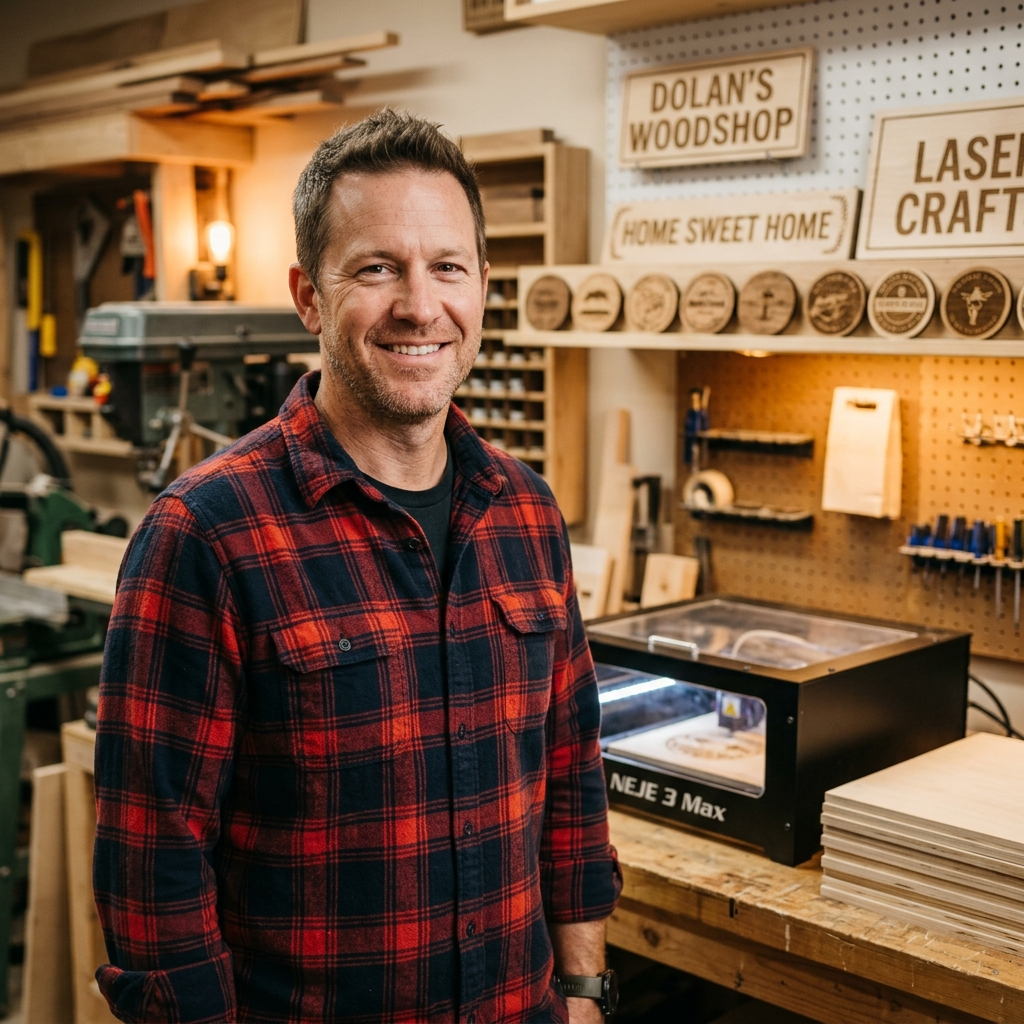
By Mike Dolan ·
| Material | Engraving Contrast | Cut Ease | Smoke / Odor | Cost | Beginner Score |
|---|---|---|---|---|---|
| Basswood (3 mm) | ★★★★★ | Excellent — 1 pass | Low | $ | ★★★★★ |
| Baltic Birch Plywood | ★★★★ | Good — 2–3 passes | Medium | $$ | ★★★★ |
| MDF | ★★★ | Good — 1–2 passes | High (formaldehyde) | $ | ★★ |
| Pine / Soft Plywood | ★★★ | Poor — resin deposits | Medium-High | $ | ★★ |
Why Is Basswood the Best Wood for Atomstack A5?
Open-frame diode lasers like the Atomstack A5 Pro expose their optics directly to the cutting environment, making material choice critical. Basswood’s low resin content and uniform cell structure make it the safest, most predictable wood you can run through an open-frame machine — protecting both your lens and your results.
- Low resin — virtually no sticky residue volatilizes during cutting, which keeps the A5 Pro’s exposed lens clean and extends the time between cleanings significantly
- Consistent density — the same settings work batch after batch without retuning, so your 10 mm/s, 100% power, 3-pass profile stays reliable across every sheet
- Minimal char — produces clean cut edges with air assist enabled, leaving a pale kerf that needs little to no post-processing before painting or finishing
- Light, workable surface — easy to sand, paint, or stain after cutting, making it perfect for ornaments, signage, and intricate craft projects
- No toxic fumes — unlike MDF or treated plywood, basswood contains no formaldehyde binders or chemical treatments, making it safe for indoor use with basic ventilation
What Are the Best Atomstack A5 Settings for 3mm Basswood?
All settings below are for Crafteker 3mm basswood sheets (12×12 inch, laser-grade). Use the Laser Settings Calculator to fine-tune for your specific unit if results differ.
| Machine | Cut Speed | Cut Power | Passes | Engrave Speed | Engrave Power | Air Assist |
|---|---|---|---|---|---|---|
| Atomstack A5 Pro 40W | 10 mm/s | 100% | 3 passes | 320 mm/s | 55% | 25 PSI |
| Atomstack A5 M40 | 3 mm/s | 100% | 2 passes | 90 mm/s | 35% | Recommended |
Note: Air assist is strongly recommended for the Atomstack A5 Pro. The open-frame diode module is directly exposed to resin smoke and fine wood particles — without air assist, combustion residue deposits on the lens within a single session, degrading cut performance and shortening lens life. Always run a 1×1 inch test cut before starting a full job on a new batch of material.
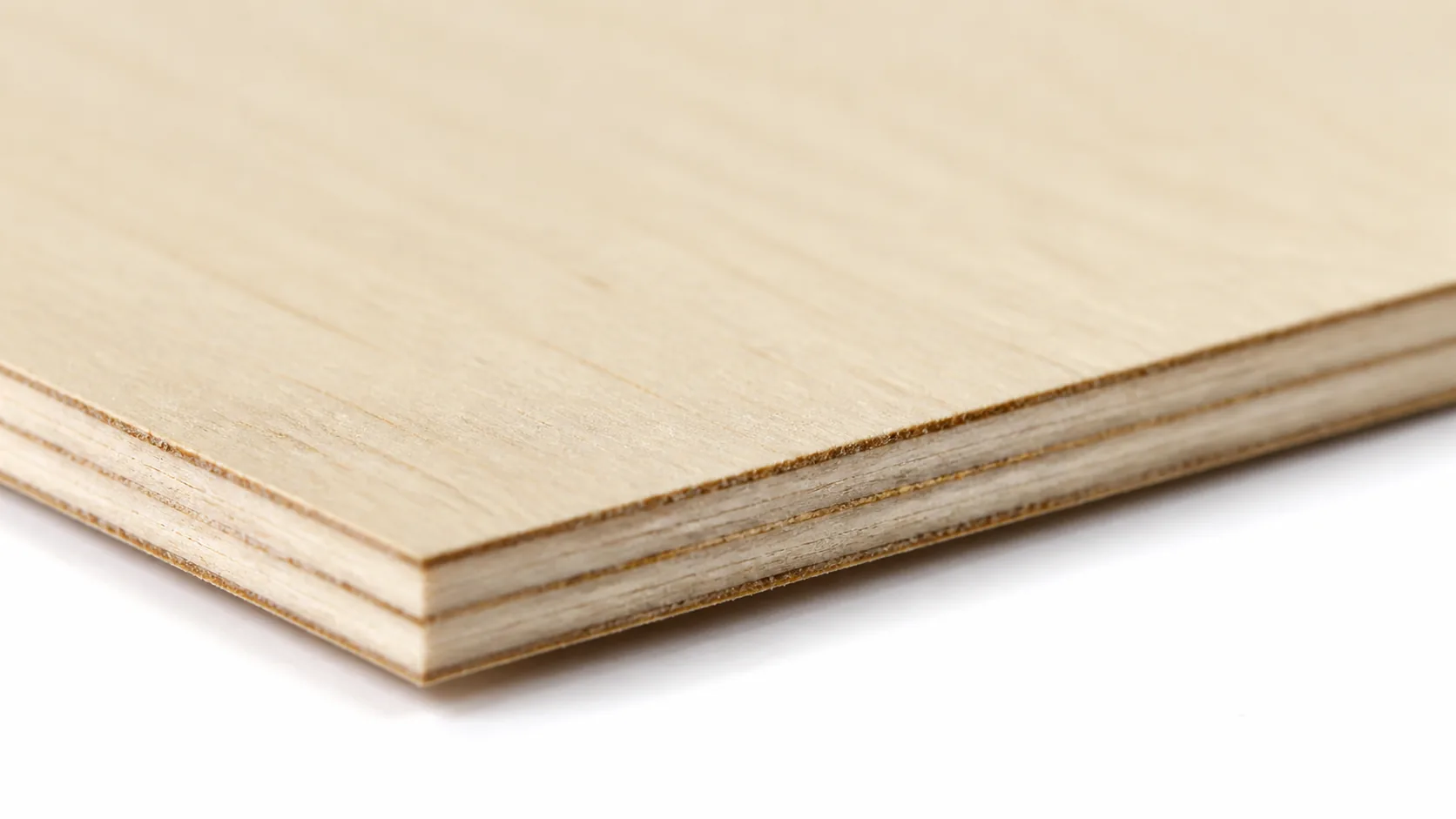
The Crafteker 12-pack basswood sheets are purpose-built for diode laser engravers like the Atomstack A5 Pro — 12×12 inch, 3mm, laser-grade, void-free. $24.99 for 12 sheets ($2.08/sheet).
How Do I Get Clean Cuts on the Atomstack A5? Step-by-Step
Clean cuts on the Atomstack A5 Pro come down to three things: accurate focus, consistent air assist, and flat material. Follow these steps for reliable results:
- Set focus accurately. The Atomstack A5 Pro uses a fixed-focus diode module — use the included focus card or spacer block to set the correct standoff distance between the lens and the material surface. For slightly cleaner cut-edge taper, try defocusing +0.5 mm above the surface, which spreads the beam minimally and reduces the V-shaped kerf common in multi-pass diode cuts.
- Enable air assist. The A5 Pro requires an external air pump connected to the nozzle fitting on the laser head — the machine does not include a built-in compressor. Running without air assist causes visible scorching along the kerf, smoke staining on the wood face, and accelerated lens contamination that compounds into weaker cuts over time.
- Secure the basswood flat. Pin or clamp the sheet directly to the honeycomb bed using hold-down clips or low-profile magnets at all four corners — any bow in the material shifts the focal distance mid-job and produces inconsistent depth across the cut.
- Run a test cut first. Cut a small square or circle from a corner of the sheet before the full job. This confirms focus and power before you commit the whole sheet.
- Do not increase passes to compensate for failed cuts. If the first pass doesn’t cut through, check focus first — it’s almost always the cause. Extra passes at wrong focus just char the edges.
- Clean the lens every 3–5 hours. The Atomstack A5 Pro’s diode module has a removable protective window accessible from the front of the laser head — unclip the cover, wipe the window gently with IPA on a fresh cotton swab, and reinstall before the next session. Even a thin smoke film causes 10–20% power loss and is the single most overlooked cause of suddenly inconsistent cuts.
Which Atomstack A5 Model Is Best for Cutting Basswood?
The Atomstack A5 Pro 40W cuts 3mm basswood at 10 mm/s in 3 passes — roughly three times faster than the A5 M40’s 3 mm/s at 2 passes, making the Pro the clear winner for anyone running production batches or fulfilling Etsy orders. The A5 M40 (5.5W diode) can still produce clean cuts, but the slower speed and lower engraving ceiling of 90 mm/s at 35% make it better suited for occasional hobby projects rather than volume work. If you’re cutting more than a handful of sheets per week, the A5 Pro’s throughput advantage pays for the price difference quickly — especially when material is priced as low as $2.25 per sheet.
Why Isn’t My Atomstack A5 Cutting Through Basswood Cleanly?
Most incomplete cuts and excessive charring on the Atomstack A5 Pro trace back to these four issues:
- Focus is off: Re-measure focal distance using the included focus card and re-seat the laser module — on the A5 Pro, a defocus of +0.5 mm upward actually reduces edge taper, so confirm your z-height before each session.
- Air assist not running: Without active air flow, smoke and char re-deposit in the kerf as the laser cuts, blocking the beam. On the A5 Pro, verify the pump is connected to the correct port on the control box and that the nozzle is aimed directly at the focal point — 25 PSI is the target pressure for clean basswood cuts.
- Inconsistent material: Craft-store plywood has glue pockets and variable density. Laser-grade basswood eliminates this variable — consistent wood means consistent cuts across every pass without mid-project surprises.
- Dirty lens: On the Atomstack A5 Pro, access the protective lens cover by unscrewing the laser head shroud, then clean the lens gently with a fresh cotton swab dampened with 99% isopropyl alcohol — inspect after every 4–6 hours of cutting time to prevent power loss from residue buildup.
Where to Buy Basswood Sheets for the Atomstack A5
Crafteker 3mm basswood sheets are the best match for the Atomstack A5 Pro — 12×12 inch, laser-grade, void-free, and pre-sanded. At $24.99 for 12 sheets ($2.08/sheet), it’s the most cost-effective option for consistent results. The uniform quality means the settings in this guide work reliably without re-tuning every batch.
Ready to cut? Get the wood that works with these settings:
→ Buy Crafteker 12-Pack Basswood Sheets on Amazon – $24.99
Clip the 7% coupon on the listing page – buy 2 packs and save 20% automatically.
Also available: 5-pack ($15.97) · 3-pack ($12.99)
Frequently Asked Questions
What are the best basswood settings for the Atomstack A5?
Cut at 10 mm/s at 100% power for 3 passes with 25 PSI air assist; engrave at 320 mm/s at 55% power for clean, detailed results. Defocus +0.5mm up to reduce taper on cut edges.
Is Atomstack A5 good for cutting basswood?
Yes. The Atomstack A5 Pro’s 40W diode laser cuts 3mm basswood cleanly in 3 passes at moderate speeds. Basswood’s low resin content and consistent density make it ideal for diode lasers, which struggle with denser hardwoods.
What is the best wood for the Atomstack A5 laser?
3mm basswood is the best choice at just $2.25 per sheet in bulk. It cuts with minimal char, engraves with sharp detail, contains no resins that damage optics, and produces zero toxic fumes.
Can Atomstack A5 cut 3mm basswood in one pass?
No. The Atomstack A5 Pro requires 3 passes at 10 mm/s, 100% power to cut through 3mm basswood cleanly. The A5 M40 variant needs 2 passes at 3 mm/s due to lower wattage.
Where can I buy basswood sheets for the Atomstack A5?
Crafteker on Amazon: 3-pack for $12.99 ($4.33/sheet), 5-pack for $15.97 ($3.19/sheet), or 12-pack for $24.99 ($2.08/sheet). All sheets are 3mm, 12×12 inch, laser-grade, and void-free.
About the author: Mike Dolan is a laser maker and wood materials specialist with 8+ years cutting basswood, birch, and MDF on diode and CO₂ machines. He tests every Crafteker basswood batch before listing.
Just switched to Crafteker basswood for all my Atomstack A5 Pro projects and the difference is night and day. Running 10 mm/s at 100% with 25 PSI air assist and getting mirror-clean cuts in 3 passes. The void-free quality means no unexpected surprises mid-project, plus at $2.25 a sheet in bulk I’m spending way less on material waste.