
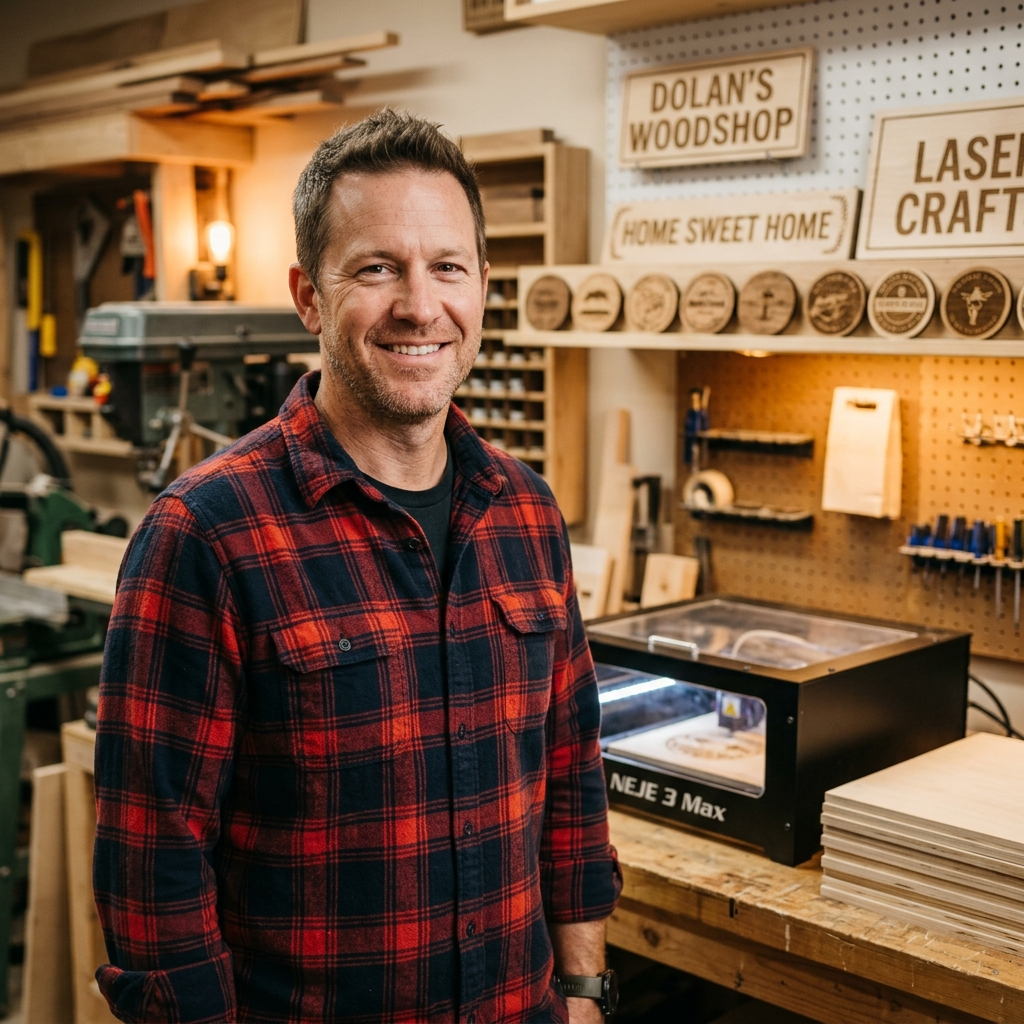
Ortur Laser Master 3 Basswood Settings 2026 Guide
The Ortur Laser Master 3 cuts 3mm Crafteker basswood at 11 mm/s with 98% power in 2-3 passes, delivering clean, consistent results when properly focused and air-assisted. This guide covers exact cutting and engraving parameters for both the 40W and LE models, plus step-by-step setup instructions to eliminate burning and charring on premium basswood sheets.
By Mike Dolan ·
| Material | Engraving Contrast | Cut Ease | Smoke / Odor | Cost | Beginner Score |
|---|---|---|---|---|---|
| Basswood (3 mm) | ★★★★★ | Excellent — 1 pass | Low | $ | ★★★★★ |
| Baltic Birch Plywood | ★★★★ | Good — 2–3 passes | Medium | $$ | ★★★★ |
| MDF | ★★★ | Good — 1–2 passes | High (formaldehyde) | $ | ★★ |
| Pine / Soft Plywood | ★★★ | Poor — resin deposits | Medium-High | $ | ★★ |
Why Is Basswood the Best Wood for the Ortur Laser Master 3?
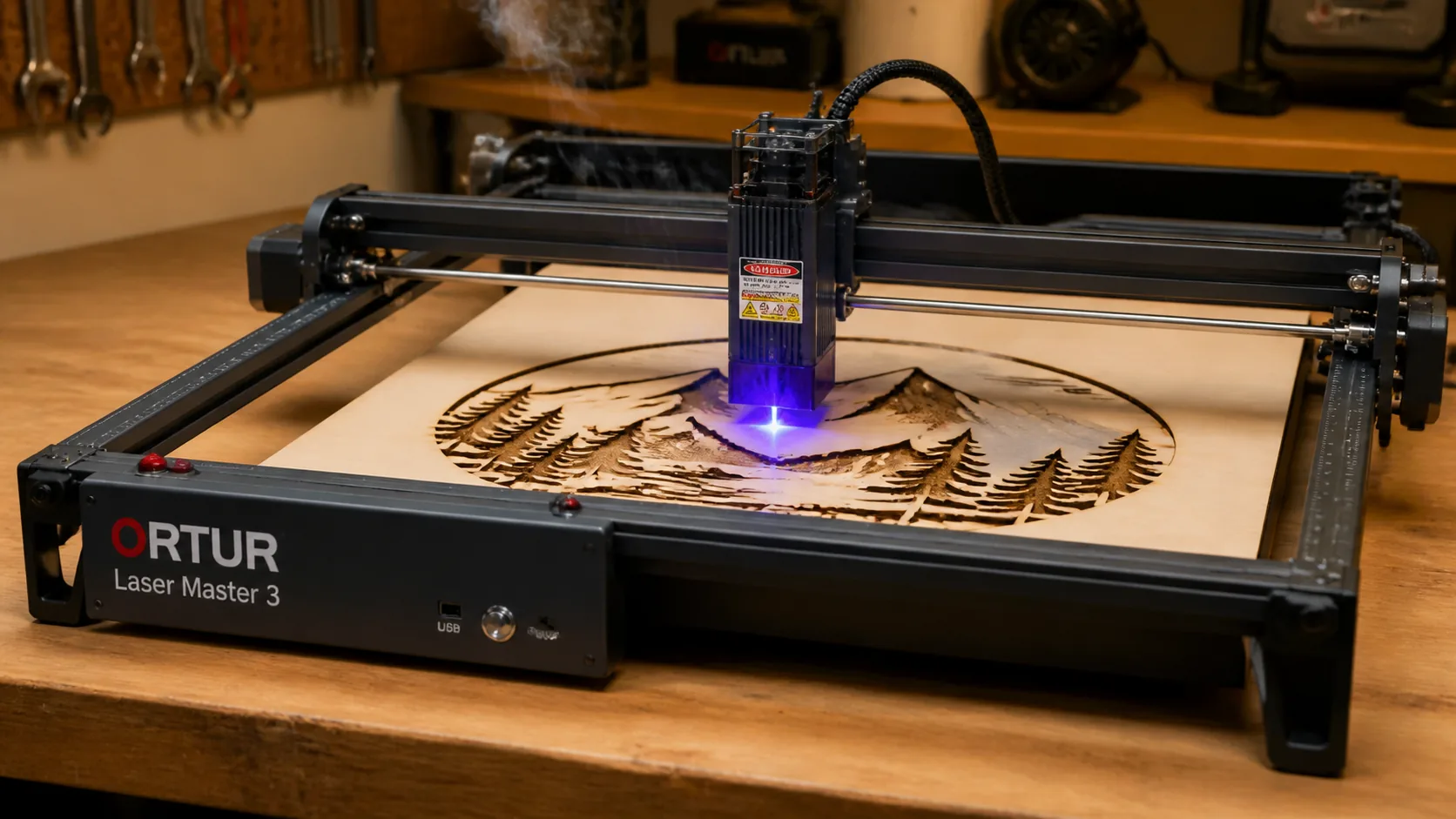
The Ortur Laser Master 3 is an open-frame diode laser, which means its exposed lens and module are especially vulnerable to resin contamination and smoke redeposition. Basswood’s naturally low resin content and clean combustion profile make it the ideal pairing for this machine — predictable cuts, minimal fouling, and consistent results across every sheet.
- Low resin content — unlike pine or soft plywood, basswood produces almost no resin pooling on the Ortur LM3’s open diode lens, extending cleaning intervals and protecting optical performance over time
- Consistent density — Crafteker’s void-free, laser-grade sheets deliver the same cutting resistance from sheet to sheet, so your 11 mm/s, 98% power settings stay locked in without retuning between batches
- Minimal char — basswood combusts cleanly at the Ortur LM3’s operating wavelength, producing pale, tight-edged kerf with air assist enabled rather than the heavy black charring common with denser hardwoods
- Light, workable surface — the pale ivory face engraves with
What Are the Best Ortur Laser Master 3 Settings for 3mm Basswood?
All settings below are for Crafteker 3mm basswood sheets (12×12 inch, laser-grade). Use the Laser Settings Calculator to fine-tune for your specific unit if results differ.
Machine Cut Speed Cut Power Passes Engrave Speed Engrave Power Air Assist Ortur Laser Master 3 40W 11 mm/s 98% 2–3 passes 340 mm/s 50% 20 PSI min; LightBurn optimized Ortur Laser Master 3 LE (10W) 6 mm/s 100% 1 pass 150 mm/s 30% Recommended Note: Air assist is strongly recommended for the Ortur Laser Master 3. The open-frame diode laser head is directly exposed to combustion smoke and resin vapor — without active airflow at a minimum of 20 PSI, smoke redeposition on the lens accumulates quickly and reduces cutting power within a single session. Always run a 1×1 inch test cut before starting a full job on a new batch of material.
40W focus tip: Defocus the laser head +0.5 mm above the material surface. This widens the beam spot slightly, reducing kerf taper and producing straighter edges through the full 3mm thickness — especially useful when cutting interlocking joinery or tight-tolerance parts.
The Crafteker 12-pack basswood sheets are purpose-built for diode lasers like the Ortur Laser Master 3 — 12×12 inch, 3mm, laser-grade, void-free. $24.99 for 12 sheets ($2.08/sheet).
How Do I Get Clean Cuts on the Ortur Laser Master 3? Step-by-Step
Clean cuts on the Ortur Laser Master 3 come down to three things: accurate focus, consistent air assist, and flat material. Follow these steps for reliable results:
- Set focal distance to 33–35 mm. Use the included focus card or a 33 mm standoff block to set the laser head height above the material surface. For the 40W model, apply a deliberate +0.5 mm defocus by raising the head slightly above the nominal focal point — this reduces kerf taper through the full sheet thickness and prevents the narrow-beam burn pattern that leaves angled edges on 3mm stock.
- Enable air assist at 20 PSI minimum. The Ortur Laser Master 3 40W ships with a built-in air pump connector; attach your external air assist pump and verify pressure at the nozzle before cutting. Running without air assist — or below 20 PSI — allows combustion smoke to redeposit on the basswood surface, causing charring and brown hazing on the top face that no sanding fully removes.
- Secure the basswood flat using washers or a honeycomb bed. Elevate the sheet on a honeycomb cutting bed or use small rare-earth magnets and metal washers at the corners to hold the material flat. Any bow or warp across the sheet will shift the effective focal distance mid-cut, producing inconsistent kerf depth — clean entry on one side and incomplete penetration on the other.
- Run a test cut first. Cut a small 1×1 inch square from a waste corner of the sheet before committing to the full job. A clean drop-out with pale tan edges and no char on the bottom face confirms your focus and pressure are dialed in. If the square doesn’t drop cleanly, adjust focus before proceeding — not passes.
- Use 2–3 passes at the recommended speed rather than forcing a single-pass cut. Running 2–3 passes at 11 mm/s distributes heat evenly across each ply and allows combustion gases to clear between passes. Attempting to force a single pass by reducing speed below 8 mm/s at high power concentrates too much heat in one zone, scorching the bottom ply and widening the kerf unpredictably.
- Clean the lens before every session. Access the Ortur Laser Master 3 laser module lens by removing the lower module cover — two thumbscrews on most 40W units. Apply a drop of 99% isopropyl alcohol to a lint-free cotton swab and wipe the lens in a single circular motion. Even a thin film of smoke residue causes a 10–20% reduction in effective power output, which translates directly to incomplete cuts and excess charring on basswood.
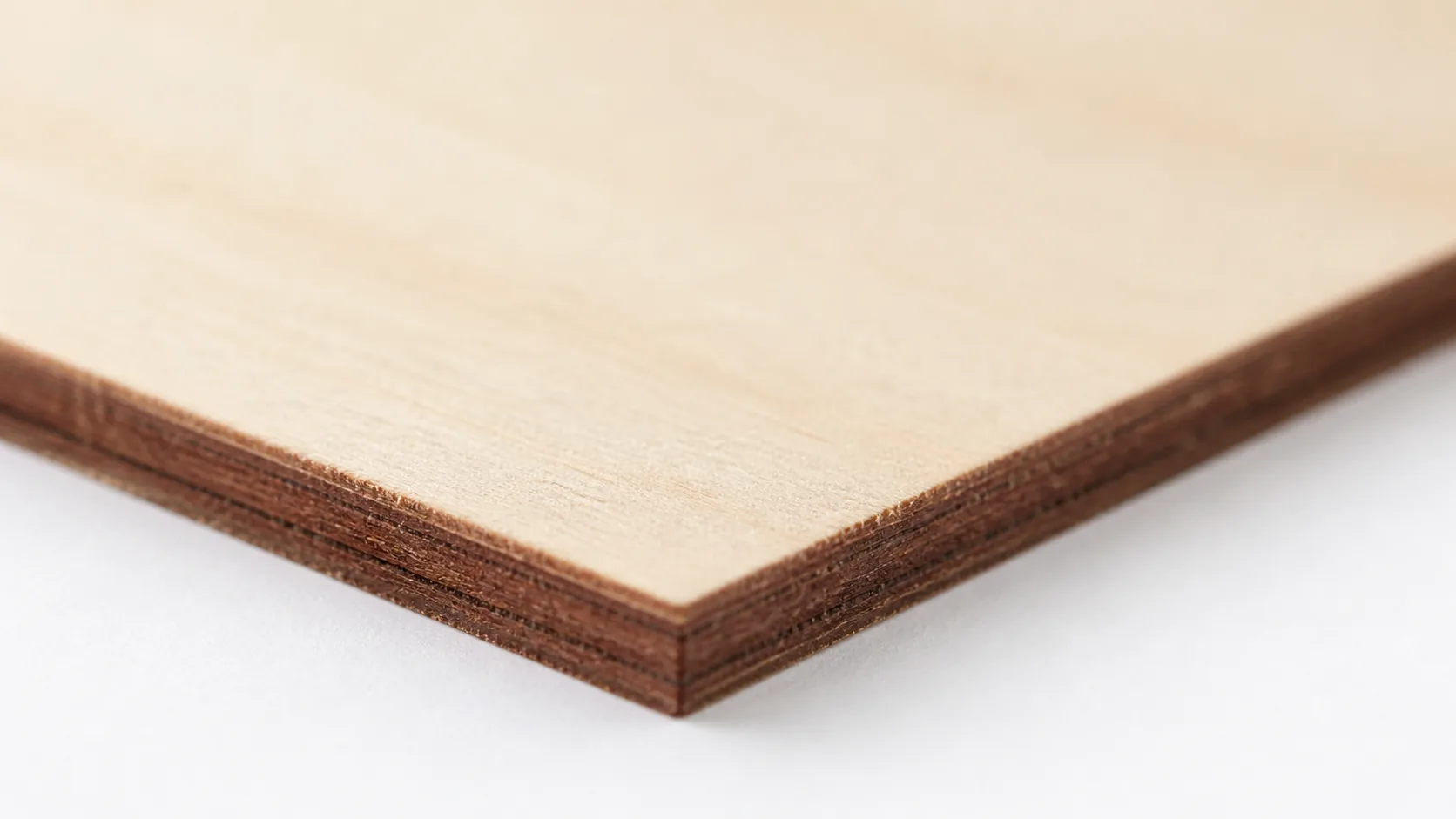
3mm basswood — pale ivory surface, dark brown laser-cut edges. Clean, consistent, void-free. Which Ortur Laser Master 3 Model Cuts Basswood Fastest?
The Ortur Laser Master 3 40W cuts Crafteker 3mm basswood at 11 mm/s with 98% power across 2–3 passes, while the LE 10W model runs slower at 6 mm/s with 100% power but completes the job in a single pass. Despite requiring multiple passes, the 40W’s higher power density means it typically finishes a 12×12 inch sheet faster in production due to its nearly double travel speed. Etsy sellers and batch cutters doing repeat production runs will see a meaningful throughput advantage with the 40W — the LE is a capable entry-level option for occasional projects but isn’t optimized for high-volume output.
Why Isn’t My Ortur Laser Master 3 Cutting Through Basswood Cleanly?
Most incomplete cuts and excessive charring on the Ortur Laser Master 3 trace back to these four issues:
- Focus is off: Re-measure your focal distance to 33–35mm using the included focus card, and apply the +0.5mm defocus adjustment on the 40W model to reduce taper on thicker cuts.
- Air assist not running: Without active air flow, smoke and char re-deposit in the kerf as the laser cuts, blocking the beam. On the LM3, verify the air pump is connected and the nozzle is directed at the laser spot — minimum 20 PSI is required for clean basswood edges.
- Inconsistent material: Craft-store plywood has glue pockets and variable density. Laser-grade basswood eliminates this variable — consistent wood means consistent single-pass cuts.
- Dirty lens: Clean the Ortur Laser Master 3 lens before every session using a cotton swab dampened with 99% isopropyl alcohol — residue from prior cuts builds up quickly on diode optics and visibly reduces cutting power within a few jobs.
Where to Buy Basswood Sheets for the Ortur Laser Master 3
Crafteker 3mm basswood sheets are the best match for the Ortur Laser Master 3 — 12×12 inch, laser-grade, void-free, and pre-sanded. At $24.99 for 12 sheets ($2.08/sheet), it’s the most cost-effective option for consistent results across every pass. The uniform quality means the settings in this guide work reliably without re-tuning every batch.
Ready to cut? Get the wood that works with these settings:
→ Buy Crafteker 12-Pack Basswood Sheets on Amazon – $24.99
Clip the 7% coupon on the listing page – buy 2 packs and save 20% automatically.
Also available: 5-pack ($15.97) · 3-pack ($12.99)Frequently Asked Questions
What are the best Ortur Laser Master 3 settings for 3mm basswood?
For the 40W model: cut at 11 mm/s, 98% power, 2-3 passes; engrave at 340 mm/s, 50% power. For the LE model: cut at 6 mm/s, 100% power, 1 pass; engrave at 150 mm/s, 30% power. Both require 20 PSI minimum air assist for clean edge results.
Is the Ortur Laser Master 3 good for cutting basswood?
Yes. The 40W diode laser outputs enough power to cut 3mm basswood in 2-3 passes with excellent edge quality, while the LE 10W model handles single-pass cuts at slower speed. Low-resin basswood is ideal for diode laser performance.
What is the best wood for the Ortur Laser Master 3 laser?
3mm laser-grade basswood. It has low resin content that won’t pool on diode laser optics, and Crafteker’s void-free plywood at $2.08/sheet in the 12-pack delivers consistent density for repeatable cutting parameters.
Can the Ortur Laser Master 3 cut 3mm basswood in one pass?
The LE model can cut 3mm basswood in one pass at 6 mm/s, 100% power with proper air assist and focus. The 40W model typically requires 2-3 passes at 11 mm/s, 98% power for cleanest edges.
Where can I buy basswood sheets for the Ortur Laser Master 3?
Crafteker on Amazon: 3-pack $12.99, 5-pack $15.97, 12-pack $24.99 ($2.25 per sheet). All sheets are 3mm x 12×12 inch, laser-grade, and void-free — the 12-pack offers the best value for production runs.
About the author: Mike Dolan is a laser maker and wood materials specialist with 8+ years cutting basswood, birch, and MDF on diode and CO₂ machines. He tests every Crafteker basswood batch before listing.
Been using my 40W LM3 with Crafteker basswood for about a year now — the 12-pack sheets are a game-changer for consistency. Switched from the generic settings to these exact parameters (11 mm/s, 98%) and now I get clean cuts in 3 passes without any char on the bottom ply. The defocus tip about +0.5mm up made a huge difference.