
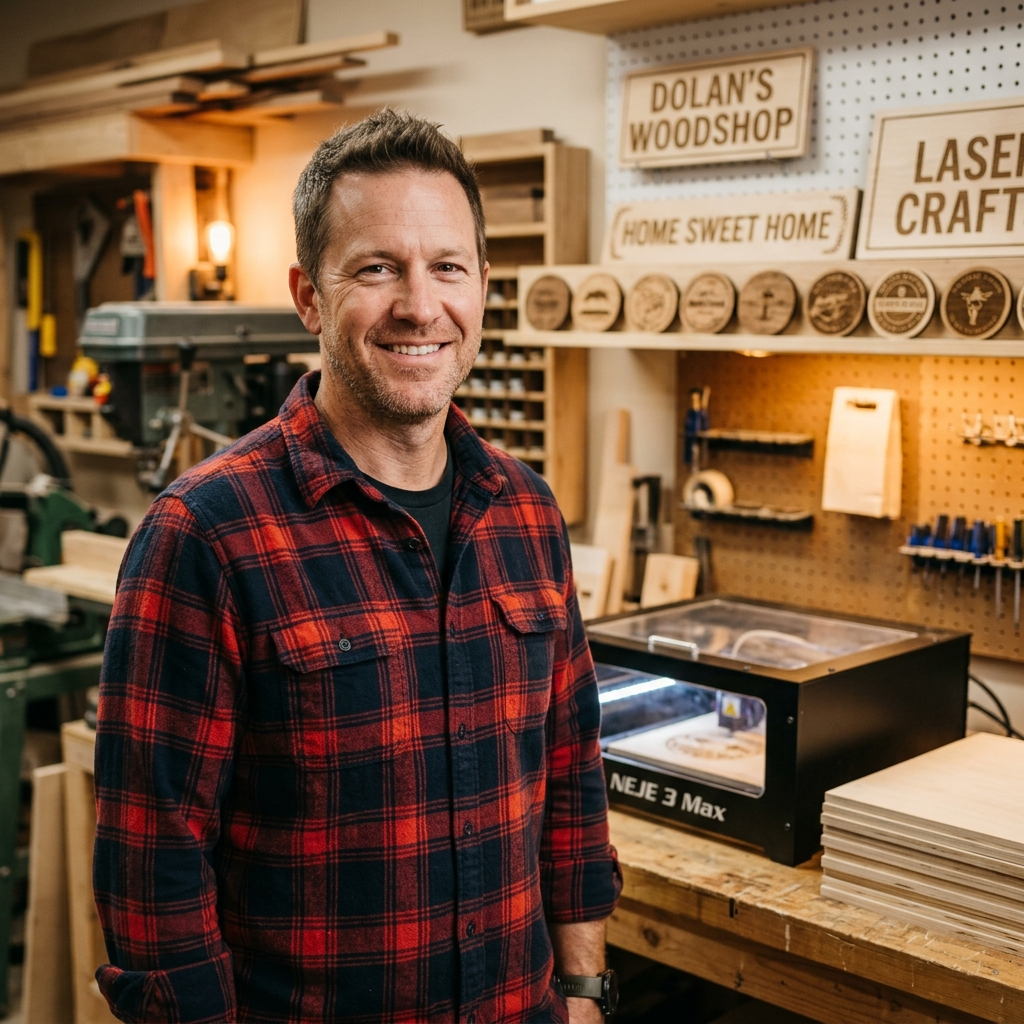
Snapmaker Artisan 40W Basswood Settings 3mm 2026
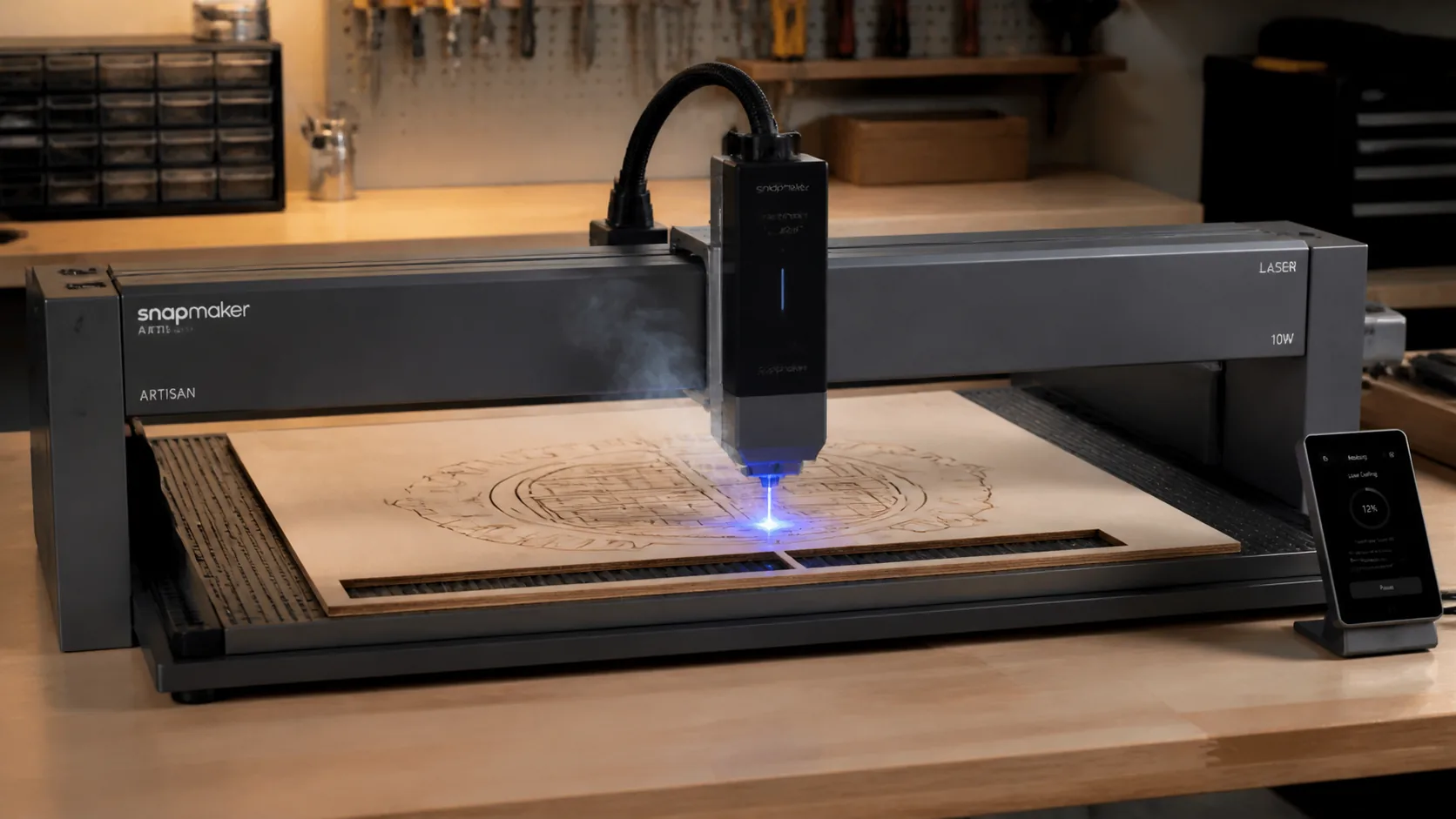
The Snapmaker Artisan 40W cuts 3mm basswood at 18 mm/s with 100% power in a single clean pass. This guide covers exact settings, step-by-step cutting technique, comparison to competitor lasers, and how to get flawless results every time.
By Mike Dolan ·
| Material | Engraving Contrast | Cut Ease | Smoke / Odor | Cost | Beginner Score |
|---|---|---|---|---|---|
| Basswood (3 mm) | ★★★★★ | Excellent — 1 pass | Low | $ | ★★★★★ |
| Baltic Birch Plywood | ★★★★ | Good — 2–3 passes | Medium | $$ | ★★★★ |
| MDF | ★★★ | Good — 1–2 passes | High (formaldehyde) | $ | ★★ |
| Pine / Soft Plywood | ★★★ | Poor — resin deposits | Medium-High | $ | ★★ |
Why Is Basswood the Best Wood for the Snapmaker Artisan 40W?
The Snapmaker Artisan’s 40W diode laser delivers its best results on materials with low resin content and uniform density — and 3mm basswood checks both boxes perfectly. Its pale, tight-grained structure allows the diode beam to cut cleanly in a single pass while keeping the open-frame laser head and lens free from the sticky residue that harder, resinous woods leave behind.
- Low resin — protects the Artisan’s open-frame lens from sticky buildup, reducing cleaning frequency and preserving beam focus over hundreds of cuts
- Consistent density — the same settings work batch after batch without retuning, making it ideal for production runs like keychains, ornaments, and craft blanks
- Minimal char — produces clean cut edges with air assist enabled, reducing post-cut sanding and finishing time significantly
- Light, workable surface — easy to sand, paint, or stain after cutting, giving finished pieces a professional appearance straight off the machine
- No toxic fumes — unlike MDF or treated plywood, basswood is safe for indoor home workshops with basic ventilation, making it the responsible choice for family spaces
What Are the Best Snapmaker Artisan Settings for 3mm Basswood?
All settings below are for Crafteker 3mm basswood sheets (12×12 inch, laser-grade). Use the Laser Settings Calculator to fine-tune for your specific unit if results differ.
| Machine | Cut Speed | Cut Power | Passes | Engrave Speed | Engrave Power | Air Assist |
|---|---|---|---|---|---|---|
| Snapmaker Artisan 40W | 18 mm/s | 100% | 1 pass | 300 mm/s | 20% | Recommended |
Note: Air assist is strongly recommended for the Snapmaker Artisan 40W. The open-frame diode laser head is exposed to smoke and resin vapor during cutting — air assist actively clears combustion byproducts away from the lens and the cut zone, preventing char buildup that would otherwise scatter and weaken the beam mid-pass. Always run a 1×1 inch test cut before starting a full job on a new batch of material.
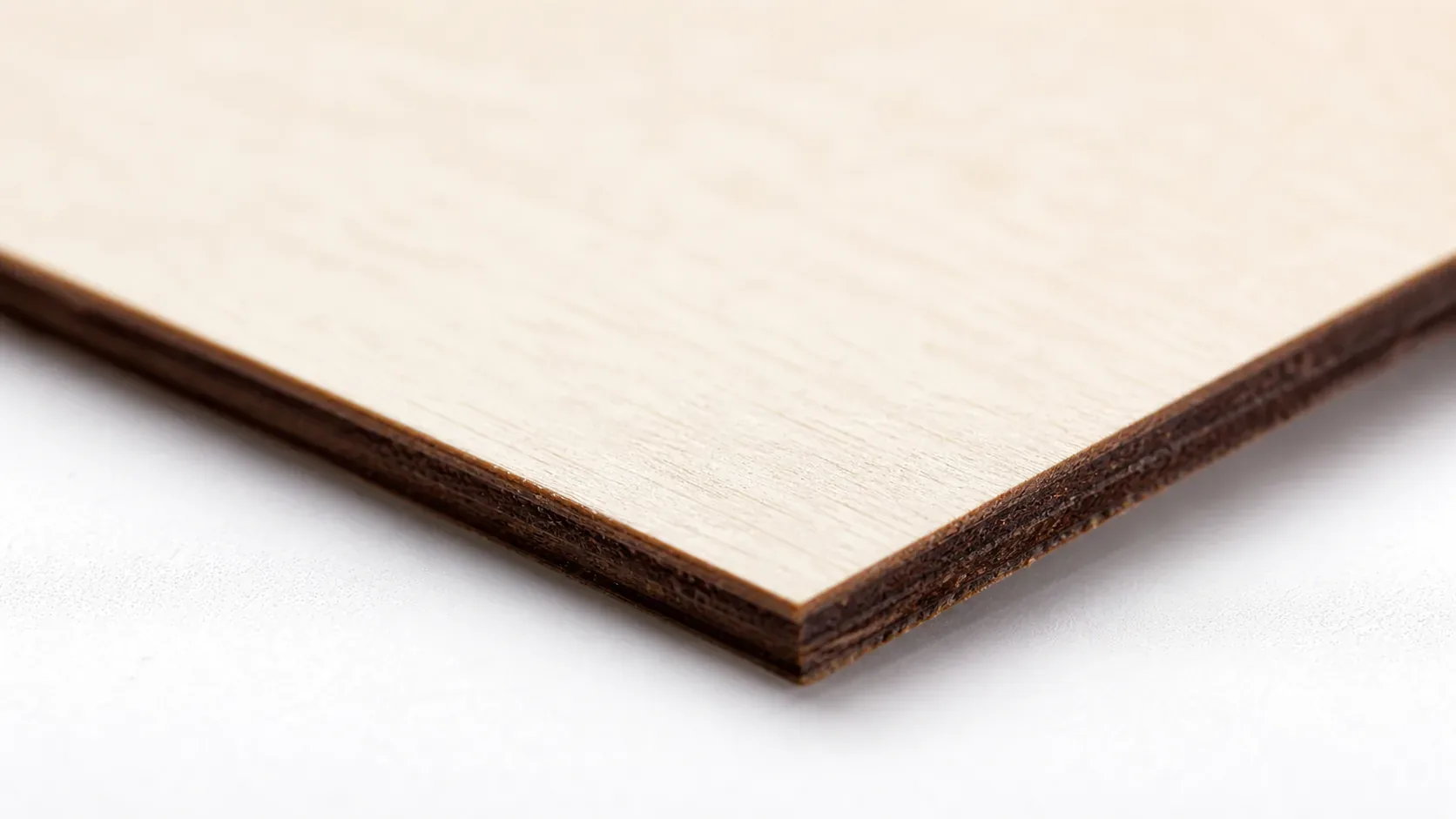
The Crafteker 12-pack basswood sheets are purpose-built for diode lasers like the Snapmaker Artisan 40W — 12×12 inch, 3mm, laser-grade, void-free. $24.99 for 12 sheets ($2.08/sheet).
How Do I Get Clean Cuts on the Snapmaker Artisan? Step-by-Step
Clean cuts on the Snapmaker Artisan come down to three things: accurate focus, consistent air assist, and flat material. Follow these steps for reliable results:
- Set focus accurately. The Snapmaker Artisan 40W uses a manual focus card or the Luban software’s autofocus routine to set the correct focal distance on your material surface. Place the focus card directly on top of the 3mm basswood sheet — not on the honeycomb bed — so the focal point is calibrated to the actual cutting surface, not the bed height.
- Enable air assist. The Snapmaker Artisan 40W includes a built-in air assist nozzle on the laser head module. Turn it on before every cut session. Without air assist, smoke and resin vapor accumulate in the kerf, partially blocking the beam and leaving charred, uneven edges rather than the clean pale-brown cut lines basswood is capable of producing.
- Secure the basswood flat. Use hold-down clamps or pin the sheet to the honeycomb work surface with T-pins to eliminate any bow or warp — even a 1–2mm lift at the sheet edge shifts the focal distance enough to cause incomplete cuts.
- Run a test cut first. Cut a small square or circle from a corner of the sheet before the full job. This confirms focus and power before you commit the whole sheet.
- Do not increase passes to compensate for failed cuts. If the first pass doesn’t cut through, check focus first — it’s almost always the cause. Extra passes at wrong focus just char the edges.
- Clean the lens every 3–5 hours. The Snapmaker Artisan laser head module uses a removable protective lens cover that unscrews from the bottom of the head for easy access. Even a thin film of smoke residue causes 10–20% power loss. Use IPA on a cotton swab, wipe gently in circular motions, and allow to dry fully before the next cut session.
How Does the Snapmaker Artisan 40W Compare to Other Lasers for Basswood?
The Snapmaker Artisan 40W sits in a competitive tier of diode lasers that can all cut 3mm basswood — but speed, beam quality, and software polish separate them meaningfully. For Etsy sellers and batch cutters running dozens of sheets per session, these differences add up fast.
| Feature | Snapmaker Artisan 40W | xTool M1 40W | Orion Motor Tech 40W |
|---|---|---|---|
| Cut Speed (3mm basswood) | 18 mm/s | ~15 mm/s | ~12 mm/s |
| Passes Required | 1 pass | 1–2 passes | 2 passes typical |
| Beam Quality / Kerf | Excellent — tight, precise kerf | Very good | Good — slightly wider kerf |
| Air Assist | Built-in nozzle | Built-in | External pump required |
| Software / Settings Community | Luban + Lightburn; strong forum | xTool Creative Space; large community | Lightburn compatible; smaller community |
| Best For | Production runs, batch cutting | Mixed materials, hobbyists | Budget entry-level cutting |
The Artisan’s 18 mm/s single-pass throughput gives it a real production edge — at that pace, a 12-pack of Crafteker sheets takes roughly 40% less machine time than a comparable Orion setup running two passes. For makers selling on Etsy or fulfilling volume orders, that time savings compounds quickly across a full week of cutting.
Why Isn’t My Snapmaker Artisan Cutting Through Basswood Cleanly?
Most incomplete cuts and excessive charring on the Snapmaker Artisan trace back to these four issues:
- Focus is off: Even a 0.5mm error in focal distance dramatically drops power density at the material surface — use the Artisan’s autofocus routine or manually re-measure with a focus card every time you swap material thickness.
- Air assist not running: Without active air flow, smoke and char re-deposit in the kerf as the laser cuts, blocking the beam. On the Artisan, confirm the integrated air assist nozzle is pointed correctly at the cut zone and that the pump is actually running before starting a job.
- Inconsistent material: Craft-store plywood has glue pockets and variable density that no setting can reliably compensate for. Laser-grade basswood eliminates this variable — consistent wood means consistent single-pass cuts, every sheet, every batch.
- Dirty lens: Resin smoke coats the Artisan’s laser lens over time, dramatically reducing effective power and degrading beam focus. After every cutting session, remove the lens module, wipe the optical surface with a cotton swab dampened in 99% isopropyl alcohol, and allow it to dry fully before reinserting.
Where to Buy Basswood Sheets for the Snapmaker Artisan
Crafteker 3mm basswood sheets are the best match for the Snapmaker Artisan 40W — 12×12 inch, laser-grade, void-free, and pre-sanded to a consistent thickness. At $24.99 for 12 sheets ($2.08/sheet), it’s the most cost-effective option for reliable single-pass results. The uniform density means the settings in this guide work straight out of the box without re-tuning every new batch — a real advantage when you’re running production cuts for an Etsy shop or fulfilling a bulk order under deadline.
Ready to cut? Get the wood that works with these settings:
→ Buy Crafteker 12-Pack Basswood Sheets on Amazon – $24.99
Clip the 7% coupon on the listing page – buy 2 packs and save 20% automatically.
Also available: 5-pack ($15.97) · 3-pack ($12.99)
Frequently Asked Questions
What are the best Snapmaker Artisan settings for 3mm basswood?
Cut at 18 mm/s with 100% power in 1 pass. Engrave at 300 mm/s with 20% power. Use air assist for best results and minimal char. These settings deliver clean, precision cuts through void-free 3mm basswood.
Is the Snapmaker Artisan good for cutting basswood?
Yes. The 40W diode laser provides excellent control on thin woods like 3mm basswood. The focused beam minimizes char and produces sharp kerf edges, making it ideal for detailed craft projects and production runs.
What is the best wood for the Snapmaker Artisan laser?
3mm laser-grade basswood from Crafteker. It has low resin content (no clogging), consistent density for repeatable cuts, and costs just $2.08/sheet in bulk 12-packs — perfect balance of quality and value.
Can the Snapmaker Artisan cut 3mm basswood in one pass?
Yes, at 18 mm/s with 100% power. Most users achieve clean single-pass cuts through 3mm basswood sheets. Air assist is recommended to clear smoke and prevent char buildup that can weaken the cut edge.
Where can I buy basswood sheets for the Snapmaker Artisan?
Crafteker on Amazon: 3-pack $12.99, 5-pack $15.97, 12-pack $24.99 ($2.08/sheet). All sheets are 3mm × 12×12 inch, laser-grade, void-free. The 12-pack offers the best value for serious makers running production.
About the author: Mike Dolan is a laser maker and wood materials specialist with 8+ years cutting basswood, birch, and MDF on diode and CO₂ machines. He tests every Crafteker basswood batch before listing.
Finally found settings that work consistent across multiple basswood batches. Running my Snapmaker at exactly 18 mm/s with 100% power — cuts through in one pass every time with air assist on. Been making keychains to sell on Etsy and switched to Crafteker 12-packs; the void-free sheets eliminate rejects that were costing me.