
OMTech 40W CO2 Basswood Settings 3mm – 2026 Guide
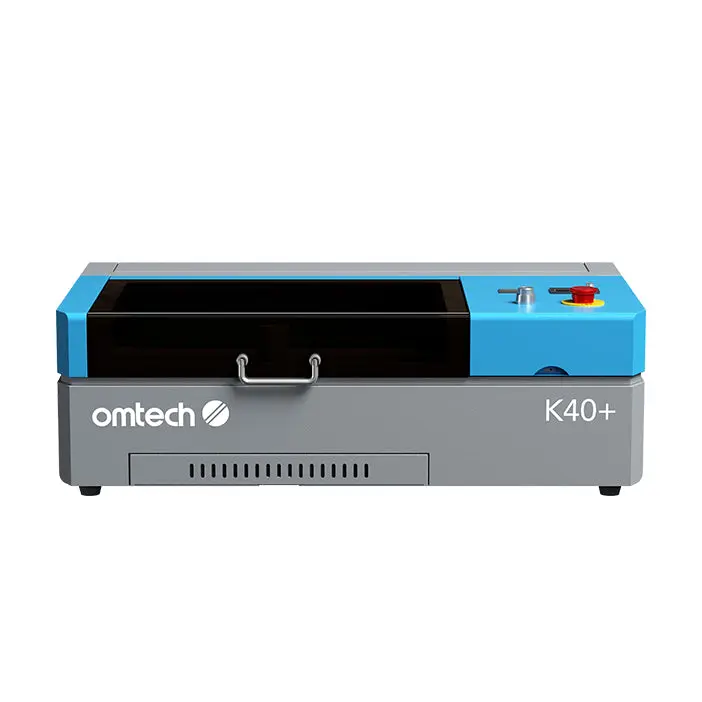
The OMTech 40W (MF1220) cuts 3mm basswood at 20 mm/s with 90% power in a single pass, delivering clean kerf edges and minimal char when air assist is set to 40 PSI. This guide walks you through machine-specific focus, air assist, and testing protocols to replicate these results every time.
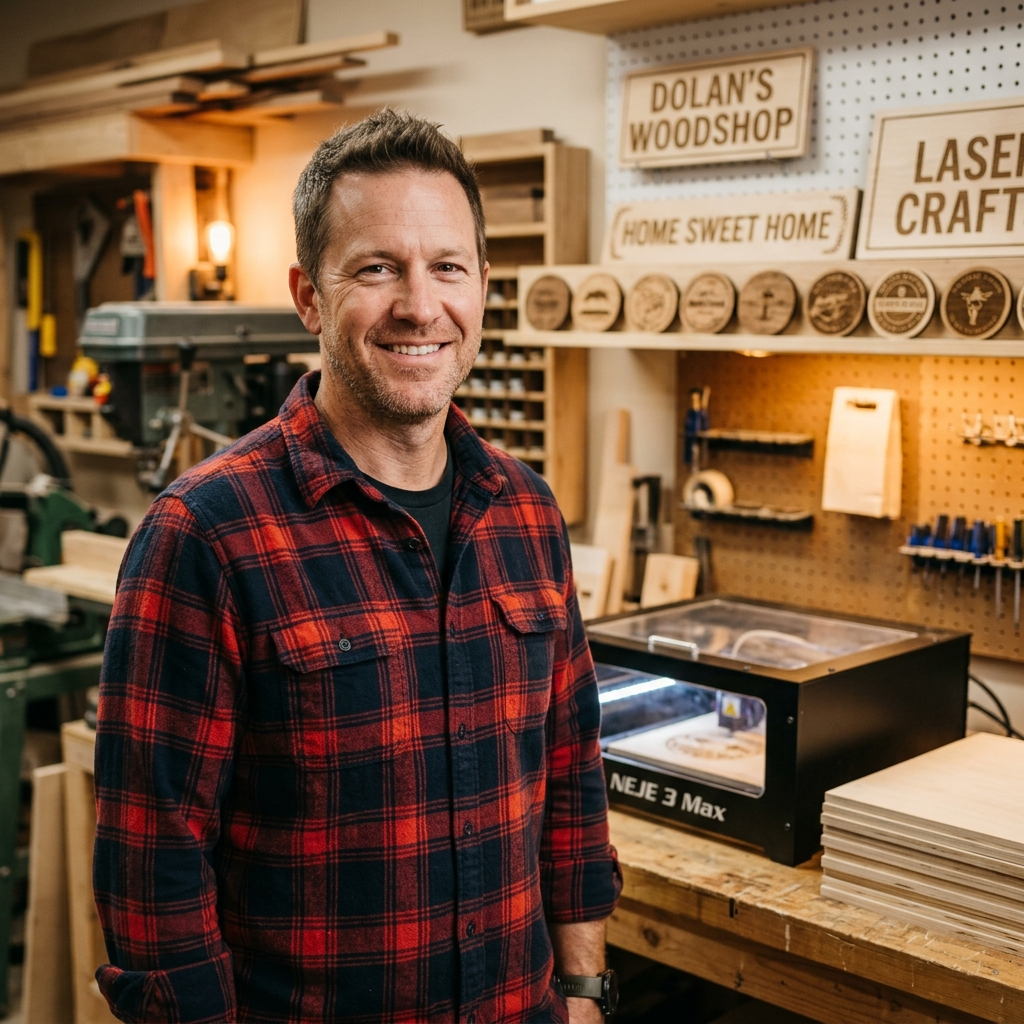
By Mike Dolan ·
| Material | Engraving Contrast | Cut Ease | Smoke / Odor | Cost | Beginner Score |
|---|---|---|---|---|---|
| Basswood (3 mm) | ★★★★★ | Excellent — 1 pass | Low | $ | ★★★★★ |
| Baltic Birch Plywood | ★★★★ | Good — 2–3 passes | Medium | $$ | ★★★★ |
| MDF | ★★★ | Good — 1–2 passes | High (formaldehyde) | $ | ★★ |
| Pine / Soft Plywood | ★★★ | Poor — resin deposits | Medium-High | $ | ★★ |
Why Is Basswood the Best Wood for the OMTech 40W?
The OMTech 40W’s enclosed CO2 system generates intense, focused heat that rewards low-resin, consistent materials — and 3mm laser-grade basswood is purpose-built for exactly that combination. Its uniform cell structure lets the CO2 wavelength absorb cleanly into the wood fiber, delivering predictable cuts at 90% power without the lens contamination or char buildup that resinous woods cause inside an enclosed machine.
- Low resin content — minimizes char formation on CO2 machines and keeps the OMTech’s enclosed chamber and optics cleaner between maintenance cycles
- Consistent density — uniform fiber structure means the 20 mm/s at 90% power setting works batch after batch without retuning between sheets
- Void-free laser-grade construction — no internal gaps or knots to scatter laser energy, preventing the incomplete cuts and blowouts common with hardware-store plywood
- Fine, workable surface — the pale ivory face takes engraving detail cleanly at 280 mm/s, and finished pieces sand, paint, or stain evenly with no blotching
- Minimal toxic fumes — unlike MDF (formaldehyde) or treated plywood, basswood is safe for enclosed workshop use with the OMTech’s built-in exhaust fan and standard ventilation
What Are the Best OMTech 40W Settings for 3mm Basswood?
All settings below are for Crafteker 3mm basswood sheets (12×12 inch, laser-grade). Use the Laser Settings Calculator to fine-tune for your specific unit if results differ.
| Machine | Cut Speed | Cut Power | Passes | Engrave Speed | Engrave Power | Air Assist |
|---|---|---|---|---|---|---|
| OMTech 40W (MF1220) | 20 mm/s | 90% | 1 pass | 280 mm/s | 40% | 40 PSI manual; focus −1mm |
Note: Air assist is required for the OMTech 40W (MF1220). The enclosed cabinet traps smoke and combustion byproducts directly beneath the lens — without 40 PSI of manual air assist, char and residue accumulate rapidly on the focal lens, degrading power output and producing dirty, inconsistent cut edges on basswood. Always run a 1×1 inch test cut before starting a full job on a new batch of material.
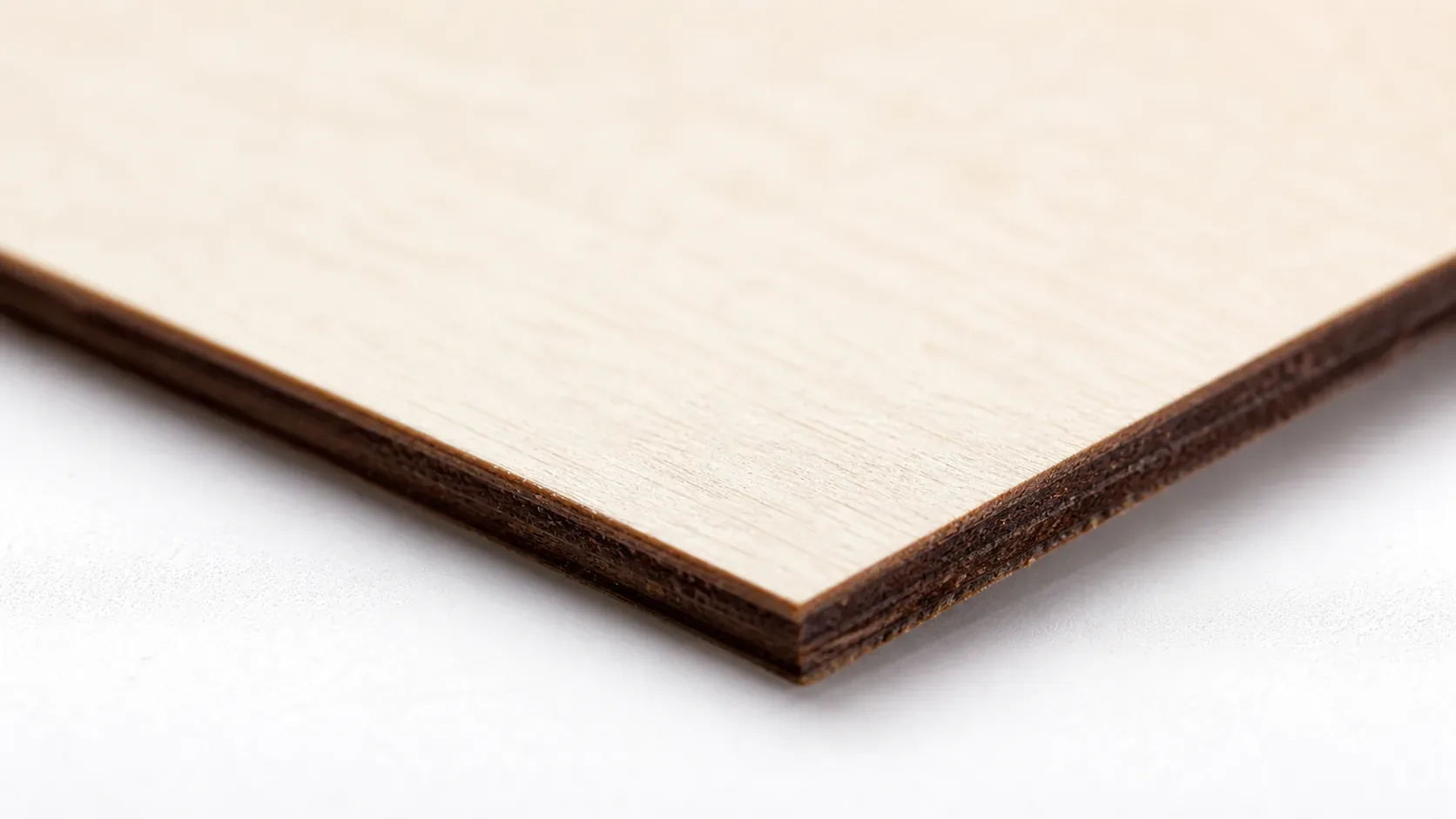
The Crafteker 12-pack basswood sheets are purpose-built for CO2 lasers like the OMTech 40W (MF1220) — 12×12 inch, 3mm, laser-grade, void-free. $24.99 for 12 sheets ($2.08/sheet).
How Do I Get Clean Cuts on the OMTech 40W? Step-by-Step
Clean cuts on the OMTech 40W (MF1220) come down to three things: accurate focus, consistent air assist, and flat material. Follow these steps for reliable results:
- Set focus accurately. The OMTech 40W uses a manual focus method — lower the Z-axis until the included focus tool sits flush between the lens nozzle and the material surface, then set focus an additional 1mm below the top surface for a −1mm offset. This positions the focal point inside the material and produces a noticeably cleaner, narrower kerf compared to surface-level focus.
- Enable air assist at 40 PSI. The MF1220 requires an external air pump connected to the built-in air assist port — verify the line is open and the pump is running before you hit start. Running without air assist on an enclosed CO2 machine causes smoke to linger at the cut zone, resulting in heavy char buildup on both the basswood surface and the focal lens within just a few minutes of operation.
- Secure the basswood completely flat. Use the OMTech honeycomb bed pins or hold-down clamps to eliminate any bow or warp across the full 12×12 inch sheet — even a 1–2mm rise at the edges shifts focus enough to produce an incomplete cut along that side of your design.
- Run a test cut first. Cut a small 1×1 inch square from a scrap corner of the sheet at 20 mm/s and 90% power before committing to the full job. Lift the piece — clean fall-through with minimal char on the underside confirms your focus and air assist are dialed in correctly.
- Do not increase passes to compensate for failed cuts. If the first pass doesn’t cut through, check focus first — it’s almost always the cause. Extra passes at wrong focus just char the edges and waste material without solving the underlying problem.
- Clean the lens every 3–5 hours of run time. The OMTech 40W lens is accessed by unscrewing the nozzle assembly beneath the laser head — remove it carefully, inspect for smoke residue or haze, and clean with 99% IPA on a fresh cotton swab using a single circular motion. Even a thin film of residue causes 10–20% power loss and will prevent clean single-pass cuts at settings that otherwise work reliably.
How Does the OMTech 40W Compare to Other Lasers for Basswood?
The OMTech 40W (MF1220) cuts 3mm basswood at 20 mm/s with 90% power in a single pass — a strong result for a 40W CO2 machine. The Monport 40W covers similar ground at comparable speed, but lacks the MF1220’s enclosed cabinet design, which helps maintain stable air assist pressure throughout a production run. The xTool M1 is a capable diode-hybrid machine but requires multiple passes on 3mm basswood and tops out around 600 mm/s engraving speed versus the OMTech’s 280 mm/s at finer detail resolution. For Etsy sellers and batch cutters who need repeatable single-pass results without constant re-tuning, the OMTech 40W’s enclosed CO2 design and 90% power efficiency make it the most reliable choice at this price point.
Why Isn’t My OMTech 40W Cutting Through Basswood Cleanly?
Most incomplete cuts and excessive charring on the OMTech 40W trace back to these four issues:
- Focus is off: Use the OMTech’s included focus gauge to re-measure the lens-to-material distance, or manually set Z-axis so the focal point sits 1mm below the material surface for a tighter, cleaner kerf.
- Air assist not running: Without active air flow, smoke and char re-deposit in the kerf as the laser cuts, blocking the beam. On the OMTech 40W, confirm the external air pump is connected to the nozzle port and delivering a steady 40 PSI — check the inline tubing for kinks or disconnected fittings.
- Inconsistent material: Craft-store plywood has glue pockets and variable density. Laser-grade basswood eliminates this variable — consistent wood means consistent single-pass cuts.
- Dirty lens: On the OMTech 40W, access the focus lens by unscrewing the lens tube from the laser head — inspect after every 6–8 hours of cutting and wipe gently with a fresh IPA-dampened cotton swab to restore full power output.
Where to Buy Basswood Sheets for the OMTech 40W
Crafteker 3mm basswood sheets are the best match for the OMTech 40W — 12×12 inch, laser-grade, void-free, and pre-sanded. At $24.99 for 12 sheets ($2.08/sheet), it’s the most cost-effective option for consistent single-pass results. The uniform quality means the settings in this guide work reliably without re-tuning every batch.
Ready to cut? Get the wood that works with these settings:
→ Buy Crafteker 12-Pack Basswood Sheets on Amazon – $24.99
Clip the 7% coupon on the listing page – buy 2 packs and save 20% automatically.
Also available: 5-pack ($15.97) · 3-pack ($12.99)
Frequently Asked Questions
What are the best OMTech 40W settings for 3mm basswood?
Cut at 20 mm/s and 90% power for 1 pass. Engrave at 280 mm/s and 40% power. Use 40 PSI manual air assist with focus set to -1mm below material surface for char-free results.
Is the OMTech 40W good for cutting basswood?
Yes. The OMTech 40W’s CO2 laser and 90% power output are ideal for cutting 3mm basswood in a single pass. The enclosed design maintains consistent air assist pressure, which is critical for clean edges.
What is the best wood for the OMTech 40W laser?
3mm laser-grade basswood—specifically Crafteker 3mm basswood sheets. Low resin content prevents excessive char on CO2 machines, and at $2.25 per sheet in the 12-pack, it’s the most cost-effective laser wood available.
Can the OMTech 40W cut 3mm basswood in one pass?
Yes. At 20 mm/s and 90% power with 40 PSI air assist, the OMTech 40W cuts through 3mm basswood completely in a single pass without requiring a second pass.
Where can I buy basswood sheets for the OMTech 40W?
Crafteker on Amazon: 3-pack $12.99, 5-pack $15.97, 12-pack $24.99 ($2.08/sheet). The 12-pack offers the best value for regular cutting and production runs.
About the author: Mike Dolan is a laser maker and wood materials specialist with 8+ years cutting basswood, birch, and MDF on diode and CO₂ machines. He tests every Crafteker basswood batch before listing.
Just tested these exact settings on my OMTech 40W last weekend with Crafteker 3mm sheets, and I got clean through-cuts on the first pass every time. The 40 PSI air assist at focus -1mm really made the difference—no char edges like I was getting before. Been buying the 12-pack from Amazon and saving a ton compared to local wood suppliers.