
xTool S1 40W vs Falcon 10W: 5 Questions (2026)
Choosing between the xTool S1 40W and the Creality Falcon 10W comes down to how you answer a short set of questions about your work, space, and budget, not which machine has the bigger wattage number. Both are popular hobby diode lasers, but they sit in different power classes and suit different habits around engraving and cutting wood.
This post contains affiliate links. As an Amazon Associate I earn from qualifying purchases, at no extra cost to you. Learn more.
By Mike Dolan ·
Quick Answer: Answer these 5 questions about cutting frequency, total budget, ventilation, software, and space before deciding between the xTool S1 40W and the Falcon 10W.
Why These Two Lasers Get Compared
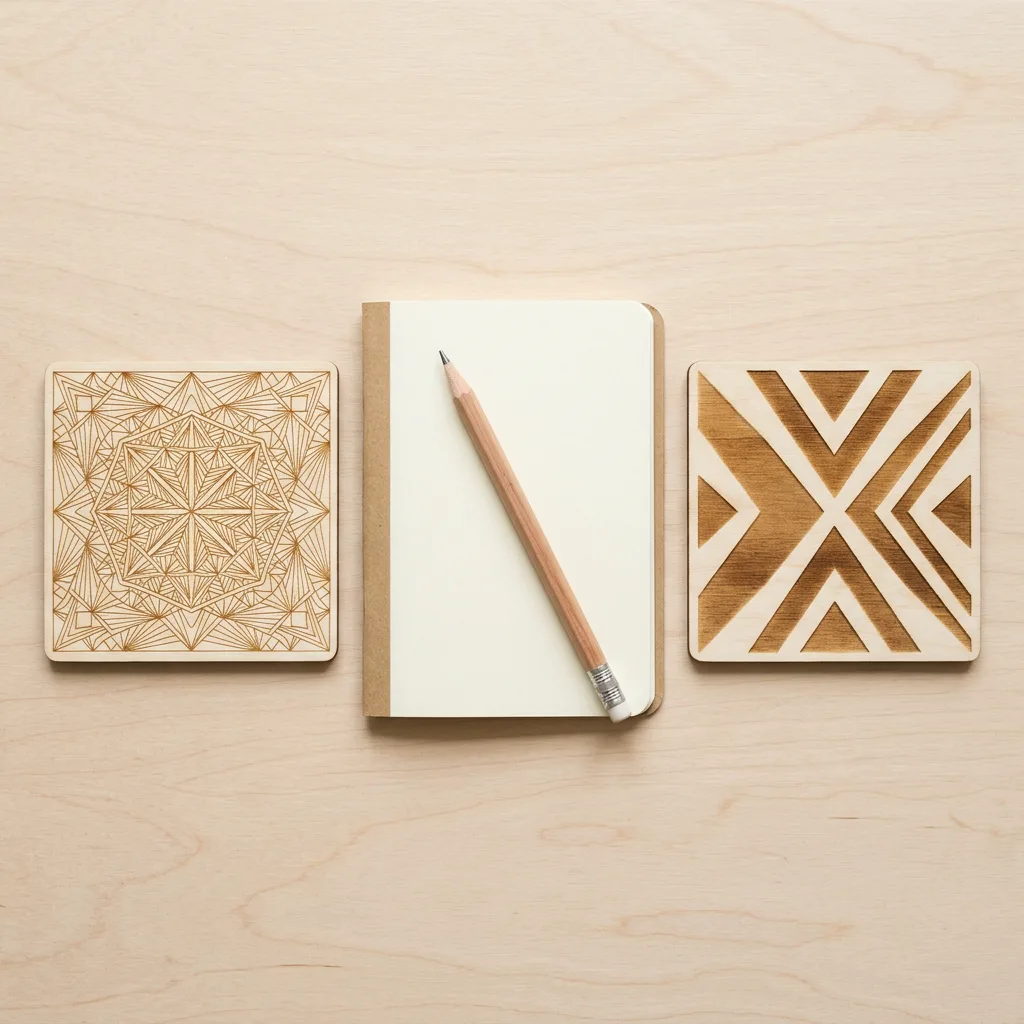
Thin 3-ply basswood plywood such as 3mm, 12×12 inch sheets is a common hobby test material because it engraves and cuts cleanly when the setup is right, which makes it a fair reference point for the questions below. Any wood sheet can behave differently depending on the specific plywood, so scrap testing still matters no matter which machine you choose.
5 Questions to Ask Before Choosing Between the xTool S1 and Falcon 10W
These five questions get you closer to the right machine than any spec sheet comparison can, because they start from your actual workflow instead of raw wattage.
- How much cutting versus engraving will you do? If most of your projects involve engraving with cutting as an occasional task, it may be worth looking at the Creality Falcon 10W class of machine. If you plan to cut regularly, a 40W-class machine like the xTool S1 deserves a closer look. Either way, confirm actual cutting performance on 3mm basswood yourself rather than assuming it from the wattage listed.
- How much do you want to spend overall? The listed price for either machine rarely reflects the full setup cost. Add air assist, ventilation or filtration, workholding, and safety gear before comparing totals, since what is bundled into a given package can differ between listings and change over time.
- Where will the laser live and how will smoke be vented? Think through enclosure needs, the exhaust path, and odor control if you are working in a home or shared space. Both the manual for the xTool S1 and the manual for the Falcon 10W give placement guidance specific to that model, and it is worth following rather than guessing.
- How much do you value software and ease of use? Check which operating systems are supported, which file formats are accepted, and how involved the workflow is for the exact current version of each machine. Software support can shift between model revisions, so confirm this against the current listing rather than older reviews.
- How much space do you have? Beyond the machine’s footprint, factor in room for material handling, any ventilation equipment, and clearance around the work area so you can operate and supervise it safely. Tight quarters make smoke handling and workflow harder, so plan the space first.
Higher wattage does not guarantee better engraving or cutting results on its own. Focus accuracy, air assist, the condition of your sheet, and the software driving the job all shape the outcome just as much as the power rating does.
4 Things to Verify on Each Current Listing
Check these four items on the actual listing you are about to buy, since bundles, included parts, and terms are not fixed and can change without much notice.
- Enclosure and safety features. Confirm exactly what safety features come with the machine as listed, and whether you will need to add extra equipment such as a flame sensor, fire-resistant mat, or additional shielding to feel comfortable running it.
- Included accessories. Verify whether air assist, exhaust parts, material supports, or cables are part of the package you are selecting, or sold separately. The same model name can appear in different bundles depending on the seller.
- Software support. Check operating system compatibility and supported file formats for the exact current model, and note whether any core function, like camera preview or certain cut settings, requires separate software to unlock.
- Return and support terms. Review the current return window, warranty wording, how replacement parts are handled, and which support channels are actually available before you commit to a purchase.
Listings, bundles, and terms for both the xTool S1 and the Falcon 10W can change, so confirm the exact current listing and region before purchase rather than relying on older reviews or screenshots.
3 Situations That May Help You Decide
None of these is a verdict, but each describes a situation where one machine class tends to fit better than the other.
- Mostly engraving on a budget may suit a 10W-class machine like the Falcon 10W, particularly if cutting is a secondary activity and you have already confirmed it handles the materials you plan to use, following the Falcon 10W basswood settings as a starting point.
- Regular cutting of thin wood, such as 3mm basswood plywood, along with small-batch sales, may suit a 40W-class machine like the xTool S1, provided you can set up ventilation, accessories, and safety gear as the manual requires. The xTool S1 basswood guide covers what to expect on that material.
- If you are still unsure, test your intended materials first, ideally on the same 3mm 3-ply basswood sheet you plan to use for production, or look for a demonstration before you buy either machine.
Treat these as starting points for your own research, not guarantees that either machine will perform a certain way for your specific projects. If you are still comparing entry-level options generally, the beginner laser shortlist is a useful next stop.
Summary: Choosing Between the xTool S1 and Falcon 10W
The decision comes down to the 5 questions above, not a simple comparison of 40W against 10W. Wattage is one input among several, and it does not by itself determine how clean an engrave or how reliable a cut will be.
Results vary by individual machine, focus accuracy, air assist, sheet condition, and software, so treat any wattage figure as a starting point rather than a promise. Always follow the manual for your specific machine, and test on scrap 3mm basswood before running a production batch. Downloading the free Crafteker laser file bundle gives you ready test files for exactly this kind of scrap run.
Never leave a running laser unattended, and review the laser safety checklist before your first session with either machine. If you plan to sell finished wood goods, check current marketplace and carrier rules for shipping those items, since policies differ by platform and destination.
Where to Get 3mm Basswood for Either Laser
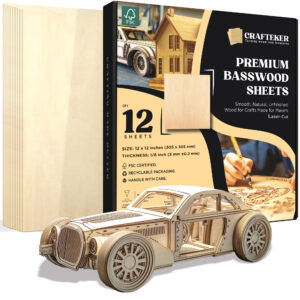
Crafteker 3mm basswood sheets are 12×12 inch, laser-grade, void-free and pre-sanded: a pale, even surface for engraving and paint, and consistent sheets for repeat batches. At $24.99 for 12 sheets ($2.08/sheet), test pieces cost very little. Need designs? Grab the free Crafteker laser file bundle.
Picked your laser?
Tools & Materials Used
Laser-ready basswood for the projects in this guide.
Match the wavelength to your laser.
Check compatibility with your machine.
Keep one near your laser.
Frequently Asked Questions
Is the xTool S1 40W always better than the Creality Falcon 10W for wood?
Not necessarily. Higher stated wattage does not guarantee better engraving or cutting results, since focus, air assist, the specific plywood sheet, and software all affect the outcome on either machine.
Can the Creality Falcon 10W cut 3mm basswood plywood?
Whether a cut passes through a specific 3mm basswood sheet depends on the machine, focus, air assist, and software setup, so test on scrap from the same sheet you plan to use rather than assuming based on wattage alone.
Do I need an enclosure for either laser?
Enclosure and safety features vary by listing and configuration, so check the current listing for each machine and plan smoke venting for your space regardless of which one you choose.
Which machine is easier for a small Etsy shop making wood items?
That depends on how much cutting versus engraving you do, your budget for accessories, your space, and whether you prefer simpler native software or broader compatibility, which is why the 5 questions above matter more than wattage alone.
Where can I buy 3mm basswood plywood to test either laser?
Crafteker sells 3-ply 3mm basswood sheets in 12×12 inch size that work well for scrap testing engraving and cut-through behavior before committing to a finished piece.
About the author: Mike Dolan is a laser maker and wood materials specialist with 8+ years cutting basswood, birch, and MDF on diode and CO₂ machines.
Higher wattage does not guarantee better results: check the manual and test on scrap 3mm basswood.