

Best Wood for OMTech Laser Cutter: 40W & 60W Basswood Settings
OMTech CO2 lasers cut 3mm basswood in a single pass — something diode machines simply can’t match. At 20 mm/s and 90% power, the OMTech 40W MF1220 produces clean, nearly char-free edges that are ready to paint or finish without sanding. This guide covers exact basswood settings for the OMTech 40W and 60W, plus the one focusing trick that eliminates char on the top face.
By Mike Dolan — laser maker and materials specialist, updated
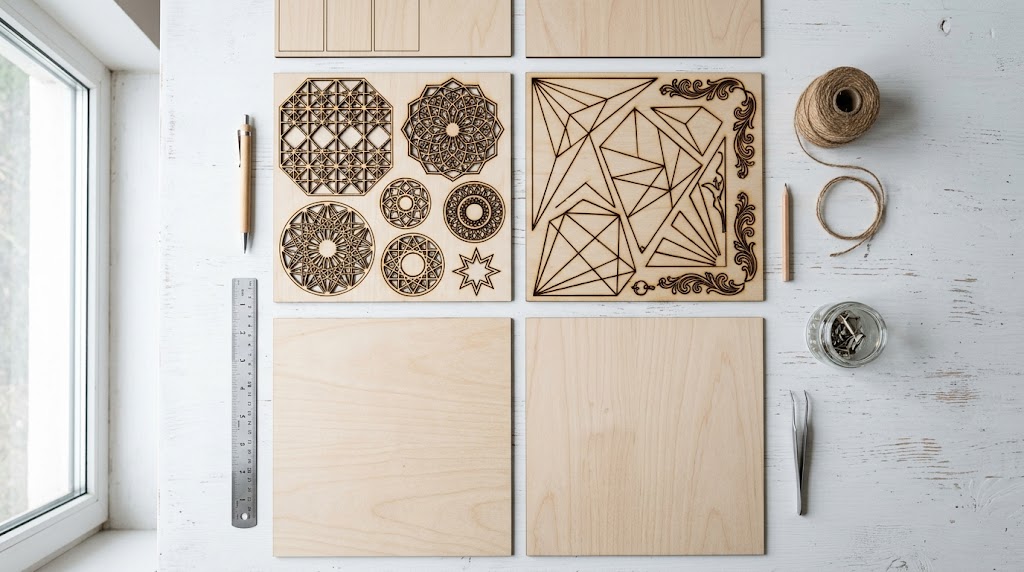
| Material | Engraving Contrast | Cut Ease | Smoke / Odor | Cost | Beginner Score |
|---|---|---|---|---|---|
| Basswood (3 mm) | ★★★★★ | Excellent — 1 pass CO₂, 2–3 diode | Low | $ | ★★★★★ |
| Baltic Birch Plywood | ★★★★ | Good — 2 passes needed | Medium | $$ | ★★★★ |
| MDF | ★★★ | Good — 1 pass | High (formaldehyde) | $ | ★★ |
| Cherry / Walnut | ★★★★★ | Moderate — 2–3 passes | Low | $$$ | ★★★ |
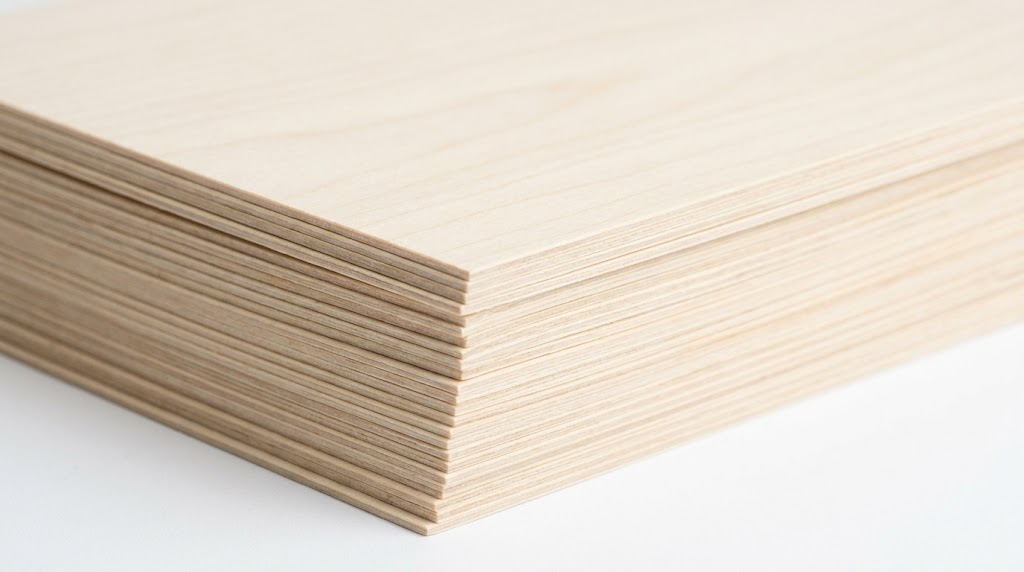
Why CO2 Lasers Like OMTech Excel at Cutting Basswood
CO2 lasers operate at 10,600nm wavelength — a range that wood absorbs extremely efficiently. The result: basswood cuts at dramatically higher speeds with less heat soak compared to diode lasers, which means:
- Single-pass cuts — even 3mm basswood goes in one pass at speed
- Less heat soak — the laser passes quickly, reducing total heat delivered to the wood edges
- Cleaner engraving — CO2 produces finer detail in engraving with better contrast on light wood
- Higher throughput — for production cutting, CO2 is 3–5× faster than a comparable watt diode laser
The trade-off: CO2 machines are larger, heavier, and require more maintenance (tube replacement every 1,500–3,000 hours). But for serious makers cutting basswood in volume, the OMTech CO2 range is hard to beat.
OMTech Basswood Settings: Cut & Engrave for 3mm Basswood
All settings below are for Crafteker 3mm basswood sheets (12×12 inch). Both models use LightBurn software — settings map directly to LightBurn cut layers.
| Machine | Cut Speed | Cut Power | Passes | Engrave Speed | Engrave Power | Air Assist | Focus Note |
|---|---|---|---|---|---|---|---|
| OMTech 40W (MF1220) | 20 mm/s | 90% | 1 | 280 mm/s | 40% | 40 PSI manual | Focus −1mm for char-free edges |
| OMTech 60W (AF2435) | 30 mm/s | 85% | 1 | 400 mm/s | 35% | 30–40 PSI | Scale from 40W ×1.5 speed |
OMTech 40W MF1220 Basswood Settings: The Complete Guide
The OMTech 40W MF1220 is the most popular entry-level CO2 laser in the hobby market. At 20 mm/s, 90% power, 1 pass, it cuts 3mm basswood cleanly every time — assuming proper focus and adequate air assist.
The -1mm Focus Trick
The single biggest improvement you can make to OMTech basswood cut quality costs nothing: set your focus 1mm below the material surface. This slight defocus spreads the beam entry point slightly, reducing the intense heat concentration at the top face that causes surface charring.
Standard focus: tight beam enters at the surface → peak heat at surface → visible char on top face.
Defocus -1mm: beam converges just below surface → heat distributed more evenly → minimal visible char.
The cut still goes through cleanly. The result is edges that look as clean as the interior grain — ready to paint, stain, or sell without post-processing.
Air Assist Settings
The MF1220 requires 40 PSI manual air assist for clean basswood cuts. At 40 PSI, the airflow clears combustion gases from the kerf as fast as they form, preventing flare-ups that brown the edges. Below 25 PSI, you’ll see consistent browning on both cut faces.
OMTech 60W AF2435: Faster Basswood at the Same Quality
The OMTech 60W AF2435 is the step up for production users. The formula is simple: everything the 40W does, but 1.5× faster. Cut speed jumps to 30 mm/s at 85% power — same single-pass result, just quicker.
Key differences from the 40W:
- Larger work area — AF2435 means roughly 24×35 cm working area vs MF1220’s 12×20 cm
- Higher tube wattage — 60W tubes allow higher speed without sacrificing cut depth
- Better for batch production — fit more 12×12 basswood sheets per job
For engraving, the 60W runs at 400 mm/s, 35% power — the extra speed allows full-sheet photo engraving jobs to run 30–40% faster than the 40W version.
OMTech CO2 vs Sculpfun/xTool Diode: Which Is Better for Basswood?
If you’re deciding between CO2 (OMTech) and diode (Sculpfun, xTool), here’s the practical comparison for basswood cutting:
| OMTech 40W CO2 | Sculpfun S30 40W Diode | xTool S1 40W Diode | |
|---|---|---|---|
| 3mm basswood passes | 1 pass | 3 passes | 1–2 passes |
| Cut speed | 20 mm/s | 9 mm/s | 12 mm/s |
| Engrave quality | Excellent | Good | Very Good |
| Price | $400–$600 | $400–$500 | $800–$900 |
| Footprint | Large | Medium | Medium |
For basswood cutting specifically, CO2 wins on speed and pass count. For portability and lower startup cost, diode machines are more accessible.
Which Basswood Sheets Work Best in OMTech CO2 Lasers?
CO2 lasers cut faster and hotter than diode machines, which means sheet quality matters even more. Voids in the basswood core cause uneven cuts; thick glue lines in cheap plywood produce toxic fumes at CO2 speeds.
For OMTech, use laser-grade basswood — consistent density, no voids, tight grain. The Crafteker 3mm basswood 12-pack is purpose-built for this: 12×12 inch sheets, pre-sanded B/BB grade, sourced to ±0.1mm thickness tolerance so your LightBurn cut settings produce the same result every time.
Get Basswood Sheets for Your OMTech Laser
Ready to cut? The Crafteker 3mm basswood 12-pack delivers consistent results on OMTech 40W and 60W machines — single-pass cuts, minimal char, ready to paint or sell.
→ Buy Crafteker 12-Pack Basswood Sheets on Amazon
Smaller quantities available if you want to test first:
5-pack ($13.99) · 3-pack ($9.99)
Use the Free Laser Settings Calculator
Have a different OMTech model or cutting a different thickness? The free Crafteker Laser Settings Calculator covers 50+ machines including all OMTech models — enter your machine and get calibrated starting settings in seconds.
Frequently Asked Questions
What are the best basswood settings for OMTech 40W?
Cut at 20 mm/s, 90% power, 1 pass. Set focus -1mm below the surface for char-free edges. Use 40 PSI air assist. Engrave at 280 mm/s, 40% power.
What wood is best for OMTech CO2 lasers?
3mm basswood — it cuts in a single pass with minimal char and works with OMTech’s 10,600nm CO2 wavelength. Avoid MDF (toxic fumes at speed) and pine (resin deposits on optics).
Does the OMTech 40W cut 3mm basswood in one pass?
Yes. At 20 mm/s, 90% power with 40 PSI air assist, the OMTech 40W MF1220 cuts 3mm basswood cleanly in a single pass.
How do I prevent charring on OMTech basswood cuts?
Defocus -1mm below the material surface and use 40 PSI air assist. This combination reduces surface char dramatically and gives you clean, paintable edges without post-processing.
What is the difference between OMTech 40W and 60W for basswood?
Both cut in one pass. The 60W is 50% faster (30 mm/s vs 20 mm/s) and has a larger work area. For hobby use the 40W is sufficient; for production volume, the 60W pays back quickly.
The -1mm defocus tip is a game changer. I was getting dark char on top of every cut on my MF1220 and thought it was the wood. Tried this and the results are night and day. Wish I’d known this months ago.