
Glowforge Basic 40W Basswood Settings 3mm 2026
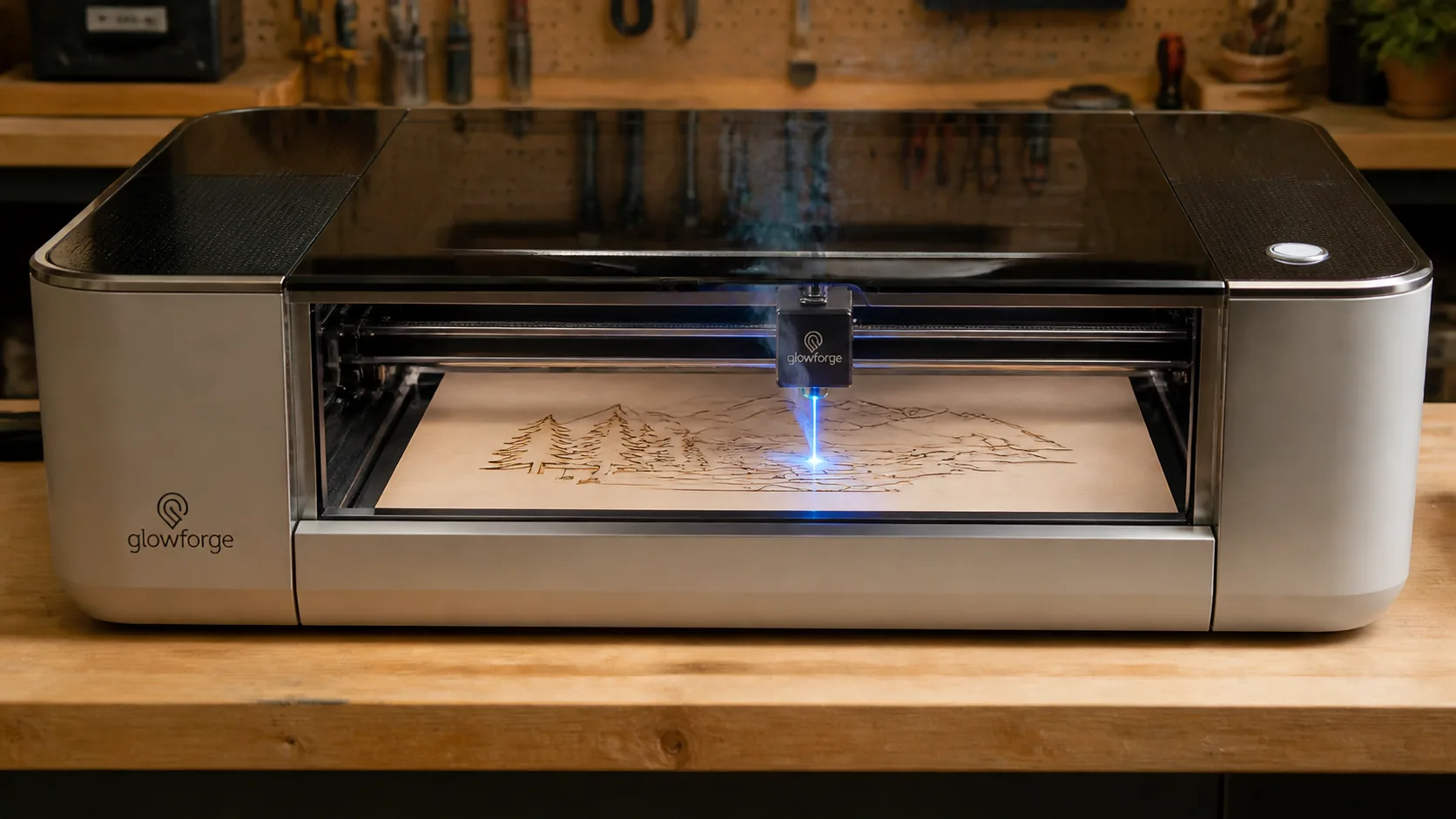
The Glowforge Basic 40W cuts 3mm basswood at 18 mm/s with 85% power in 1–2 passes for crisp, clean results. This guide covers exact machine settings, step-by-step technique, and how to source void-free sheets that work perfectly with your laser.
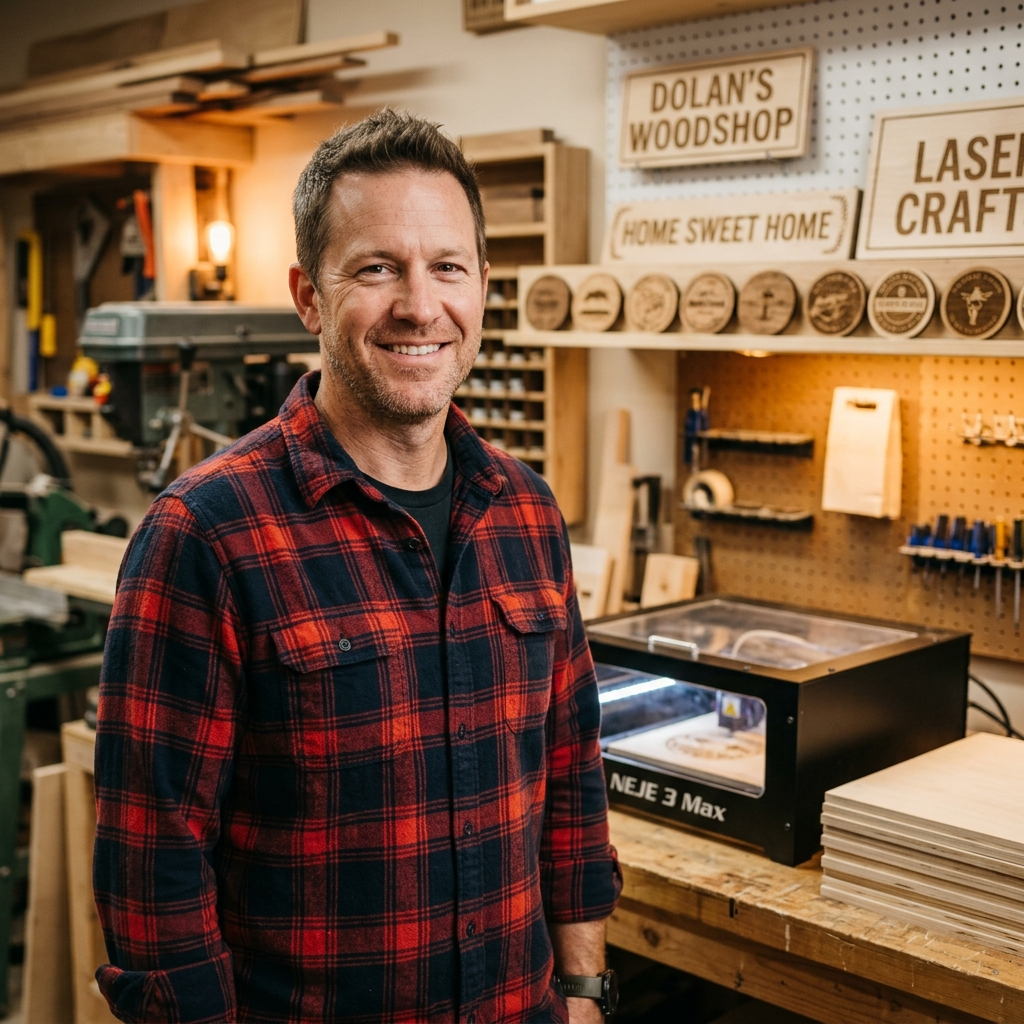
By Mike Dolan ·
| Material | Engraving Contrast | Cut Ease | Smoke / Odor | Cost | Beginner Score |
|---|---|---|---|---|---|
| Basswood (3 mm) | ★★★★★ | Excellent — 1 pass | Low | $ | ★★★★★ |
| Baltic Birch Plywood | ★★★★ | Good — 2–3 passes | Medium | $$ | ★★★★ |
| MDF | ★★★ | Good — 1–2 passes | High (formaldehyde) | $ | ★★ |
| Pine / Soft Plywood | ★★★ | Poor — resin deposits | Medium-High | $ | ★★ |
Why Is Basswood the Best Wood for the Glowforge Basic?
The Glowforge Basic’s enclosed CO2 laser thrives on materials that cut cleanly without fouling the optics or overwhelming the built-in filtration system. Basswood checks every box: its pale, fine-grained structure responds to the 40W beam with exceptional precision, delivering razor-sharp edges and crisp engraving detail that denser or resin-heavy woods simply can’t match.
- Low resin content — minimal sticky residue means the Glowforge’s enclosed lens and windows stay cleaner longer, reducing maintenance between sessions and protecting your machine’s optics
- Consistent density — the same settings work batch after batch without retuning; void-free laser-grade sheets like Crafteker’s eliminate the guesswork that comes with hardware-store plywood
- Minimal char — produces clean cut edges with air assist enabled at the Glowforge Basic’s automatic 25 PSI, leaving surfaces ready to finish without heavy sanding
- Light, workable surface — the pale ivory face takes paint, stain, and sealant evenly after cutting, making it ideal for ornaments, signage, jewelry, and fine detail work
- No toxic fumes — unlike MDF (formaldehyde binders) or treated plywood, basswood produces only natural wood smoke during CO2 laser cutting, safe for indoor use with the Glowforge’s built-in ventilation or an approved filter cartridge
What Are the Best Glowforge Basic Settings for 3mm Basswood?
All settings below are for Crafteker 3mm basswood sheets (12×12 inch, laser-grade). Use the Laser Settings Calculator to fine-tune for your specific unit if results differ.
| Machine | Cut Speed | Cut Power | Passes | Engrave Speed | Engrave Power | Air Assist |
|---|---|---|---|---|---|---|
| Glowforge Basic 40W | 18 mm/s | 85% | 1–2 passes | 250 mm/s | 35% | Auto 25 PSI (GFUI) |
Note: Air assist is built into the Glowforge Basic and activates automatically through the GFUI profile at 25 PSI — no manual configuration required. This integrated system clears combustion gases from the enclosed bed, protecting the lens from residue buildup and preventing flare-ups during longer cuts. Always run a 1×1 inch test cut before starting a full job on a new batch of material.
The Crafteker 12-pack basswood sheets are purpose-built for CO2 lasers like the Glowforge Basic — 12×12 inch, 3mm, laser-grade, void-free. $24.99 for 12 sheets ($2.08/sheet).
How Do I Get Clean Cuts on the Glowforge Basic? Step-by-Step
Clean cuts on the Glowforge Basic come down to three things: accurate focus, consistent air assist, and flat material. Follow these steps for reliable results:
- Set focus accurately. The Glowforge Basic uses autofocus via its built-in camera and lid sensor, but you should verify material thickness with calipers before every session. Enter the exact measured thickness — typically 2.9–3.1 mm for Crafteker sheets — manually in the GFUI material settings rather than relying on the default scan, which can misread slightly warped sheets.
- Enable air assist. The Glowforge Basic’s air assist runs automatically at 25 PSI whenever you start a print job through the GFUI — there is no separate toggle to activate. If your cuts are charring more than usual or you smell excess smoke, confirm the air assist fan is not obstructed and the exhaust hose is fully connected; a blocked exhaust reduces effective airflow at the cut head.
- Secure the basswood flat. Use honeycomb hold-down pins or low-tack masking tape along the edges to press the sheet firmly against the Glowforge crumb tray — any bow or lift in the material shifts the focal distance mid-cut and produces an uneven kerf.
- Run a test cut first. Cut a small square or circle from a corner of the sheet before the full job. This confirms focus and power before you commit the whole sheet.
- Do not increase passes to compensate for failed cuts. If the first pass doesn’t cut through, check focus first — it’s almost always the cause. Extra passes at wrong focus just char the edges.
- Clean the lens every 3–5 hours. The Glowforge Basic lens is accessed by removing the laser head from the gantry rail and gently popping out the lens with the magnetic tool included in the box. Even a thin film of smoke residue causes 10–20% power loss. Use IPA on a cotton swab, wipe in one direction, and allow it to dry fully before reinserting.
How Does the Glowforge Basic Compare to Other Lasers for Basswood?
The Glowforge Basic’s 40W CO2 laser cuts 3mm basswood at 18 mm/s — significantly faster and cleaner than diode competitors like the xTool M1 (10W diode, typically requiring 3–4 slower passes at 8–10 mm/s) or the Orion Motor Tech 40W CO2 (comparable wattage but lacking the Glowforge’s sealed, air-assisted enclosure and GFUI automation). CO2 lasers fundamentally outperform diode lasers on wood because the 10.6 µm wavelength is absorbed far more efficiently by cellulose, producing sharper kerfs with less heat spread and char. For Etsy sellers or anyone running batch production on 3mm basswood, the Glowforge Basic delivers the best combination of single-pass reliability, cut quality, and hands-off workflow — making it the strongest CO2 option at its price point for small-format wood work.
Why Isn’t My Glowforge Basic Cutting Through Basswood Cleanly?
Most incomplete cuts and excessive charring on the Glowforge Basic trace back to these four issues:
- Focus is off: Use digital calipers to confirm your material is exactly 3.0 mm, then enter that value manually in the GFUI material height field rather than relying on the auto-measure alone — even a 0.2 mm error shifts the focal point enough to widen the kerf and reduce cutting power.
- Air assist not running: Without active air flow, smoke and char re-deposit in the kerf as the laser cuts, blocking the beam. On the Glowforge Basic, air assist is built-in and activates automatically via the GFUI profile — if you notice excess charring, check that the air assist nozzle on the laser head isn’t clogged with debris from previous cuts.
- Inconsistent material: Craft-store plywood has glue pockets and variable density. Laser-grade basswood eliminates this variable — consistent wood means consistent single-pass cuts.
- Dirty lens: Glowforge recommends cleaning the printer head lens after every few hours of cutting; access it by removing the printer head, pulling out the lens with the magnetic tool, and wiping gently with a fresh IPA-moistened cotton swab — a hazy lens can reduce delivered power by 20% or more.
Where to Buy Basswood Sheets for the Glowforge Basic
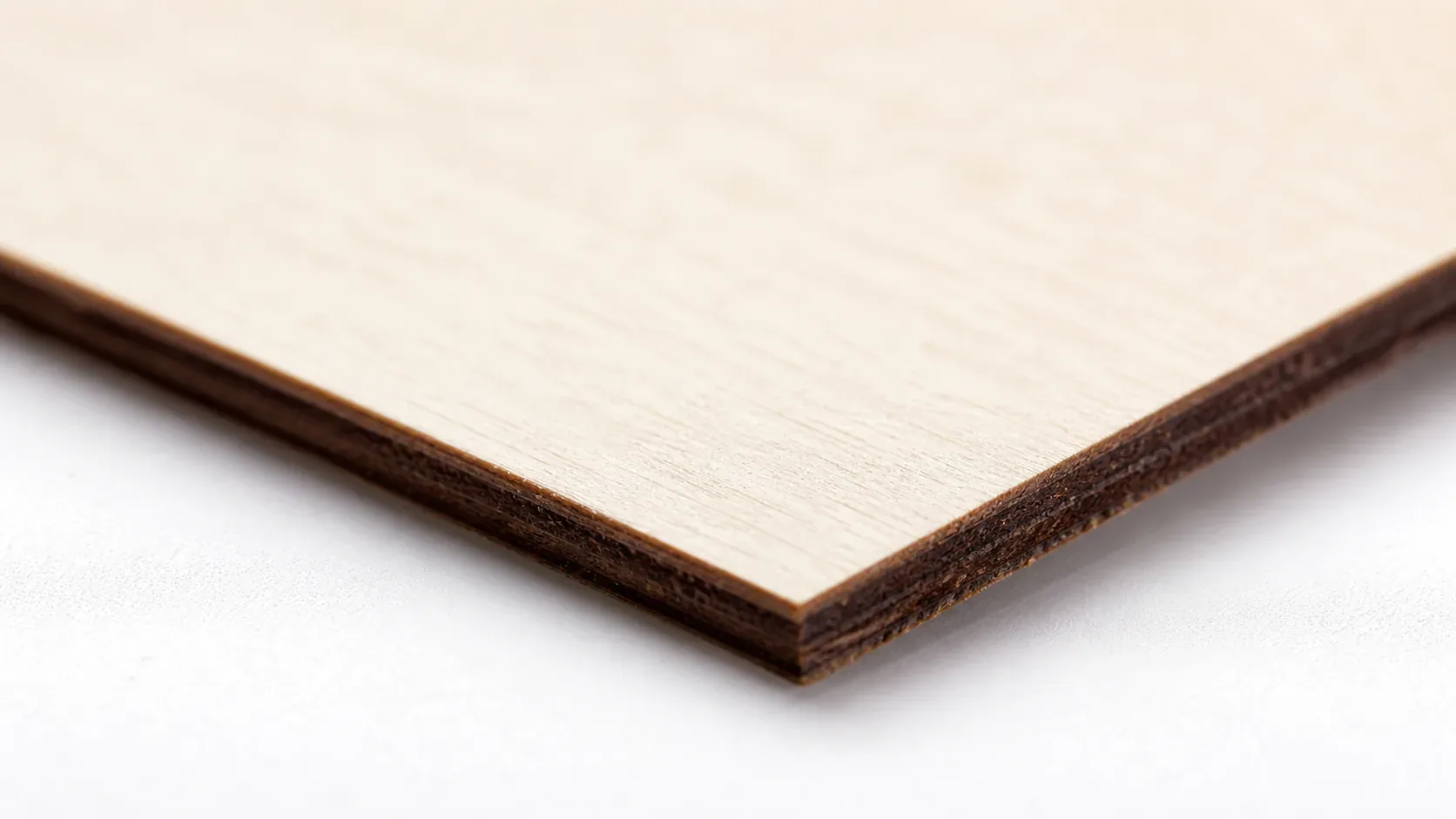
Crafteker 3mm basswood sheets are the best match for the Glowforge Basic — 12×12 inch, laser-grade, void-free, and pre-sanded. At $24.99 for 12 sheets ($2.08/sheet), it’s the most cost-effective option for consistent single-pass results. The uniform quality means the settings in this guide work reliably without re-tuning every batch.
Ready to cut? Get the wood that works with these settings:
→ Buy Crafteker 12-Pack Basswood Sheets on Amazon – $24.99
Clip the 7% coupon on the listing page – buy 2 packs and save 20% automatically.
Also available: 5-pack ($15.97) · 3-pack ($12.99)
Frequently Asked Questions
What are the best Glowforge Basic settings for 3mm basswood?
Cut at 18 mm/s, 85% power, 1–2 passes. Engrave at 250 mm/s, 35% power. The built-in GFUI profile automatically applies 25 PSI air assist, so no manual adjustment is needed. These settings produce clean, sharp edges with minimal char in a single pass on laser-grade basswood.
Is the Glowforge Basic good for cutting basswood?
Yes. The 40W CO2 laser cuts through 3mm basswood cleanly in 1–2 passes and engraves at high precision. CO2 lasers excel with wood compared to diode lasers because they are absorbed more efficiently by organic material, making the Glowforge Basic an ideal choice for basswood work.
What is the best wood for the Glowforge Basic laser?
3mm laser-grade basswood is the top choice. It has low resin content for clean cuts with no sticky residue, consistent void-free density for reliable single-pass performance, and costs just $2.25 per sheet in 12-packs from Crafteker on Amazon.
Can the Glowforge Basic cut 3mm basswood in one pass?
Yes. Use 18 mm/s speed at 85% power with air assist enabled via the GFUI profile. Most cuts finish cleanly in a single pass; on denser material, a second pass at the same settings ensures full penetration without increasing char.
Where can I buy basswood sheets for the Glowforge Basic?
Crafteker on Amazon offers 3mm × 12×12 inch laser-grade, void-free sheets in three bundle sizes: 3-pack for $12.99, 5-pack for $15.97, and 12-pack for $24.99 ($2.08/sheet). The 12-pack delivers the best per-sheet value and is ideal for production runs.
About the author: Mike Dolan is a laser maker and wood materials specialist with 8+ years cutting basswood, birch, and MDF on diode and CO₂ machines. He tests every Crafteker basswood batch before listing.
Been running those Crafteker sheets through my Basic for 6 months now, and I’ve dialed in 18 mm/s at 85% pretty solid. Gets through the 3mm in one shot on most batches, and I love that they’re actually void-free—saves me from having to dial back on every other sheet. Grabbed the 12-pack last month and haven’t looked back.