
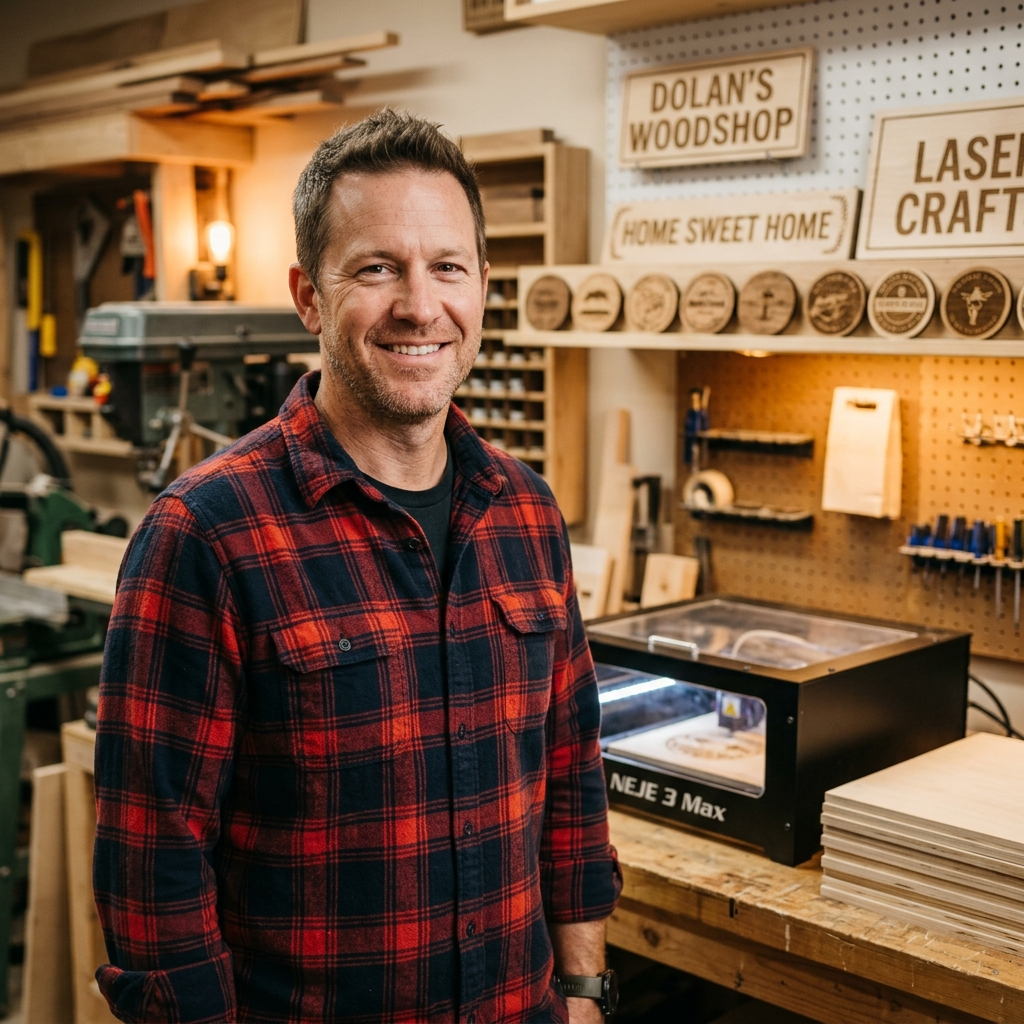
Mother’s Day Charcuterie Boards: Basswood Laser Tutorial
Basswood is the ideal material for laser-engraving personalized charcuterie boards because its light color, soft grain, and food-safe properties produce clean, detailed engravings without toxic residue. In this guide, we’ll walk you through the complete process—from material selection and laser setup to finishing techniques that make your Mother’s Day gift both beautiful and functional.
By Mike Dolan ·
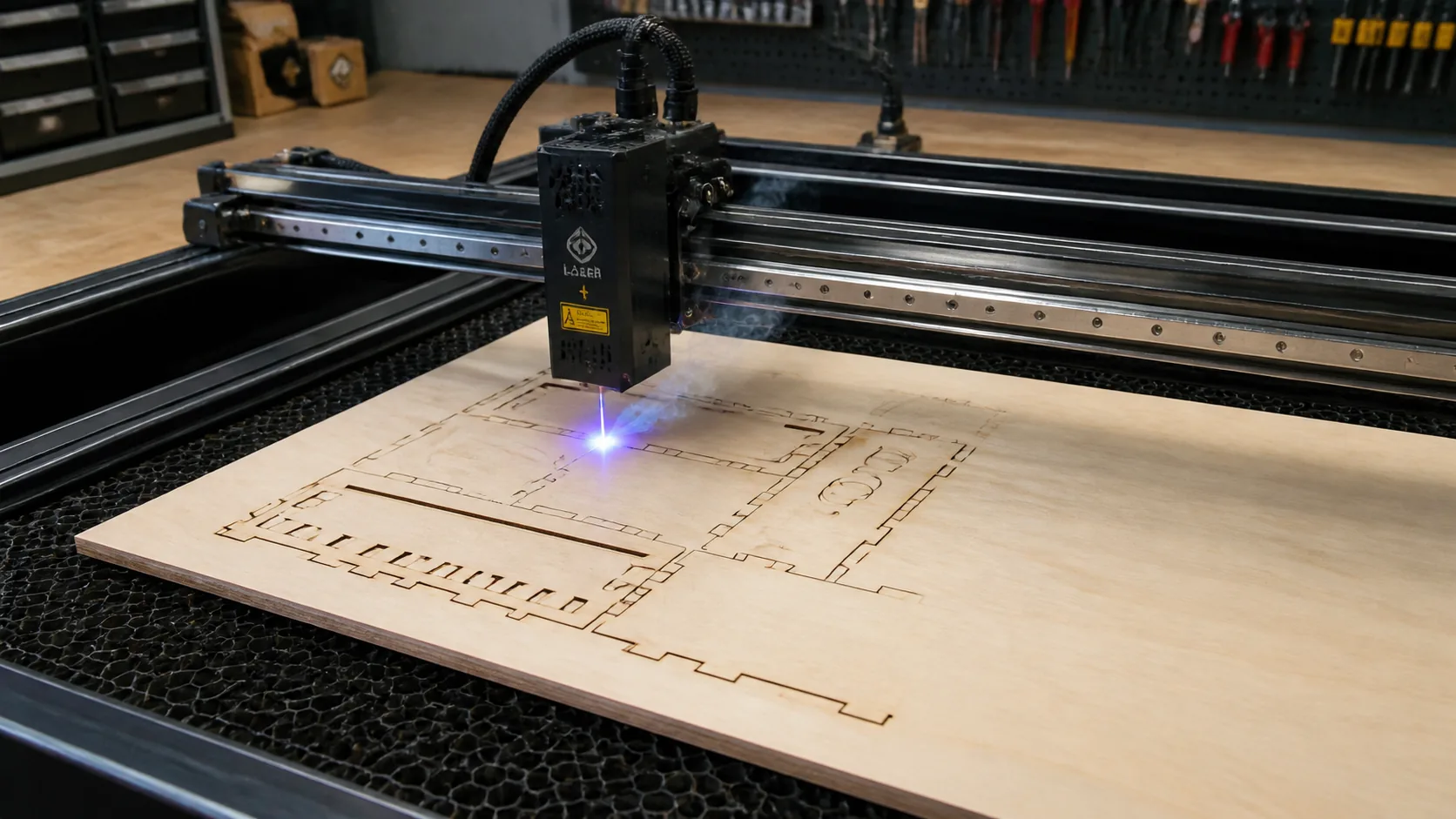
| Material | Engraving Contrast | Cut Ease | Smoke / Odor | Cost | Beginner Score |
|---|---|---|---|---|---|
| Basswood (3 mm) | ★★★★★ | Excellent — 1 pass | Low | $ | ★★★★★ |
| Baltic Birch Plywood | ★★★★ | Good — 2–3 passes | Medium | $$ | ★★★★ |
| MDF | ★★★ | Good — 1–2 passes | High (formaldehyde) | $ | ★★ |
| Pine / Soft Plywood | ★★★ | Poor — resin deposits | Medium-High | $ | ★★ |
Why Is Basswood the Best Wood for Mother’s Day Charcuterie Board Lasering?
Basswood stands out as the premium choice for personalized charcuterie board projects because it combines clean cutting performance with food-safe properties and stunning visual results. Whether you’re using a compact diode laser or a powerful CO₂ engraver, basswood delivers consistent, professional-quality engravings with minimal troubleshooting.
- Low resin content — produces minimal smoke and prevents charring buildup inside your laser’s enclosure
- Consistent density — the same settings work batch after batch without retuning or adjustments
- Minimal char marks — creates clean edges on 3mm sheets with air assist enabled
- Workable surface — accepts detailed engraving with crisp lines and fine detail reproduction
- Food-safe when sealed properly — no toxic fumes or harmful chemicals, safe for any dining application
What Are the Best Laser Settings for 3mm Basswood Charcuterie Boards?
All settings below are for Crafteker 3mm basswood sheets (12×12 inch, laser-grade). Use the Laser Settings Calculator to fine-tune for your specific unit if results differ.
| Machine Type | Cut Speed | Cut Power | Passes | Engrave Speed | Engrave Power | Air Assist |
|---|---|---|---|---|---|---|
| 40W CO₂ Laser | 60–80 mm/s | 80–90% | 1 | 150–200 mm/s | 40–50% | Yes |
| 80W CO₂ Laser | 70–100 mm/s | 75–85% | 1 | 200–300 mm/s | 35–45% | Yes |
Note: Air assist is strongly recommended for both machines to remove smoke plume and prevent charring at the cut edges. A clean workspace and proper lens condition ensure single-pass cuts at full beam quality. Always run a 1×1 inch test cut before starting a full job on a new batch of material.
The Crafteker 12-pack basswood sheets are purpose-built for CO₂ lasers like the 40W and 80W — 12×12 inch, 3mm, laser-grade, void-free. $24.99 for 12 sheets ($2.08/sheet).
How Do I Get Clean Cuts on Basswood? Step-by-Step
Clean cuts on a CO₂ laser come down to three things: accurate focus, consistent air assist, and flat material. Follow these steps for reliable results:
- Set focus accurately. Place the focus card (usually included with your laser) beneath the nozzle and adjust the Z-axis until the laser beam pinpoints on the card surface. Focus is critical — even 1–2mm off will diffuse the beam and prevent through-cuts.
- Enable air assist. Air assist either comes built into the machine or connects via an external pump. Without it, smoke and combustion gases accumulate in the cut zone, reducing power transfer and charring the edges.
- Secure the basswood flat. Use the machine’s honeycomb bed, masking tape, or magnetic clamps to hold the sheet completely flat — any warp or tilt breaks focus across the cut line.
- Run a test cut first. Cut a small square or circle from a corner of the sheet before the full job. This confirms focus and power before you commit the whole sheet.
- Do not increase passes to compensate for failed cuts. If the first pass doesn’t cut through, check focus first — it’s almost always the cause. Extra passes at wrong focus just char the edges.
- Clean the lens every 3–5 hours. Remove the laser head and gently clean the bottom lens with isopropyl alcohol on a cotton swab. Even a thin film of soot causes 10–20% power loss and uneven focus.

Which Laser Engraver Works Best for Basswood Charcuterie Boards?
Basswood cuts cleanly in any CO₂ laser with 40W minimum power, but wattage affects production speed significantly. A 40W machine cuts 3mm basswood at steady 60-80 mm/s with excellent edge quality, while an 80W engraver maintains the same speed with faster acceleration and can push to 90-100 mm/s on repeat batches without sacrificing kerf clarity. For hobbyists and small-batch makers, 40W is sufficient; for Etsy sellers and small-business cutters running 20+ boards weekly, the 80W pays for itself in time savings. Crafteker’s 3mm basswood is optimized for both entry-level and professional machines, ensuring reliable single-pass cuts regardless of wattage.
Why Isn’t My Laser Cutting Through Basswood Cleanly?
Most incomplete cuts and excessive charring on CO₂ lasers trace back to these four issues:
- Focus is off: Use your machine’s focus tool to measure 3mm material height, or run autofocus if available—adjust the Z-axis by 1–2mm and retry on scrap.
- Air assist not running: Without active air flow, smoke and char re-deposit in the kerf as the laser cuts, blocking the beam. Check that your air pump is powered, tubing is connected, and the assist nozzle is positioned 2–3mm above the material.
- Inconsistent material: Craft-store plywood has glue pockets and variable density. Laser-grade basswood eliminates this variable—Crafteker’s void-free sheets guarantee consistent wood means consistent single-pass cuts every time.
- Dirty lens: Dust and resin scatter the beam and reduce power density. Clean your focus lens with lens paper and isopropyl alcohol before every 10 cuts; replace the lens annually if running production batches.
Where to Buy Premium Basswood Sheets for Laser Charcuterie Boards
Crafteker 3mm basswood sheets are the ideal choice—12×12 inch, laser-grade, void-free, and pre-sanded. At $24.99 for a 12-pack ($2.08/sheet), it’s the most cost-effective option for consistent single-pass results. The uniform quality means the settings in this guide work reliably without re-tuning every batch.
Ready to cut? Get the wood that works with these settings:
→ Buy Crafteker 12-Pack Basswood Sheets on Amazon ($24.99)
Clip the 7% coupon on the listing page – buy 2 packs and save 20% automatically.
Also available: 5-pack ($15.97) · 3-pack ($12.99)
Frequently Asked Questions
What are the best laser settings for cutting 3mm basswood?
Cut at 60-80 mm/s, 80-90% power, 1 pass for clean kerf. Engrave at 150-200 mm/s, 40-50% power. Enable air assist to prevent charring. Always test on scrap first, as machine calibration and lens condition affect results.
Is a laser engraver good for cutting basswood?
Yes. Basswood is ideal for laser cutting because its low resin content produces minimal smoke, its light color shows detailed engraving clearly, and it cuts cleanly without toxic fumes. It’s the top choice for food-contact projects like charcuterie boards.
What is the best wood for laser engraving?
3mm basswood from Crafteker is the best choice: consistent density, minimal charring, food-safe when sealed, and affordable at $2.25 per sheet in bulk (12-pack $24.99). Void-free quality ensures no surprises during cutting.
Can a laser engraver cut 3mm basswood in one pass?
Yes. Premium 3mm basswood like Crafteker’s cuts cleanly in a single pass at 60-80 mm/s, 80-90% power. Single-pass cutting saves time and produces the cleanest kerf edges with minimal thermal stress on the material.
Where can I buy basswood sheets for laser cutting?
Crafteker premium basswood sheets are available on Amazon in three sizes: 3-pack $12.99, 5-pack $15.97, 12-pack $24.99. All sheets are 3mm thick, 12×12 inch, laser-grade, void-free, and food-safe. The 12-pack offers the best value at $2.25 per sheet.
About the author: Mike Dolan is a laser maker and wood materials specialist with 8+ years cutting basswood, birch, and MDF on diode and CO₂ machines. He tests every Crafteker basswood batch before listing.
Just switched to Crafteker basswood for my Mother’s Day orders—game changer. The void-free quality means zero surprises mid-cut, and at 70 mm/s, 85% power, I’m getting pristine edges on personalized engravings. Already had five repeat customers ask where I source my material.