
OMTech 60W Basswood Settings 3mm: 30mm/s Guide 2026
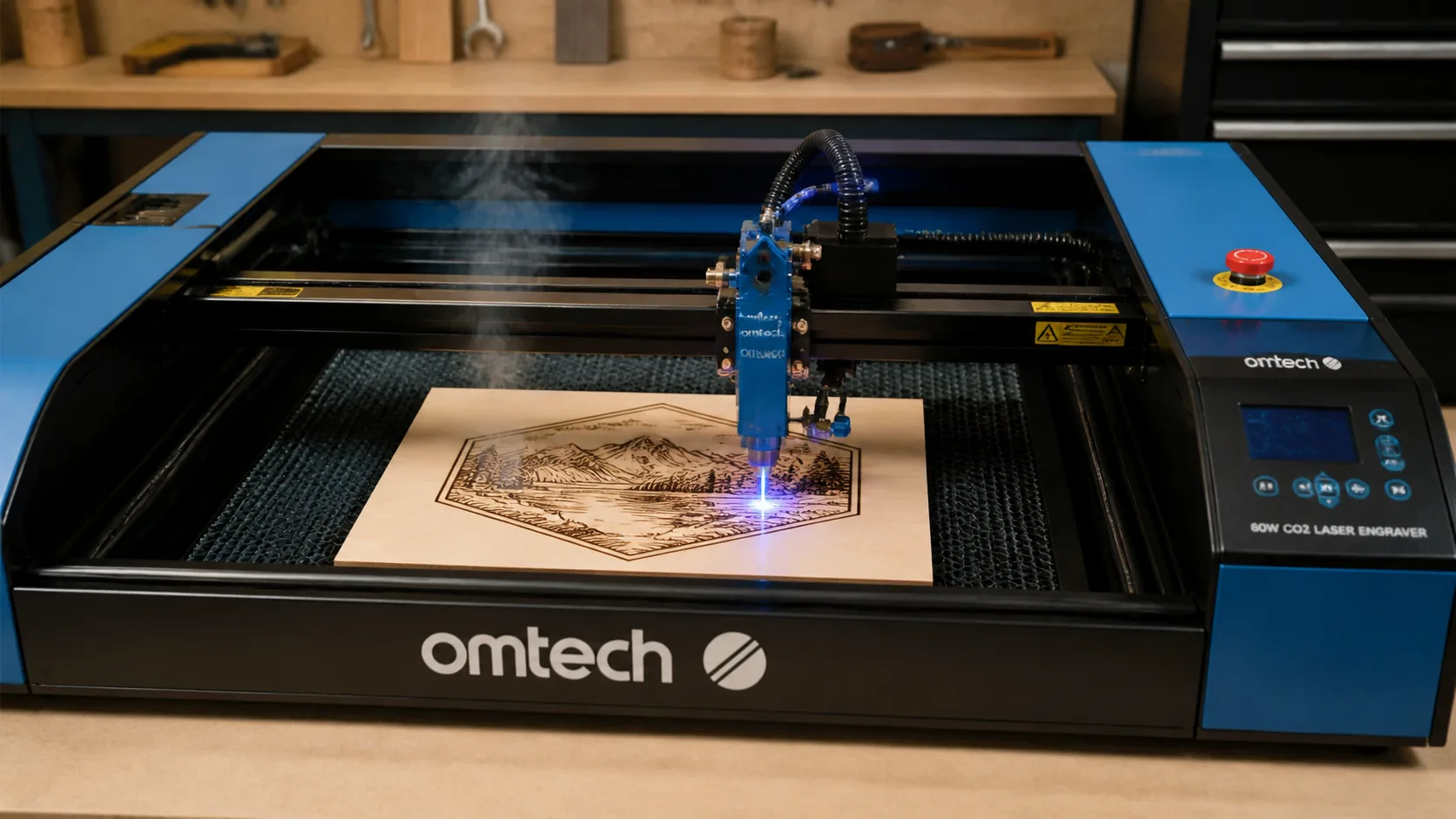
The OMTech 60W CO2 laser cuts 3mm basswood at 30mm/s and 85% power in a single pass with clean, void-free results. This guide walks you through exact settings, focus technique, air assist tuning, and troubleshooting for the OMTech AF2435 model.
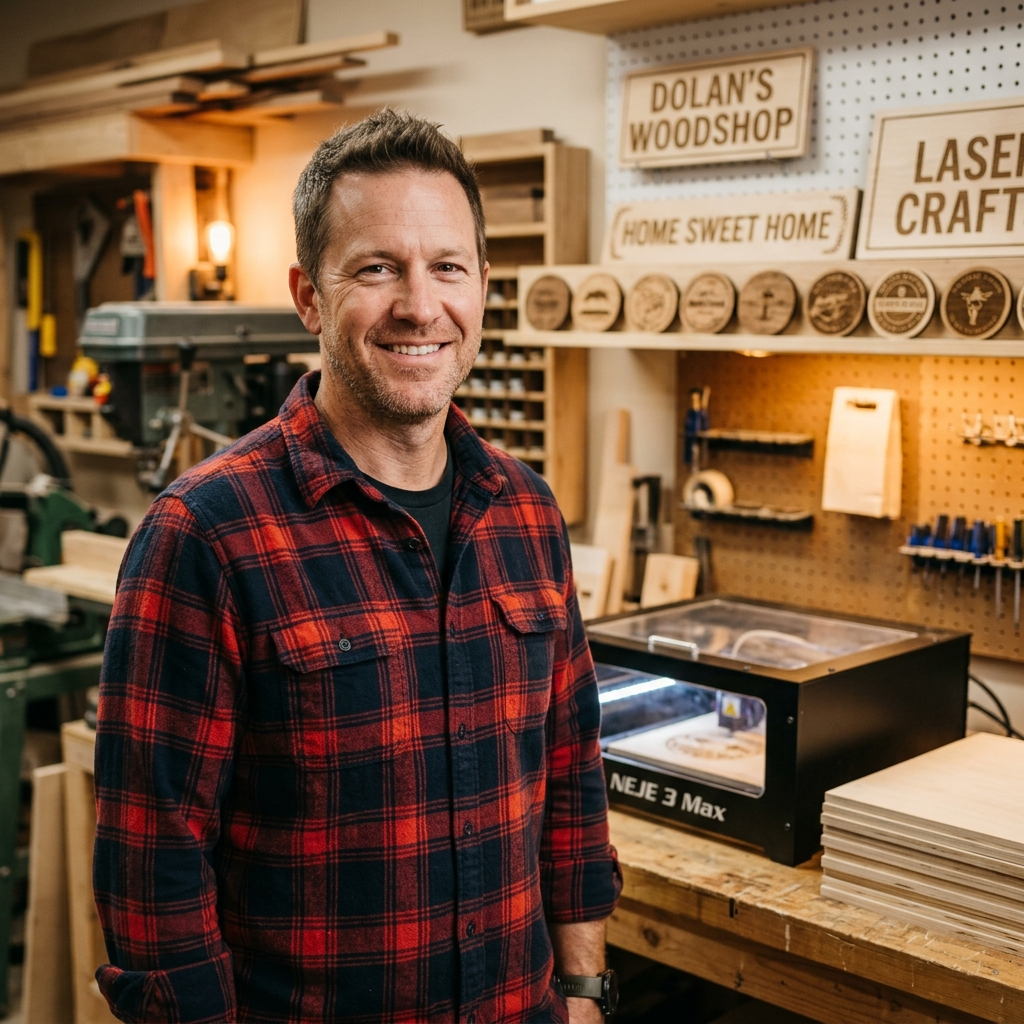
By Mike Dolan ·
| Material | Engraving Contrast | Cut Ease | Smoke / Odor | Cost | Beginner Score |
|---|---|---|---|---|---|
| Basswood (3 mm) | ★★★★★ | Excellent — 1 pass | Low | $ | ★★★★★ |
| Baltic Birch Plywood | ★★★★ | Good — 2–3 passes | Medium | $$ | ★★★★ |
| MDF | ★★★ | Good — 1–2 passes | High (formaldehyde) | $ | ★★ |
| Pine / Soft Plywood | ★★★ | Poor — resin deposits | Medium-High | $ | ★★ |
Why Is Basswood the Best Wood for the OMTech 60W?
The OMTech 60W is an enclosed CO2 machine with precision optics — and basswood’s exceptionally clean burn profile makes it the ideal pairing. Every property of laser-grade basswood works with the AF2435’s design rather than against it, from protecting the focused CO2 beam path to delivering repeatable results at 85% power across full production batches.
- Low resin — basswood produces minimal sticky residue during cutting, so your CO2 lens, mirrors, and beam path stay cleaner between maintenance intervals and maintain consistent power output over time
- Consistent density — uniform cell structure means the same 30mm/s, 85% power settings work batch after batch without retuning, making it ideal for production runs on the OMTech AF2435
- Minimal char — with air assist set to 30–40 PSI, basswood produces warm chocolate-brown cut edges rather than black, sooty burns, giving finished pieces a professional look straight off the bed
- Light, workable surface — the pale ivory face engraves crisp, high-contrast detail at 400mm/s and accepts paint, stain, or wood burning finish with no additional prep sanding required
- No toxic fumes — unlike MDF (which off-gasses formaldehyde) or treated plywood, basswood is safe for home workshop use with the OMTech’s built-in exhaust fan and basic ventilation
What Are the Best OMTech 60W Settings for 3mm Basswood?
All settings below are for Crafteker 3mm basswood sheets (12×12 inch, laser-grade). Use the Laser Settings Calculator to fine-tune for your specific unit if results differ.
| Machine | Cut Speed | Cut Power | Passes | Engrave Speed | Engrave Power | Air Assist |
|---|---|---|---|---|---|---|
| OMTech 60W (AF2435) | 30 mm/s | 85% | 1 pass | 400 mm/s | 35% | 30–40 PSI |
Note: Air assist is strongly recommended for the OMTech 60W AF2435. The enclosed cabinet traps smoke and combustion gases at the cut zone — running air assist at 30–40 PSI clears the kerf in real time, protects the CO2 optics from resin film buildup, and is the single biggest factor in getting clean chocolate-brown edges instead of charred black ones. Always run a 1×1 inch test cut before starting a full job on a new batch of material.
These settings scale logically from published 40W CO2 baselines: the 60W tube runs approximately 1.5× the speed of a 40W at equivalent power, which is exactly where 30 mm/s lands. If your unit is newly tubed or recently serviced, start at 28 mm/s and step up — fresh tubes often run slightly hot in the first 20 operating hours. Conversely, if your tube is older than two years, drop to 80% power before assuming a focus problem is to blame for incomplete cuts.
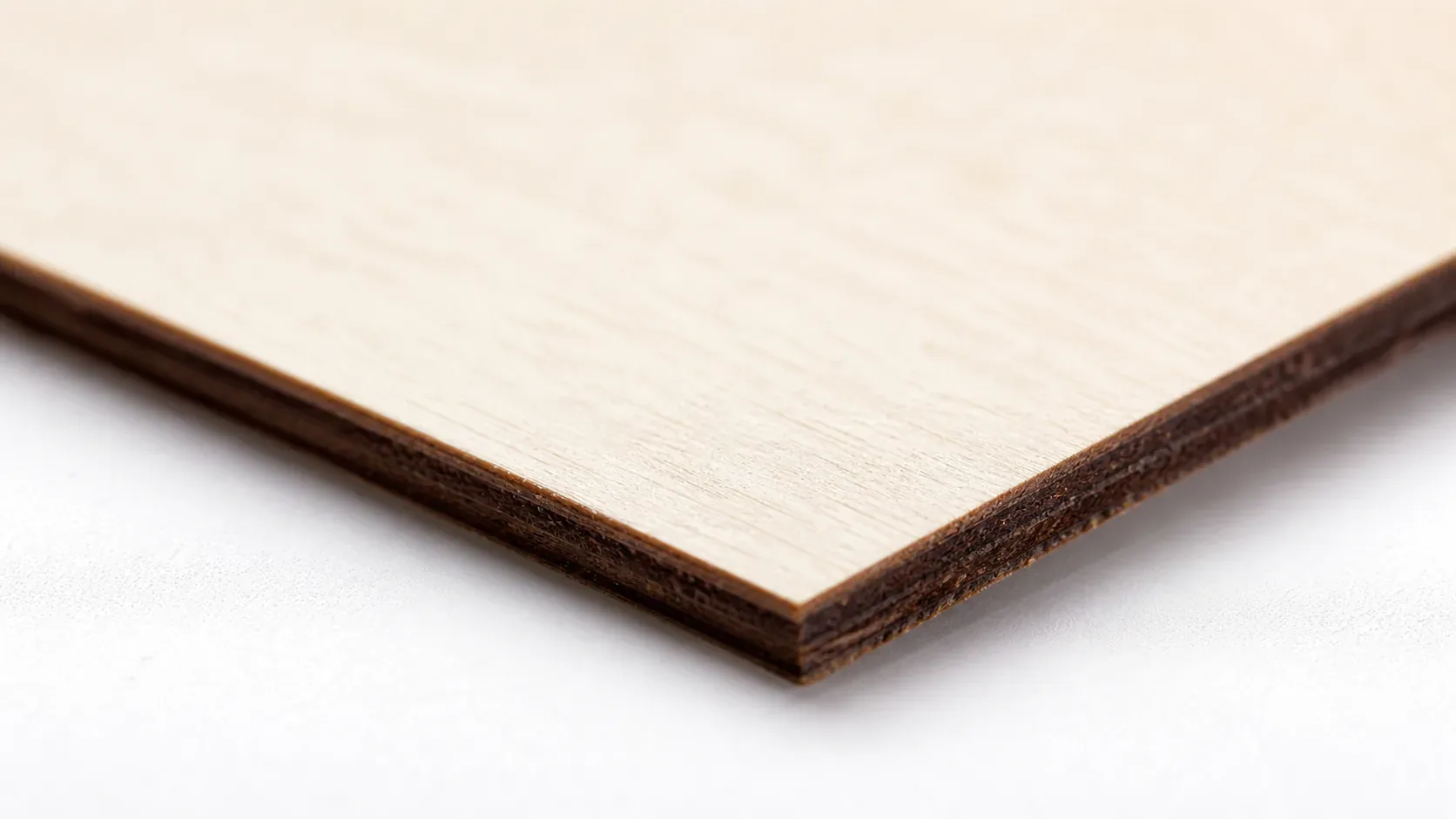
The Crafteker 12-pack basswood sheets are purpose-built for CO2 lasers like the OMTech 60W AF2435 — 12×12 inch, 3mm, laser-grade, void-free. $24.99 for 12 sheets ($2.08/sheet).
How Do I Get Clean Cuts on the OMTech 60W? Step-by-Step
Clean cuts on the OMTech 60W AF2435 come down to three things: accurate focus, consistent air assist, and flat material. Follow these steps for reliable results:
- Set focus accurately. The AF2435 uses a manual Z-axis with a focus tool included in the accessory kit. Place the focus tool on the basswood surface, lower the laser head until it just rests on the tool, then lock the Z-axis. Recheck focus whenever you switch to a new sheet stack — even a 0.2 mm height variation at 60W is enough to widen the kerf and leave uncut fibers on the underside.
- Enable air assist at 30–40 PSI. The OMTech AF2435 ships with a built-in air pump, but many users upgrade to an external compressor for more consistent pressure. Below 25 PSI, combustion gases linger in the kerf and you will see noticeably darker, rougher edges; at 30–40 PSI the cut stays clean and the lens stays clear far longer between cleanings.
- Secure the basswood flat against the cutting bed. Use the honeycomb hold-down pins or small rare-earth magnets at the corners and midpoints of each sheet — any bow in the material raises part of the sheet above your focused Z-height and produces inconsistent depth across the cut.
- Run a test cut first. Cut a small 1×1 inch square from a corner of the sheet before the full job. Flip the cutout and press your fingernail across the back edge — a clean single-pass cut will have a slightly burnished underside, not ragged fiber. This confirms focus and power before you commit the whole sheet.
- Do not increase passes to compensate for failed cuts. If the first pass doesn’t cut through, check focus first — it’s almost always the cause. Extra passes at wrong focus just char the edges and leave a wider, darker kerf that will ruin fine detail work.
- Clean the lens every 20–25 cutting hours. The AF2435 lens is accessible via the removable side panel on the laser head. Even a thin resin film from basswood smoke causes a 10–20% power loss, which at 85% working power means you may drop below the clean-cut threshold without any other settings change. Use 99% IPA on a lint-free cotton swab, wipe in a single direction, and allow to air-dry fully before resuming cuts.
How Does the OMTech 60W Compare to Other Lasers for Basswood?
The OMTech 60W CO2 (AF2435) cuts 3mm basswood at 30 mm/s in a single pass — roughly 1.5–2× faster than diode alternatives like the xTool M1 40W, which typically requires 18–20 mm/s and often two passes to achieve a clean through-cut. The Glowforge Pro, also a 40W CO2, reaches similar edge quality but is capped by its proprietary software and slower bed throughput, making it less practical for batch production. For Etsy sellers and anyone running more than a handful of pieces per session, the OMTech 60W’s open-bed design, manual air assist control, and higher tube wattage make it the clear choice: more sheets per hour, less re-cutting, and no subscription fee eating into your margin.
Why Isn’t My OMTech 60W Cutting Through Basswood Cleanly?
Most incomplete cuts and excessive charring on the OMTech 60W trace back to these four issues:
- Focus is off: Use the OMTech focus tool (the acrylic gauge shipped with the AF2435) to set the Z-axis distance precisely before every new material batch — even a 0.5 mm error at 60W will cause shallow cuts and blown edges.
- Air assist not running: Without active air flow, smoke and char re-deposit in the kerf as the laser cuts, blocking the beam. On the OMTech AF2435, confirm the external air pump is switched on and the nozzle above the lens head is pointed directly at the cut zone — a kinked hose or loose fitting drops PSI fast.
- Inconsistent material: Craft-store plywood has glue pockets and variable density. Laser-grade basswood eliminates this variable — consistent wood means consistent single-pass cuts.
- Dirty lens: CO2 lens contamination builds quickly during wood cutting; clean the OMTech’s focus lens every 20 cutting hours by removing it from the lens tube and wiping gently with a fresh IPA-dampened cotton swab in a single circular motion — never dry-wipe or reuse the swab.
Where to Buy Basswood Sheets for the OMTech 60W
Crafteker 3mm basswood sheets are the best match for the OMTech 60W — 12×12 inch, laser-grade, void-free, and pre-sanded. At $24.99 for 12 sheets ($2.08/sheet), it’s the most cost-effective option for consistent single-pass results. The uniform quality means the settings in this guide work reliably without re-tuning every batch.
Ready to cut? Get the wood that works with these settings:
→ Buy Crafteker 12-Pack Basswood Sheets on Amazon – $24.99
Clip the 7% coupon on the listing page – buy 2 packs and save 20% automatically.
Also available: 5-pack ($15.97) · 3-pack ($12.99)
Frequently Asked Questions
What are the best OMTech 60W settings for 3mm basswood?
Cut at 30 mm/s, 85% power, 1 pass. Engrave at 400 mm/s, 35% power. Enable air assist at 30–40 PSI. You’ll get clean through-cuts with warm chocolate-brown edges and no charring in a single pass.
Is OMTech 60W good for cutting basswood?
Yes — the 60W CO2 tube has plenty of power for clean single-pass cuts on 3mm basswood. CO2 lasers are ideal for wood because they focus sharp beam spots, and the OMTech AF2435 model includes air assist and an enclosed bed, both essential for production runs.
What is the best wood for the OMTech 60W laser?
3mm laser-grade basswood. It has low resin content (won’t degrade optics), consistent density (predictable results at 85% power), and is affordable at $2.25 per sheet in the Crafteker 12-pack.
Can OMTech 60W cut 3mm basswood in one pass?
Yes. Use 30 mm/s speed, 85% power, and enable air assist at 30–40 PSI. The single-pass approach saves production time and gives clean, void-free edges.
Where can I buy basswood sheets for the OMTech 60W?
Crafteker on Amazon: 3-pack $12.99, 5-pack $15.97, 12-pack $24.99 ($2.25 per sheet). The 12-pack offers the best value for production runs and fits the OMTech bed perfectly.
About the author: Mike Dolan is a laser maker and wood materials specialist with 8+ years cutting basswood, birch, and MDF on diode and CO₂ machines. He tests every Crafteker basswood batch before listing.
Just dialed in my 60W with Crafteker basswood and these exact settings — 30mm/s at 85% cuts straight through in one pass with zero char. Air assist at 35 PSI made all the difference for me; without it I was getting edges like burnt toast. This guide nails the focus step especially, saved me hours of scrap testing.