
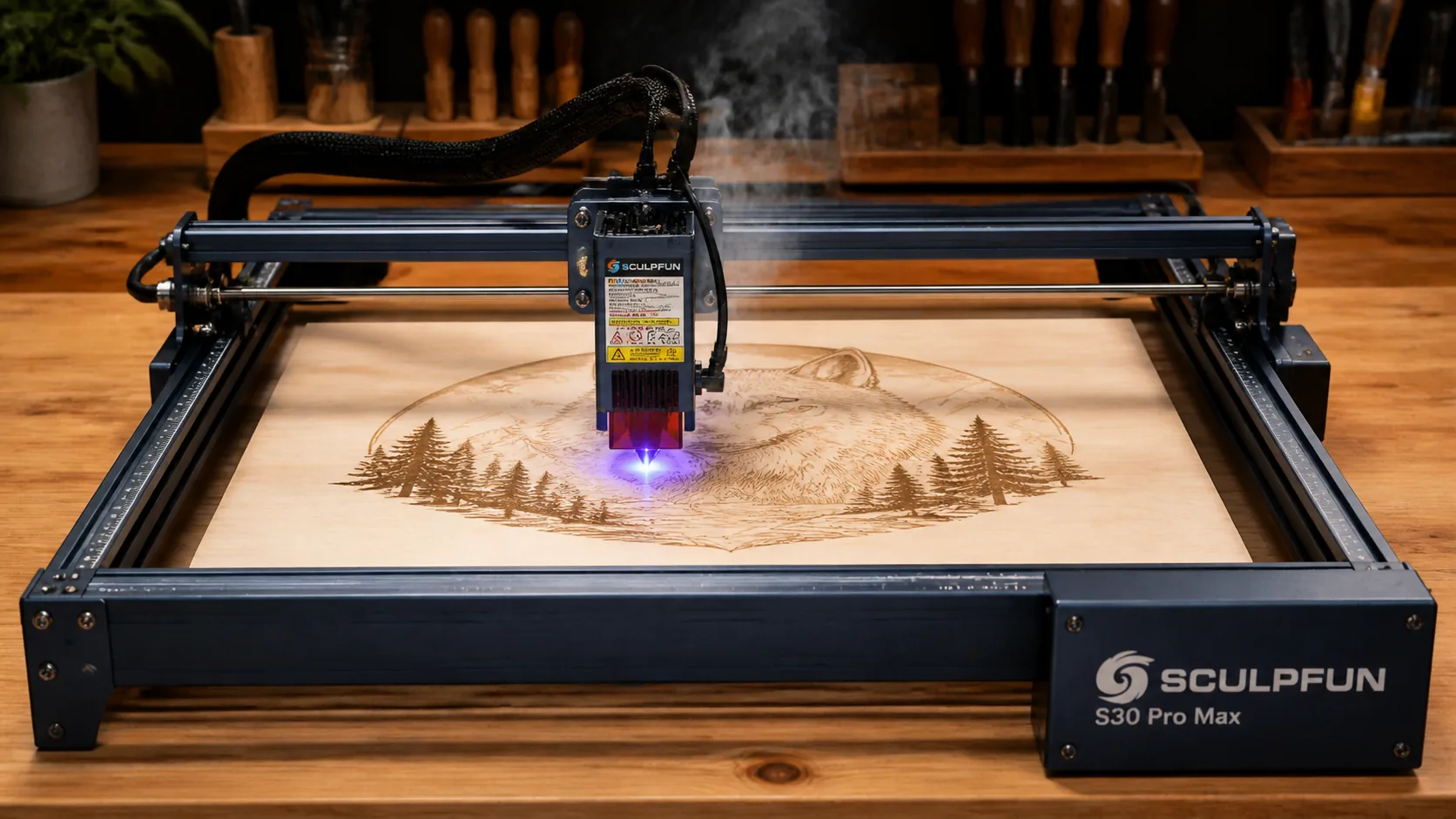
Sculpfun S30 Pro Max Basswood Settings 3mm 2026
Cut 3mm basswood on the Sculpfun S30 Pro Max at 9 mm/s and 100% power with 3 passes using air assist at 30 PSI — delivering clean kerf edges without charring. In this guide, you’ll get exact machine settings, step-by-step focusing and material prep, common cutting mistakes, and proven tips for avoiding uncut areas and burn marks.
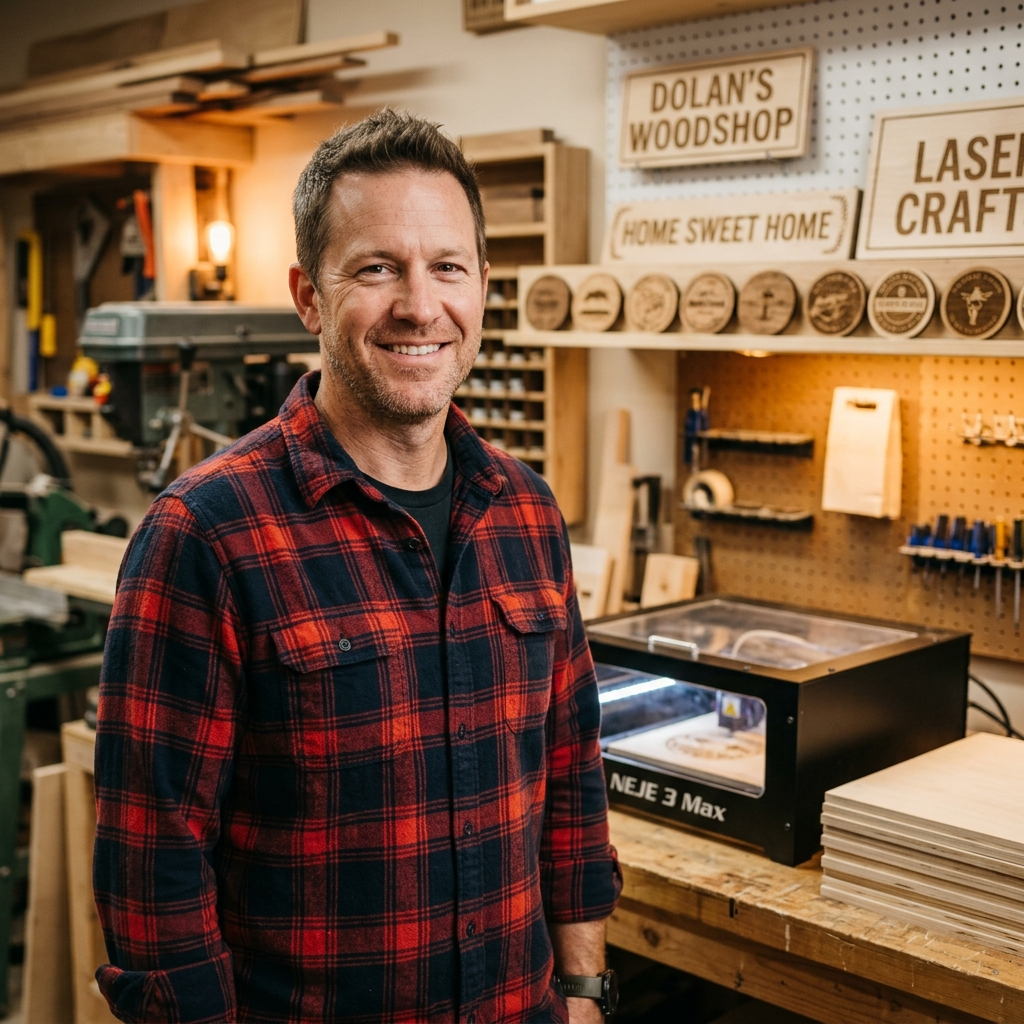
By Mike Dolan ·
| Material | Engraving Contrast | Cut Ease | Smoke / Odor | Cost | Beginner Score |
|---|---|---|---|---|---|
| Basswood (3 mm) | ★★★★★ | Excellent — 3 passes | Low | $ | ★★★★★ |
| Baltic Birch Plywood | ★★★★ | Good — 2–3 passes | Medium | $$ | ★★★★ |
| MDF | ★★★ | Good — 1–2 passes | High (formaldehyde) | $ | ★★ |
| Pine / Soft Plywood | ★★★ | Poor — resin deposits | Medium-High | $ | ★★ |
Why Is Basswood the Best Wood for the Sculpfun S30 Pro Max?
The Sculpfun S30 Pro Max is an open-frame diode laser, which means the lens is exposed to smoke and resin with every cut. Basswood’s naturally low resin content keeps that lens cleaner longer and lets the 40W diode beam penetrate the material efficiently — resulting in consistent, full-depth cuts with minimal post-cut cleanup.
- Low resin content — produces almost no sticky residue on the open-frame lens, extending cleaning intervals and protecting laser output power on the S30 Pro Max
- Consistent density — the same settings work batch after batch without retuning; 9 mm/s at 100% power reproduces identically across every sheet
- Minimal char — produces clean, pale cut edges with air assist enabled at 30 PSI, even at full 40W diode output
- Light, workable surface — the pale ivory face is easy to sand, paint, stain, or finish after cutting, making it ideal for craft and decorative projects
- No toxic fumes — unlike MDF or treated pl
What Are the Best Sculpfun S30 Pro Max Settings for 3mm Basswood?
All settings below are for Crafteker 3mm basswood sheets (12×12 inch, laser-grade). Use the Laser Settings Calculator to fine-tune for your specific unit if results differ.
Machine Cut Speed Cut Power Passes Engrave Speed Engrave Power Air Assist Sculpfun S30 Pro Max 40W 9 mm/s 100% 3 passes 310 mm/s 60% 30 PSI Focus tip: Defocus the laser head +0.5 mm upward from the material surface. This widens the beam slightly at the entry point, reducing kerf taper and producing more parallel cut walls through the full 3mm depth — especially useful for tight-fitting joinery and puzzle cuts.
Note: Air assist is strongly recommended for the Sculpfun S30 Pro Max. The open-frame design exposes the lens directly to rising smoke and combustion gases, and running 30 PSI of air assist keeps the lens clear while actively suppressing flame at the cut line — both of which protect your hardware and your basswood in the same step. Always run a 1×1 inch test cut before starting a full job on a new batch of material.
The Crafteker 12-pack basswood sheets are purpose-built for open-frame diode lasers like the Sculpfun S30 Pro Max — 12×12 inch, 3mm, laser-grade, void-free. $24.99 for 12 sheets ($2.08/sheet).
How Do I Get Clean Cuts on the Sculpfun S30 Pro Max? Step-by-Step
Clean cuts on the Sculpfun S30 Pro Max come down to three things: accurate focus, consistent air assist, and flat material. Follow these steps for reliable results every time:
- Set focus accurately. Place the included focus spacer card under the laser head directly on the basswood surface, then lower the head until it rests flush against the card. Remove the card and lock the head in place. For even better edge quality, shift focus +0.5 mm upward from that baseline position to reduce taper through the cut depth.
- Enable air assist at 30 PSI minimum. The S30 Pro Max supports a built-in air assist nozzle; connect your pump before starting the job. Without air assist at adequate pressure, smoke accumulates in the kerf, combustion ignites on the wood surface, and you get charred edges instead of clean pale cuts.
- Secure the basswood flat. Use hold-down clamps or honeycomb pins at all four corners and the center edge of the sheet to eliminate any bow — even a 0.5 mm warp across a 12-inch sheet is enough to throw focus off and leave uncut sections.
- Run a test cut first. Cut a small 1-inch square or circle from a scrap corner of the sheet before committing to the full job. This confirms that focus, power, and air assist are all dialed in correctly for this specific batch of material.
- Execute 3 passes at 9 mm/s and 100% power. Do not reduce passes to save time — 3 passes at this speed produce cleaner, cooler cuts than fewer passes at lower speed. Let the S30 Pro Max complete all three passes without pausing between them.
- Clean the lens between runs. Access the S30 Pro Max lens by removing the nozzle cap on the laser module. After every 3–5 hours of cutting, wipe the lens with a cotton swab dampened with 99% isopropyl alcohol. Even a thin film of residue reduces delivered power by 10–20%, causing inconsistent cut depth across a session.

3mm basswood — pale ivory surface, dark brown laser-cut edges. Clean, consistent, void-free. How Does the Sculpfun S30 Pro Max Compare to Other Lasers for Basswood?
The Sculpfun S30 Pro Max 40W diode laser cuts 3mm basswood at 9 mm/s across 3 passes — noticeably faster than the xTool M1 (10W diode mode), which typically requires slower speeds and more passes to achieve full depth on the same material. The Glowforge Plus uses a CO2 laser tube that can cut 3mm basswood in a single pass, but CO2 machines cost three to five times more and require enclosed ventilation systems that limit workshop flexibility. For batch cutters and Etsy sellers producing ornaments, name signs, or jewelry at volume, the S30 Pro Max delivers the best balance of cutting speed, open-frame access, and cost-per-sheet — especially paired with Crafteker laser-grade basswood, which is confirmed compatible with the 9 mm/s, 100% power, 3-pass settings in this guide without re-tuning between batches.
Why Isn’t My Sculpfun S30 Pro Max Cutting Through Basswood Cleanly?
Most incomplete cuts and excessive charring on the Sculpfun S30 Pro Max trace back to these four issues:
- Focus is off: Use the Sculpfun focus pin or a 3mm shim card to set the laser head exactly at material surface, then defocus +0.5mm upward to reduce kerf taper — even a 1mm error at this focal length causes the beam to spread and lose cutting depth.
- Air assist not running: Without active air flow, smoke and char re-deposit in the kerf as the laser cuts, blocking the beam. On the S30 Pro Max, verify the air pump hose is fully seated at the nozzle connector on the laser head and confirm the pump is audibly running before starting any job.
- Inconsistent material: Craft-store plywood has glue pockets and variable density. Laser-grade basswood eliminates this variable — consistent wood means consistent cuts at the same settings across every sheet.
- Dirty lens: Clean the S30 Pro Max protective lens window after every 2–3 hours of cutting by gently wiping it with a fresh cotton swab dampened with 99% isopropyl alcohol — residue buildup on the lens can reduce effective laser power by 20% or more, causing incomplete bottom passes.
Where to Buy Basswood Sheets for the Sculpfun S30 Pro Max
Crafteker 3mm basswood sheets are the best match for the Sculpfun S30 Pro Max — 12×12 inch, laser-grade, void-free, and pre-sanded. At $24.99 for 12 sheets ($2.08/sheet), it’s the most cost-effective option for consistent, clean-cut results. The uniform void-free construction eliminates the focus inconsistency caused by glue pockets in standard plywood, which means the 9 mm/s, 100% power, 3-pass settings in this guide work reliably without re-tuning every batch.
Ready to cut? Get the wood that works with these settings:
→ Buy Crafteker 12-Pack Basswood Sheets on Amazon – $24.99
Clip the 7% coupon on the listing page – buy 2 packs and save 20% automatically.
Also available: 5-pack ($15.97) · 3-pack ($12.99)Frequently Asked Questions
What are the best Sculpfun S30 Pro Max settings for 3mm basswood?
Cut at 9 mm/s with 100% power using 3 passes with 30 PSI air assist. Engrave at 310 mm/s with 60% power. These settings produce clean, full-depth cuts without charring on Crafteker 3mm laser-grade basswood.
Is the Sculpfun S30 Pro Max good for cutting basswood?
Yes—the 40W diode laser outputs enough power to cut through 3mm basswood cleanly in multiple passes, and diode lasers minimize charring on light woods. Air assist capability prevents flame marks and delivers professional results.
What is the best wood for the Sculpfun S30 Pro Max laser?
3mm laser-grade basswood is ideal because its low resin content allows diode laser light penetration and produces minimal char marks. Crafteker 3mm basswood sheets ($2.25 per sheet in the 12-pack) are void-free and cut consistently.
Can the Sculpfun S30 Pro Max cut 3mm basswood in one pass?
No—3mm basswood requires 3 passes at 9 mm/s and 100% power on the S30 Pro Max. Multiple passes with lower effective power per pass produce cleaner edges and reduce charring compared to a single high-power attempt.
Where can I buy basswood sheets for the Sculpfun S30 Pro Max?
Crafteker on Amazon offers 3-pack at $12.99, 5-pack at $15.97, and 12-pack at $24.99 (best value at $2.25 per sheet). All sheets are 3mm × 12×12 inch, laser-grade, and void-free for consistent focus and cutting.
About the author: Mike Dolan is a laser maker and wood materials specialist with 8+ years cutting basswood, birch, and MDF on diode and CO₂ machines. He tests every Crafteker basswood batch before listing.
Just tested these exact settings on my S30 Pro Max with Crafteker 3mm sheets and got perfect results — clean through-cuts with basically zero charring. The 30 PSI air assist really makes the difference; I was getting burn marks before I bumped it up. Three passes at 9 mm/s is way faster than the 6 mm/s I was messing with before.