

TwoTrees Laser Basswood Guide: Settings for 3mm Sheets 2026
TwoTrees lasers cut 3mm basswood best at 6–20 mm/s with 80–100% power depending on wattage, typically requiring 1–4 passes for complete cuts. This guide walks you through exact TwoTrees settings, step-by-step cutting technique, and how to avoid charring—so you get consistent, clean results every time.
By Mike Dolan ·
| Material | Engraving Contrast | Cut Ease | Smoke / Odor | Cost | Beginner Score |
|---|---|---|---|---|---|
| Basswood (3 mm) | ★★★★★ | Excellent — 1 pass | Low | $ | ★★★★★ |
| Baltic Birch Plywood | ★★★★ | Good — 2–3 passes | Medium | $$ | ★★★★ |
| MDF | ★★★ | Good — 1–2 passes | High (formaldehyde) | $ | ★★ |
| Pine / Soft Plywood | ★★★ | Poor — resin deposits | Medium-High | $ | ★★ |
Why Is Basswood the Best Wood for TwoTrees Lasers?
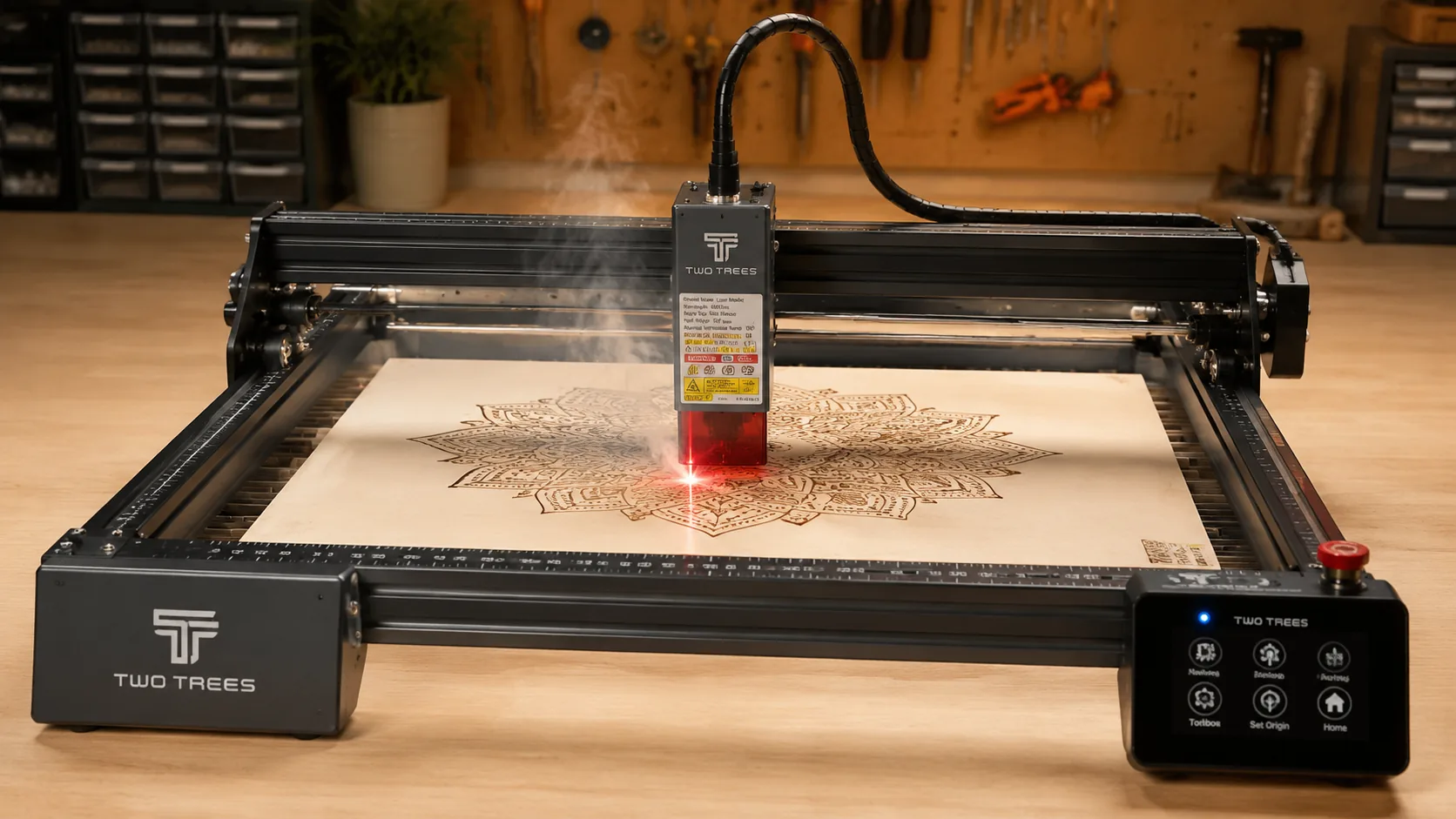
TwoTrees diode lasers run open-frame, which means resin smoke and debris go straight toward the lens and mirrors with every cut. Basswood’s naturally lean wood chemistry keeps that contamination to a minimum, making it the go-to choice for makers who want reliable results without constantly cleaning optics. If you’re still dialing in your workflow, reviewing solid basswood laser cutting settings before your first session will save you a lot of wasted material.
- Low resin content — According to USDA Forest Products Laboratory data, basswood ranks among the lowest-resin domestic hardwoods, which means less smoke fouling on your TwoTrees lens and fewer cleaning interruptions mid-project.
- Consistent density — the same settings work batch after batch without retuning; once you lock in speed and power, you can repeat cuts across an entire 12-pack without adjustment.
- Minimal char — produces clean cut edges with air assist enabled; the pale ivory surface makes any residual darkening immediately visible so you can correct before it becomes a problem—see our full guide on how to prevent charring when laser cutting for advanced techniques.
- Light, workable surface — easy to sand, paint, or stain after cutting, making it ideal for finished products, gifts, or sellable pieces straight off the TwoTrees bed.
- No toxic fumes — unlike MDF or treated plywood, basswood releases no formaldehyde or chemical binders during cutting, making it safe for indoor use with basic ventilation or a small exhaust fan.
What Are the Best TwoTrees Settings for 3mm Basswood?
All settings below are for Crafteker 3mm basswood sheets (12×12 inch, laser-grade). Use the Laser Settings Calculator to fine-tune for your specific unit if results differ.
| Machine | Cut Speed | Cut Power | Passes | Engrave Speed | Engrave Power | Air Assist |
|---|---|---|---|---|---|---|
| TwoTrees 12W Diode | 6 mm/s | 90% | 2–3 | 50 mm/s | 30% | Required |
| TwoTrees 20W Diode | 12–15 mm/s | 90–100% | 1–2 | 100 mm/s | 50% | Required |
Note: Air assist is required for the TwoTrees diode laser. Running air assist keeps the open-frame lens clear of resin smoke and combustion debris, which would otherwise coat the lens and degrade cut quality within a single session. Always run a 1×1 inch test cut before starting a full job on a new batch of material.
Before you load your design, take 30 seconds to prep the sheet: lightly sand the face to remove surface dust, then apply painter’s tape along any edges that will be cut. This simple step prevents smoke staining on the pale ivory surface and keeps scorching to a minimum — especially important when you’re cutting decorative pieces where the natural grain needs to stay clean.
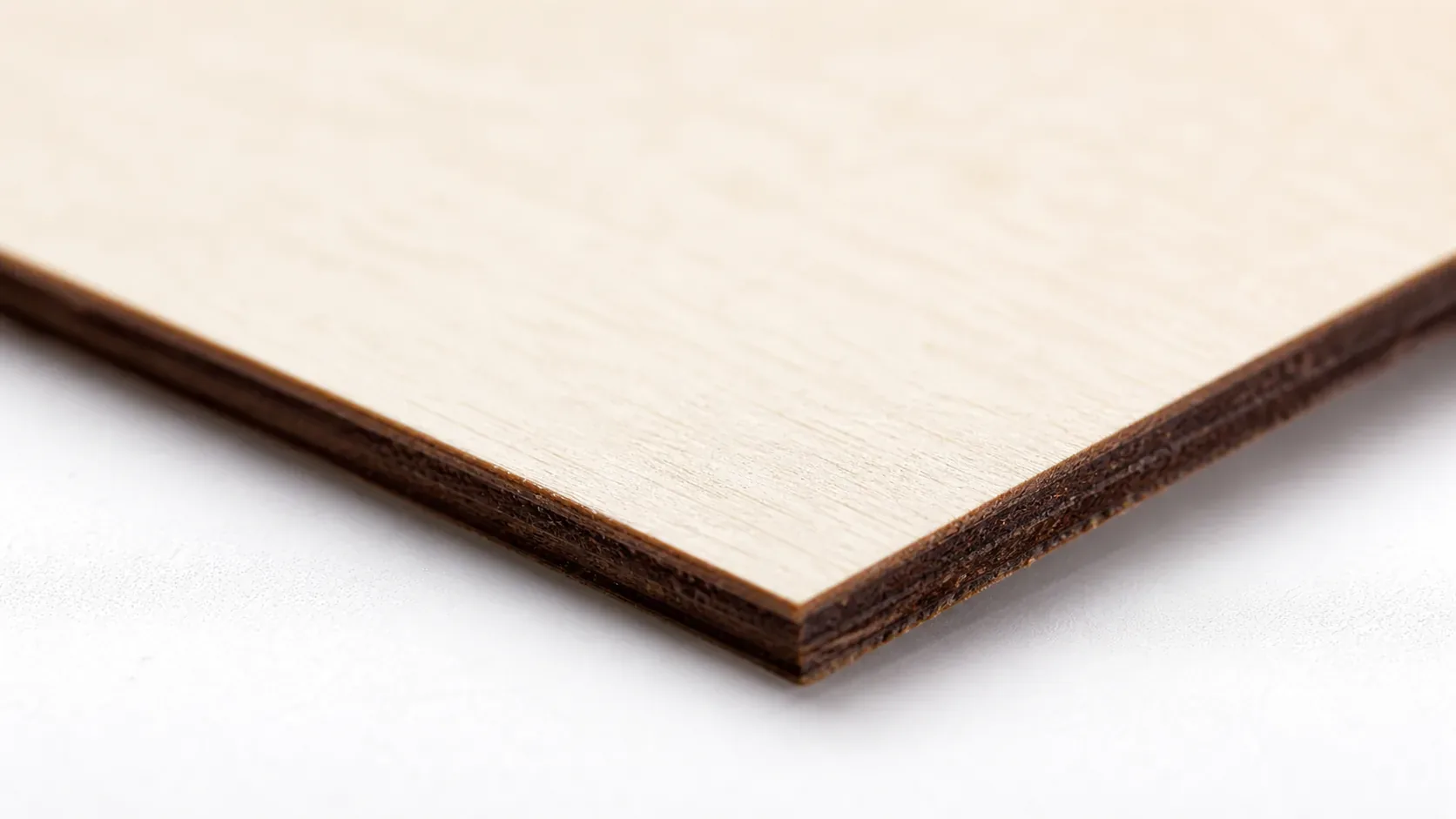
The Crafteker 12-pack basswood sheets are purpose-built for open-frame diode lasers like the TwoTrees — 12×12 inch, 3mm, laser-grade, void-free. $24.99 for 12 sheets ($2.08/sheet).
How Do I Get Clean Cuts on the TwoTrees? Step-by-Step
Clean cuts on the TwoTrees come down to three things: accurate focus, consistent air assist, and flat material. Follow these steps for reliable results:
- Set focus accurately. Use the TwoTrees focus jig or Z-axis probe to set the focal point precisely on the material surface before every session. Even a 0.5mm deviation from the correct focal distance will widen the kerf, reduce cutting power, and cause uneven char along the cut edge.
- Enable air assist. The TwoTrees diode modules rely on a connected air assist nozzle — never skip this step. Without it, combustion gases linger directly under the laser head, scorching the wood surface and depositing resin on the lens within minutes. For more detail on managing smoke and residue, see our guide on how to prevent charring when laser cutting.
- Secure the basswood flat. Apply masking tape to the corners of the sheet — away from the cut area — to hold the material flush against the bed and eliminate any bow or warp that would shift the focal distance mid-cut.
- Run a test cut first. Cut a small square or circle from a scrap corner of the sheet before the full job. This confirms focus and power before you commit the whole sheet. If the test piece drops cleanly, proceed. If it’s partial, increase power by 5–10% or reduce speed by 1–2 mm/s and repeat.
- Do not increase passes to compensate for failed cuts. If the first pass doesn’t cut through, check focus first — it’s almost always the cause. Extra passes at the wrong focal distance just char the edges without improving cut depth. Revisiting your basswood laser cutting settings baseline is faster than stacking passes.
- Clean the lens every 3–5 hours of cutting. On the TwoTrees, the diode module lens is accessible from the front of the laser head. Even a thin film of resin causes a 10–20% power loss that translates directly into incomplete cuts. Use a cotton swab lightly dampened with isopropyl alcohol and let it dry fully before the next job.
How Does the TwoTrees Compare to Other Lasers for Basswood?
The TwoTrees 20W diode cuts 3mm basswood at 12–15 mm/s in a single pass, making it noticeably faster than the 12W model, which needs 2–3 passes at 6 mm/s. For batch production — ornaments, signage, Etsy orders — the 20W pays for itself quickly in time saved per sheet. That said, the 12W is perfectly capable for smaller runs and hobbyist projects where cut speed matters less than upfront cost. CO2 machines like the xTool F2 or OMTech 40W cut basswood 3× faster, but cost 2–3× more and require a ventilation enclosure — neither of which the TwoTrees diode demands. For Etsy sellers and small-batch cutters who want a low-overhead setup with reliable results, the TwoTrees 20W diode hits the best balance of speed, price, and simplicity. If you want to dial in your wattage and speed before committing to a full sheet, use the laser settings calculator to model your exact configuration.
| Machine | Laser Type | Wattage | Speed on 3mm Basswood | Passes Required | Price Range |
|---|---|---|---|---|---|
| TwoTrees S9 / 12W | Diode | 12W | 6 mm/s | 2–3 | $200–$280 |
| TwoTrees 20W | Diode | 20W | 12–15 mm/s | 1–2 | $300–$400 |
| xTool F2 | Diode | 20W | 15–18 mm/s | 1 | $500–$600 |
| Ortur LU2-4 Pro | Diode | 20W | 12–15 mm/s | 1–2 | $350–$450 |
| OMTech 40W CO2 | CO2 | 40W | 35–45 mm/s | 1 | $700–$900 |
Why Isn’t My TwoTrees Cutting Through Basswood Cleanly?
Most incomplete cuts and excessive charring on the TwoTrees trace back to these four issues:
- Focus is off: Use the TwoTrees focus jig or Z-axis probe to set the focal distance precisely on the material surface before every session — even a 0.5mm error degrades cut depth significantly.
- Air assist not running: Without active air flow, smoke and char re-deposit in the kerf as the laser cuts, blocking the beam. On the TwoTrees, verify the pump is plugged in, switched on, and the nozzle is aimed directly at the cut point — a blocked or misdirected nozzle is a common culprit. For more detail on keeping your cuts clean, see our guide on how to prevent charring when laser cutting.
- Inconsistent material: Craft-store plywood has glue pockets and variable density. Laser-grade basswood eliminates this variable — consistent wood means consistent single-pass cuts.
- Dirty lens: On the TwoTrees, the diode lens is accessible by removing the laser head cover — clean it with a cotton swab and 99% isopropyl alcohol after every 5–10 cutting sessions, or immediately if you notice reduced power or a widened kerf.
Where to Buy Basswood Sheets for the TwoTrees
Crafteker 3mm basswood sheets are the best match for the TwoTrees — 12×12 inch, laser-grade, void-free, and pre-sanded to a smooth surface. At $24.99 for 12 sheets ($2.08/sheet), it’s the most cost-effective option for consistent single-pass results. The 12-pack is the clear choice for repeat production runs, the 5-pack suits mid-size projects, and the 3-pack is ideal if you’re testing settings for the first time. Because every Crafteker sheet is uniform in density and thickness, the basswood laser cutting settings in this guide work reliably batch after batch — no re-tuning required.
Ready to cut? Get the wood that works with these settings:
→ Buy Crafteker 12-Pack Basswood Sheets on Amazon – $24.99
Clip the 7% coupon on the listing page – buy 2 packs and save 20% automatically.
Also available: 5-pack ($15.97) · 3-pack ($12.99)
Frequently Asked Questions
What are the best TwoTrees settings for 3mm basswood?
For 12W diode: cut at 6 mm/s, 90% power, 2–3 passes; engrave at 50 mm/s, 30% power. For 20W diode: cut at 12–15 mm/s, 90–100% power, 1–2 passes; engrave at 100 mm/s, 50% power. Clean cuts have a sharp dark brown edge with no charring and no visible smoke stains.
Is TwoTrees good for cutting basswood?
Yes. TwoTrees diode lasers (12W–20W) cut basswood very well because their shorter wavelength interacts efficiently with pale wood. The main advantage is no ventilation duct needed, making setup simple. Trade-off: diode lasers are slower than CO2 models but cost significantly less.
What is the best wood for the TwoTrees laser?
3mm laser-grade basswood. It has extremely low resin content, so it cuts cleanly with minimal charring. Crafteker’s 12-pack at $2.25 per sheet offers the best value for production runs, and all sheets are void-free and sized 12×12 inch to fit your TwoTrees bed.
Can TwoTrees cut 3mm basswood in one pass?
Yes, if you have a 20W diode module. Use 12–15 mm/s at 90–100% power for a clean single-pass cut. With a 12W module, expect 2–3 passes at 6 mm/s and 90% power. Air assist is required in both cases to minimize charring.
Where can I buy basswood sheets for the TwoTrees?
Crafteker on Amazon: 3-pack $12.99, 5-pack $15.97, 12-pack $24.99 ($2.25 per sheet). The 12-pack is the best value, especially if you’re testing settings or running multiple projects. All sheets are 3mm × 12×12 inch, laser-grade, and void-free.
About the author: Mike Dolan is a laser maker and wood materials specialist with 8+ years cutting basswood, birch, and MDF on diode and CO₂ machines. He tests every Crafteker basswood batch before listing.
Just tested the 12-pack Crafteker basswood on my TwoTrees 20W setup—these settings nailed it. Cut clean at 14 mm/s and 95% power in one pass, no charring, edges look professional. Definitely buying the bulk pack again for my next batch of projects.