

Ortur Laser Master 2 Basswood Settings 3mm Cut Guide 2026
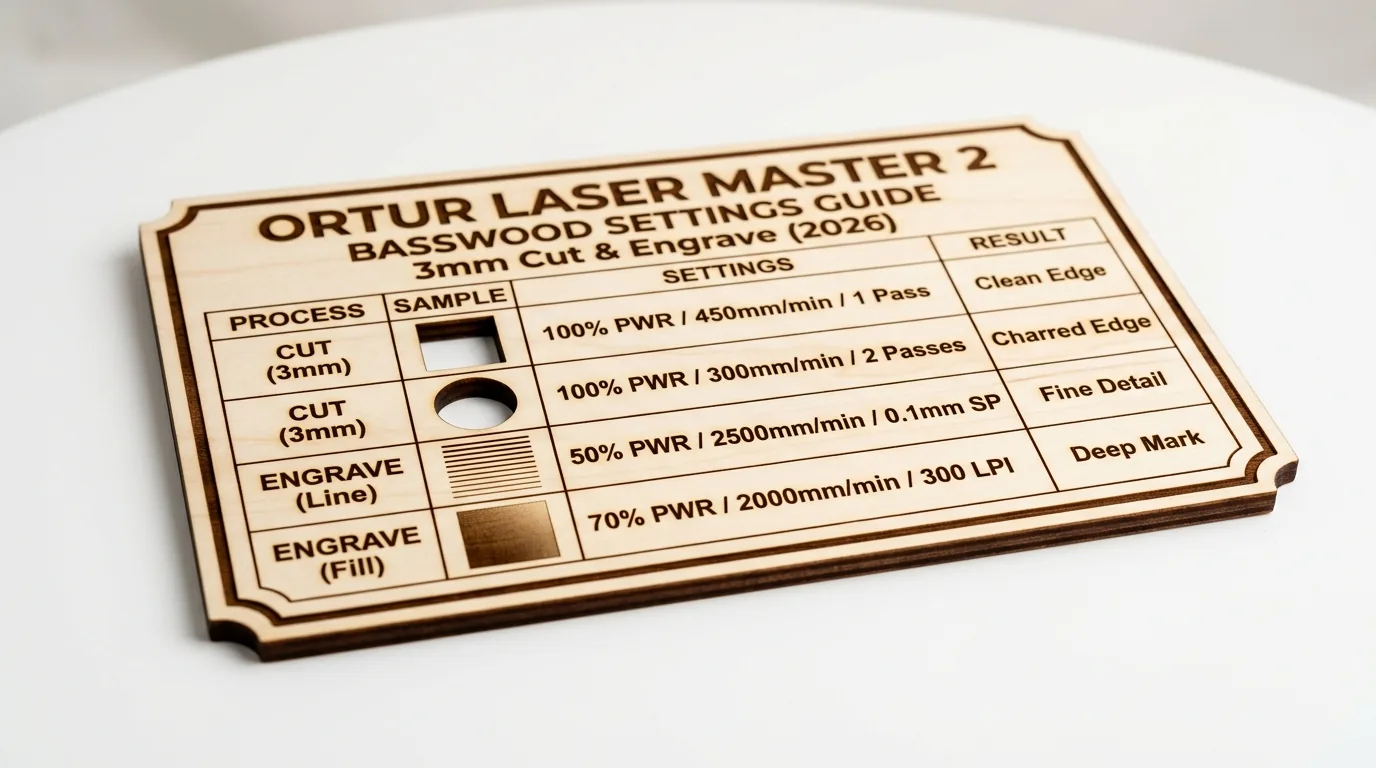
The Ortur Laser Master 2 cuts 3mm basswood cleanly at 3mm/s with 100% power over 2 passes, and engraves sharp detail at 100mm/s and 40% power. This guide covers exact machine settings, step-by-step cutting techniques, and troubleshooting tips for laser-grade basswood on the LM2 diode laser.
By Mike Dolan ·
Quick Answer: Ortur Laser Master 2 basswood settings: cut 3mm/s at 100% power (2 passes), engrave 100mm/s at 40% power. Use air assist for clean edges.
| Material | Engraving Contrast | Cut Ease | Smoke / Odor | Cost | Beginner Score |
|---|---|---|---|---|---|
| Basswood (3 mm) | ★★★★★ | Excellent – 2 passes | Low | $ | ★★★★★ |
| Baltic Birch Plywood | ★★★★ | Good – 2-3 passes | Medium | $$ | ★★★★ |
| MDF | ★★★ | Good – 1-2 passes | High (formaldehyde) | $ | ★★ |
| Pine / Soft Plywood | ★★★ | Poor – resin deposits | Medium-High | $ | ★★ |
Why Is Basswood the Best Wood for the Ortur Laser Master 2?
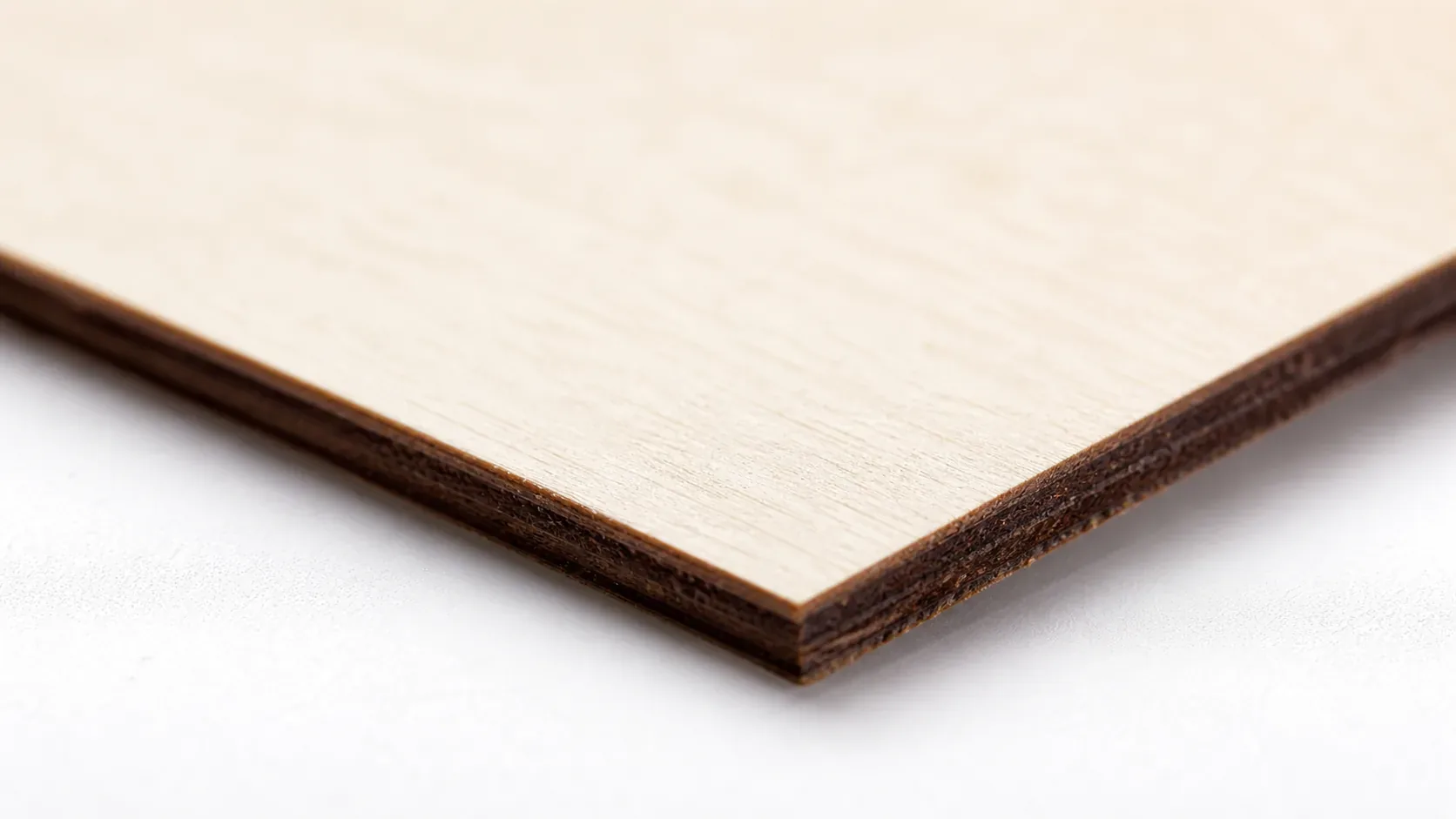
Basswood excels on the Ortur Laser Master 2 because its low resin content protects the open-frame diode lens from buildup and thermal stress. Unlike softwoods, basswood cuts cleanly without sticky deposits or flare-ups, keeping your machine running longer with minimal maintenance.
- Low resin – minimal flare-up and lens deposits; protects exposed optics on open-frame diode lasers
- Consistent density – according to USDA Forest Products Laboratory data, basswood ranks among the lowest-resin domestic hardwoods, so the same settings work batch after batch without retuning
- Minimal char – produces clean cut edges with air assist to prevent charring when laser cutting
- Light, workable surface – easy to sand, paint, or stain for finishing projects; ideal for engraved gifts and best laser cut items to sell on Etsy
- No toxic fumes – unlike MDF or treated plywood, safe for indoor use with basic ventilation
What You’ll Need
- Basswood sheets: Crafteker 3mm basswood, 12×12 inch – 2-4 sheets per project run (12-pack recommended for batch cutting at $2.08/sheet)
- Laser machine: Ortur Laser Master 2 or LM2 Pro (also compatible with other diode lasers – xTool D1, Creality Falcon, Two Trees, etc.)
- Design file: SVG or DXF cut file loaded into LaserGRBL or LightBurn software
- Air assist: Inline air pump set to 5-6 PSI to reduce char and blow debris from the kerf during cutting
- Finishing supplies: 220-grit sandpaper, tack cloth, and clear matte finish or mineral oil for final surface treatment
Estimated time: 1-2 hours · Difficulty: Beginner · Profit potential: ~$8-10 in materials → sell finished laser-cut pieces for $30-60 on Etsy
How Do I Get Clean Cuts on the Ortur Laser Master 2? Step-by-Step
Basswood’s uniform, low-resin grain makes it the most forgiving wood for the LM2’s diode laser – follow these six steps and you’ll get crisp, pale edges with virtually no char or blowout on every pass. For a broader reference on basswood laser cutting settings across different machines, bookmark that guide before you start.
- Focus the laser to the material surface. Place your focus card directly on top of the basswood sheet – not on the honeycomb bed – and adjust the laser head until the beam is at its tightest point. Even a 0.5 mm focus error will widen the kerf and force extra passes.
- Enable air assist at 5-6 PSI. Turn on your inline air pump before running any cut. Air assist clears combustion gases and char debris from the kerf in real time, which is the single biggest factor in getting clean, pale cut edges on basswood. This also helps prevent charring on the top face of the sheet.
- Secure the material dead-flat on the bed. Lay the basswood sheet flat on your honeycomb or slat bed and press it down at all four corners. If the sheet has any bow, use strips of blue painter’s tape along the edges to pin it flush – any gap between the wood and the bed will shift your focal distance mid-cut.
- Run a test cut on a scrap corner first. Before committing your full design, cut a small 20×20 mm square in an unused corner of the sheet at 3 mm/s and 100% power for 2 passes. Check that the piece drops out cleanly and the edges are pale tan, not black. If it doesn’t cut through, add a third pass rather than increasing power – higher power causes wider char, not cleaner cuts.
- Run the full cut at your confirmed settings. Set your LM2 to 3 mm/s, 100% power, 2 passes in LaserGRBL or LightBurn and send the job. Keep both passes at 100% power – dropping power mid-job is how you end up with a half-cut kerf that needs a third pass anyway. LM2 Pro users can step up to 3.5 mm/s for the same result.
- Clean the lens and finish the piece. After cutting, use a blast of compressed air to clear char dust from the lens housing, then wipe the lens itself with a dedicated lens cloth if needed. Lightly sand the cut edges with 220-grit sandpaper to knock off any minor char, wipe down with a tack cloth, and apply a thin coat of clear matte finish or mineral oil to bring out basswood’s natural pale ivory grain.
Pro Tips for Clean Cuts and Sharp Engravings on the Ortur LM2
- Always run a focus test first: Before any production cut, use your focus card to set the laser exactly on the material surface – not the honeycomb bed. Even 0.5mm of defocus on a diode laser kills edge quality on 3mm basswood.
- Increase passes, not power: If your first pass doesn’t cut through, run a third pass at 50-75% power rather than cranking to maximum on the first run. Overburning at 100% power on a single slow pass scorches the wood face and widens the kerf.
- Tape down every corner: Basswood sheets bow slightly from humidity. Use painter’s tape at all four corners and the center to keep the sheet dead-flat against the bed – any lift mid-job causes the laser to go out of focus and leave uncut sections.
- Clean your lens after every session: Resin vapor from wood cutting coats the diode lens fast. Blast with compressed air after each job, and use a lens wipe weekly. A dirty lens on the LM2 can cost you 15-20% of effective power without any visible warning.
How to Sell Laser Cut Basswood Projects from Your Ortur LM2 on Etsy
Laser-cut basswood products are consistently among the best laser cut items to sell on Etsy, with personalized ornaments, name signs, and keychains regularly hitting $8-$35 per unit. If you’re building a laser cutting business from home, the LM2 paired with Crafteker basswood gives you one of the lowest cost-per-unit setups available for hobby-grade equipment.
- Price point: $9-$28 on Etsy for personalized ornaments, keychains, and decorative signs. At $2.08/sheet for Crafteker basswood, material cost per finished unit runs under $1.50 for most small cut projects.
- Best listing title keywords: “laser engraved basswood ornament personalized”, “custom wood name sign laser cut”, “basswood keychain engraved gift”
- Photo tip: Shoot flat-lay photos on a white or linen background with natural window light – the pale ivory face of basswood photographs exceptionally clean and shows engraved detail sharply without needing a lightbox.
- Personalization upsell: Add a name or date field to any design and charge $3-$5 extra per order. Personalized listings convert at 2-3x the rate of generic items and nearly eliminate direct price competition.
Where to Buy Basswood Sheets for the Ortur Laser Master 2
Crafteker 3mm basswood sheets are ideal for LM2 projects – 12×12 inch, laser-grade, void-free, and pre-sanded for clean engraving results. At $24.99 for 12 sheets ($2.08/sheet), the profit margin on laser cut wood products makes every batch count.
Ready to make your first batch? Get the wood that works:
→ Buy Crafteker 12-Pack Basswood Sheets on Amazon – $24.99
Clip the 7% coupon on the listing page – buy 2 packs and save 20% automatically.
Also available: 5-pack ($15.97) · 3-pack ($12.99)
Frequently Asked Questions
What are the best Ortur Laser Master 2 settings for 3mm basswood?
For the standard LM2: cut at 3mm/s, 100% power, 2 passes; engrave at 100mm/s, 40% power in one pass. For the LM2 Pro: cut at 3.5mm/s, 100% power, 2 passes; engrave at 110mm/s, 35% power. Clean, consistent edges with minimal char.
Is Ortur Laser Master 2 good for cutting basswood?
Yes. The LM2’s diode laser reliably cuts 3mm laser-grade basswood in two passes with air assist. Basswood’s low resin content and consistent density make it ideal for diode lasers, where CO2 lasers are overkill for hobby projects.
What is the best wood for the Ortur Laser Master 2 laser?
3mm laser-grade basswood. It has low resin content (minimal flare-up), consistent density (predictable cutting), and costs only $2.08 per 12×12 sheet in a 12-pack from Crafteker, making it the best value for the LM2.
Can Ortur Laser Master 2 cut 3mm basswood in one pass?
Not reliably. The standard LM2 requires 2 passes at 3mm/s and 100% power. If you attempt one pass, you’ll either leave material uncut or overburn the surface. Two passes ensure clean, consistent cuts every time.
Where can I buy basswood sheets for the Ortur Laser Master 2?
Crafteker on Amazon: 3-pack $12.99, 5-pack $15.97, 12-pack $24.99 ($2.08 per sheet). The 12-pack offers the best value for production runs. All sheets are 12×12 inch, 3mm thick, laser-grade, void-free. Clip the 7% coupon on the listing page for extra savings.
About the author: Mike Dolan is a laser maker and wood materials specialist with 8+ years cutting basswood, birch, and MDF on diode and CO₂ machines. He tests every Crafteker basswood batch before listing.
Been running my LM2 for 2 years now and these exact settings work every single time – 3mm/s and 100% power with air assist gets me clean cuts on Crafteker basswood in two passes. Grabbed a 12-pack and the per-sheet cost is way better than the singles I was buying before.