
Best Basswood for Longer RAY5: 5W, 10W & 20W Settings (2026)
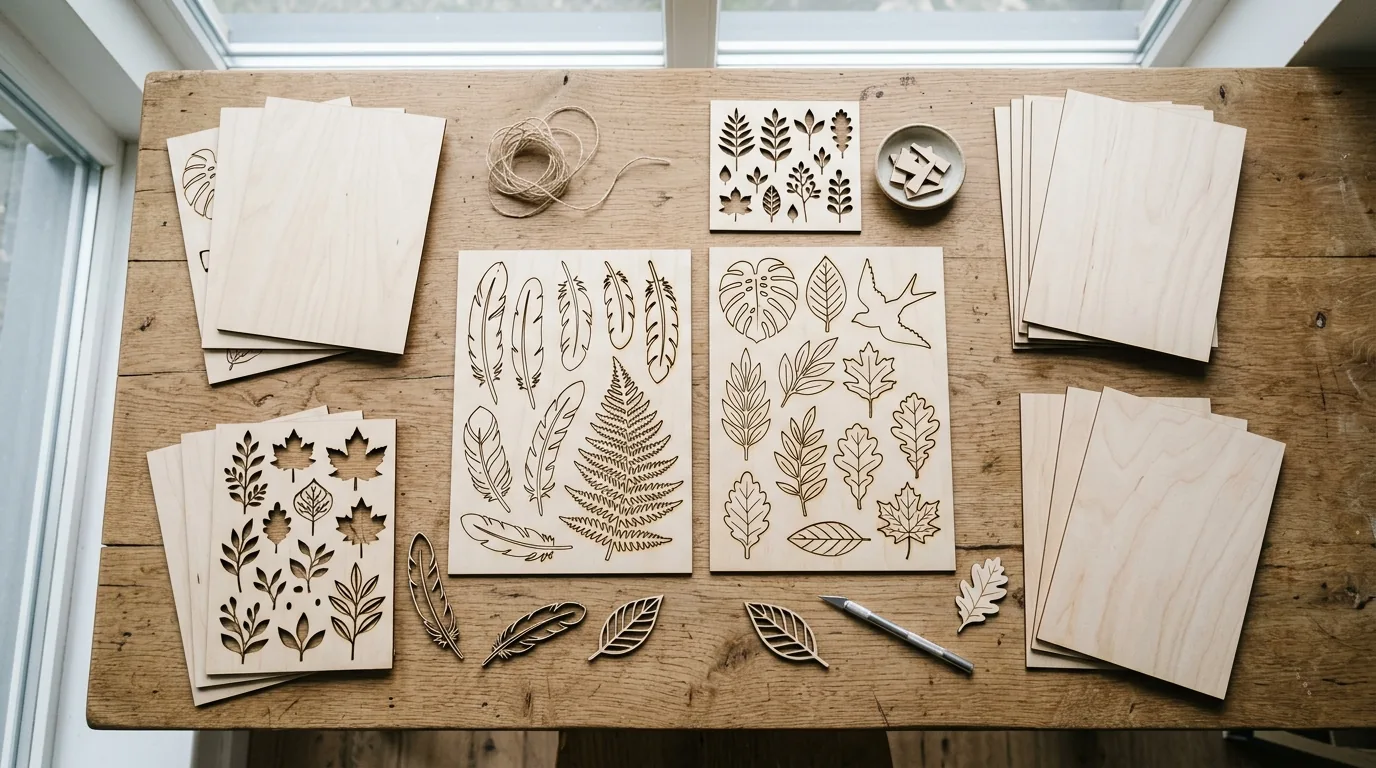
3mm basswood is the best material for all Longer RAY5 models — the 5W, 10W, and 20W all cut and engrave it cleanly with the right settings, producing crisp edges and deep engraving contrast. Below you’ll find the exact verified settings for each RAY5 version on Crafteker basswood, so you can start cutting without burning through test sheets.
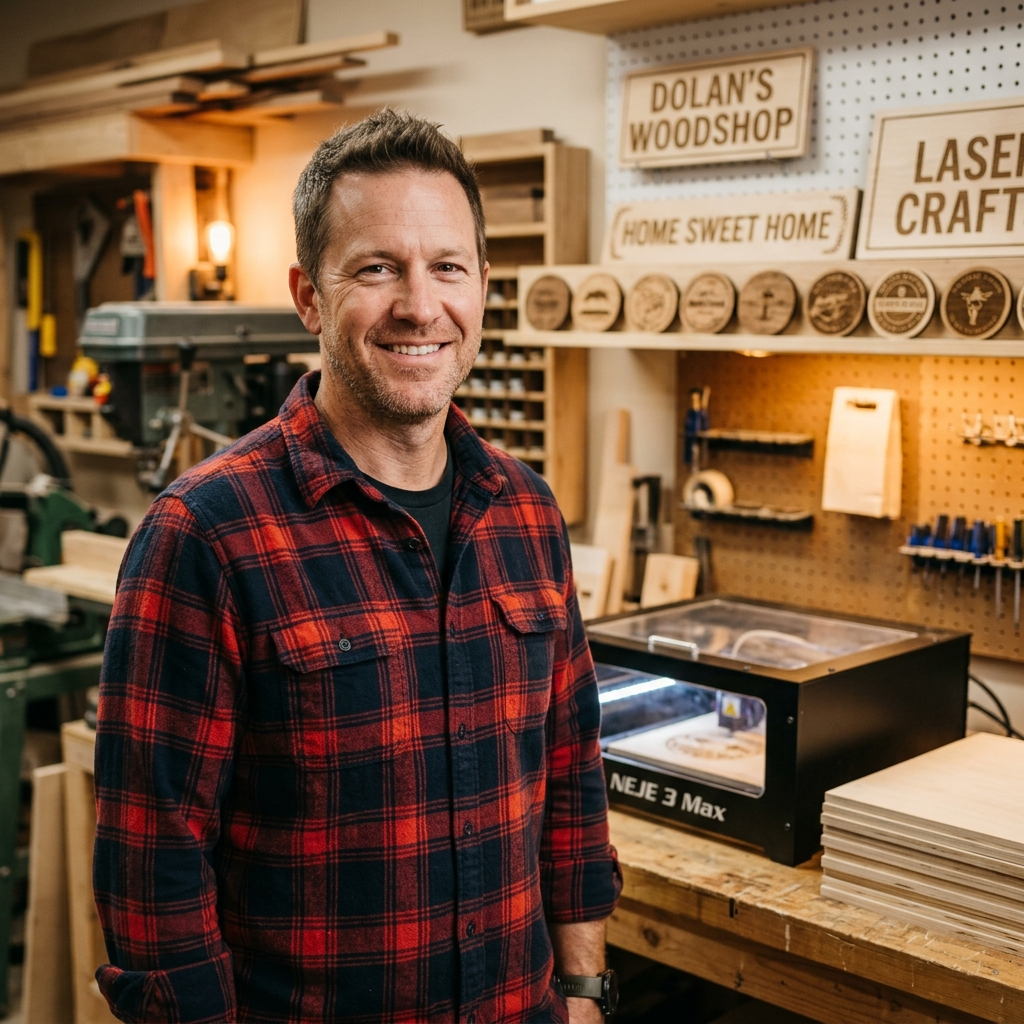
By Mike Dolan ·
| Material | Engraving Contrast | Cut Ease | Smoke / Odor | Cost | Beginner Score |
|---|---|---|---|---|---|
| Basswood (3 mm) | ★★★★★ | Excellent — 1–2 passes | Low | $ | ★★★★★ |
| Baltic Birch Plywood | ★★★★ | Good — 2–3 passes | Medium | $$ | ★★★★ |
| MDF | ★★★ | Good — 1–2 passes | High (formaldehyde) | $ | ★★ |
| Pine / Soft Plywood | ★★★ | Poor — resin deposits | Medium-High | $ | ★★ |
Why Is Basswood the Best Wood for the Longer RAY5?
The Longer RAY5 series is an open-frame diode laser, which means it’s particularly sensitive to resinous materials — smoke and residue go directly onto the laser module rather than being contained. Basswood solves this problem:
- Low resin — minimal smoke and residue on the RAY5’s laser lens and module
- Consistent density — the same settings work batch after batch without adjustments
- Minimal char — even the 5W model produces clean results with air assist
- Light, workable surface — easy to sand, paint, or stain after cutting
- No toxic fumes — unlike MDF (formaldehyde) or treated plywood, basswood is safe for indoor use with basic ventilation
What Are the Best Longer RAY5 Settings for 3mm Basswood?
All settings below are for Crafteker 3mm basswood sheets (12×12 inch, laser-grade). Use the Laser Settings Calculator to adjust for your specific unit if needed.
| Machine | Cut Speed | Cut Power | Passes | Engrave Speed | Engrave Power | Air Assist |
|---|---|---|---|---|---|---|
| Longer RAY5 5W | 2.5 mm/s | 100% | 2 | 80 mm/s | 40% | Recommended |
| Longer RAY5 10W | 5 mm/s | 100% | 1 | 120 mm/s | 30% | Recommended |
| Longer RAY5 20W | 9 mm/s | 100% | 1 | 180 mm/s | 25% | Recommended |
Note: Air assist is strongly recommended for all RAY5 models. Even a basic aftermarket air pump significantly reduces charring and extends lens life on open-frame diode lasers. The 5W requires 2 passes — do not try to compensate by reducing speed below 2.5 mm/s, as prolonged dwell overheats the material.
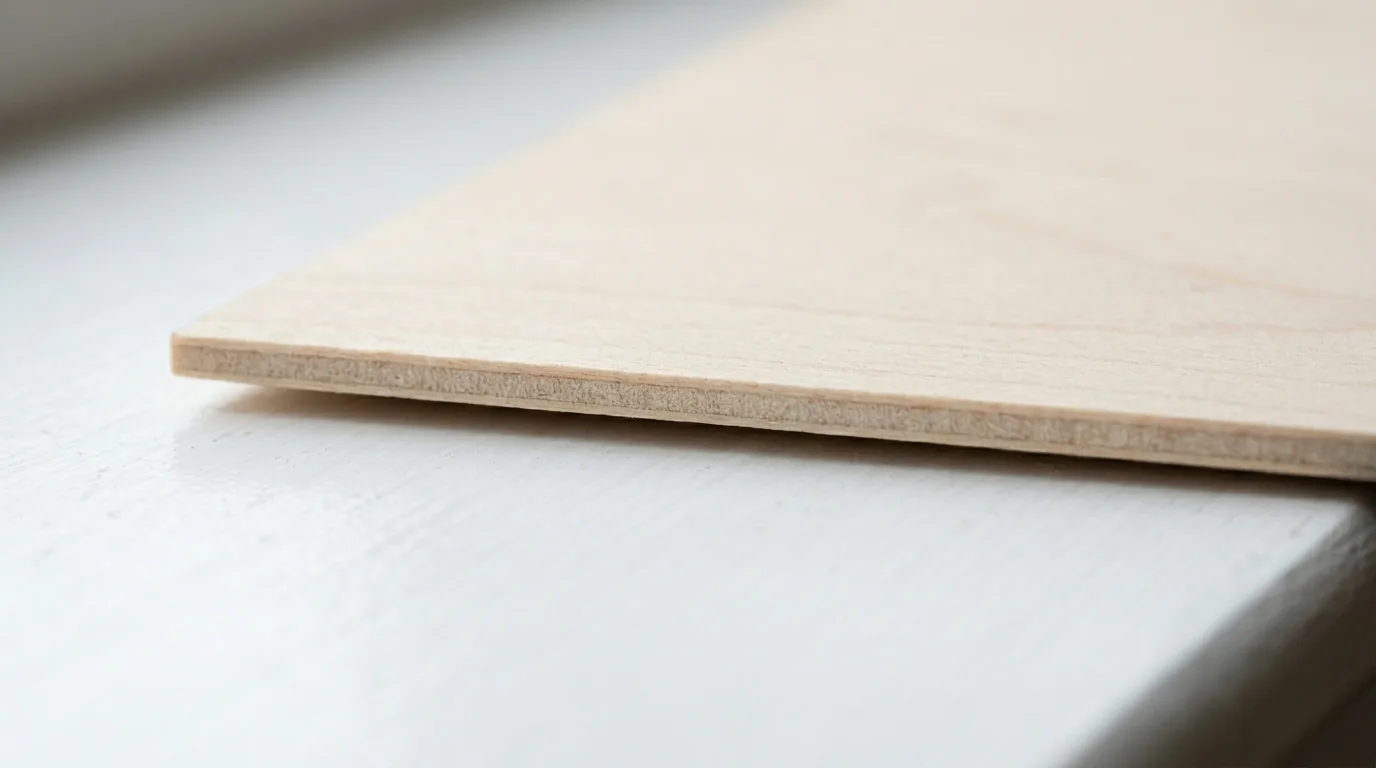
The Crafteker 12-pack basswood sheets are purpose-built for diode laser cutters like the Longer RAY5 — 12×12 inch, 3mm, laser-grade, void-free. $24.99 for 12 sheets ($2.08/sheet).
How Do I Get Clean Cuts on the Longer RAY5? Step-by-Step
Getting clean cuts on the Longer RAY5 depends heavily on focus, air assist, and material consistency. Follow these steps for reliable results across all three RAY5 power levels:
- Set focus precisely. The Longer RAY5 uses a fixed-focus module — use the included focus card to set the correct distance between the laser and the material surface. Re-check after moving the head to a new position.
- Add air assist. The RAY5 doesn’t include built-in air assist. A small aquarium pump ($8–15) connected to the laser head nozzle makes a measurable difference — edges go from brown-charred to nearly white.
- Secure the basswood flat. Open-frame lasers don’t have built-in hold-downs. Use low-tack tape on the corners or weight the sheet edges with metal bars. A warped sheet throws off the focal distance and causes uneven cuts.
- Run a test cut first. Cut a small circle on a scrap corner of the sheet before running the full job. This is especially important for the 5W, where margin for error is smaller.
- Use the exact pass count from the table. Do not add more passes to compensate for unclear cuts — instead, verify focus first. Extra passes char the edges without improving cut-through.
- Clean the lens every 3–5 hours. Open-frame machines accumulate smoke residue on the laser lens quickly. A dirty lens causes 10–15% power loss and uneven spots in engravings.
Which Longer RAY5 Model Is Best for Cutting Basswood?
For cutting production quantities of 3mm basswood, the RAY5 20W is the clear winner. At 9 mm/s it cuts in 1 pass — nearly twice the speed of the 10W (5 mm/s) and 3.6× the 5W (2.5 mm/s, 2 passes). If you mainly engrave and cut occasionally, the 10W is well-balanced. The 5W is only suitable for light cutting — thick 3mm basswood production runs will be slow and frustrating at 2.5 mm/s.
Why Isn’t My Longer RAY5 Cutting Through Basswood Cleanly?
Most incomplete cuts and charring on the RAY5 trace back to four issues:
- Focus is off: This is the #1 cause of incomplete cuts on fixed-focus machines. Re-check with the focus card — even 0.5mm out of focus can prevent clean cut-through on the 5W and 10W.
- No air assist: Without air assist, smoke re-deposits in the kerf as the laser cuts, blocking the beam. Clean kerf = more efficient cutting = fewer passes needed.
- Inconsistent material: Craft plywood has variable density and glue pockets. Laser-grade basswood eliminates this variable — consistent wood means consistent results.
- Dirty lens: On open-frame machines, the lens gets dirty faster than on enclosed models. Clean every 3–5 hours with IPA on a cotton swab.
Where to Buy Basswood Sheets for the Longer RAY5
Crafteker 3mm basswood sheets are the best match for the Longer RAY5 — 12×12 inch, laser-grade, void-free, and pre-sanded. At $24.99 for 12 sheets ($2.08/sheet), it’s the most cost-effective laser wood for all three RAY5 power levels. The consistent quality means the settings in this guide work without re-tuning every batch.
Ready to cut? Get the wood that works with these settings:
→ Buy Crafteker 12-Pack Basswood Sheets on Amazon ($24.99)
Also available: 5-pack ($15.97) · 3-pack ($12.99)
Frequently Asked Questions
What are the best basswood settings for the Longer RAY5 20W?
For 3mm basswood on the Longer RAY5 20W: cut at 9 mm/s, 100% power, 1 pass with air assist. For engraving: 180 mm/s, 25% power. The RAY5 20W is the most capable version for cutting basswood, handling it cleanly in a single pass.
Can the Longer RAY5 5W cut 3mm basswood?
Yes. The Longer RAY5 5W cuts 3mm basswood at 2.5 mm/s, 100% power, 2 passes with air assist. It requires more passes than the 10W or 20W versions, so it’s better suited for engraving and light cutting rather than high-volume production work.
What basswood settings work on the Longer RAY5 10W?
For 3mm basswood on the Longer RAY5 10W: cut at 5 mm/s, 100% power, 1 pass with air assist. For engraving: 120 mm/s, 30% power. The 10W handles 3mm basswood in a single pass, making it significantly more practical than the 5W for cutting projects.
Is the Longer RAY5 20W worth the upgrade from 10W for basswood?
Yes — the RAY5 20W cuts at 9 mm/s vs 5 mm/s for the 10W, nearly doubling cut throughput. Engraving speed also jumps from 120 mm/s to 180 mm/s. If you regularly cut 5+ sheets per session, the 20W pays back the upgrade cost quickly in time saved.
What is the best wood for the Longer RAY5 laser?
3mm basswood is the best wood for all Longer RAY5 models. It has low resin content (safe for diode lasers), consistent density across every sheet, and produces minimal char. At $2.08/sheet in bulk, it’s also the most cost-effective option for regular cutting.
About the author: Mike Dolan is a laser maker and wood materials specialist with 8+ years cutting basswood, birch, and MDF on diode and CO₂ machines. He tests every Crafteker basswood batch before listing.
Upgraded from the 5W to the 20W last month — what a difference. 9mm/s in one pass vs 2.5mm/s in two passes, plus way better engraving at 180mm/s. The air assist tip is key, completely changed my cut quality on the 5W before I upgraded.