
Best Basswood for xTool P2 55W: CO2 Laser Settings (2026)
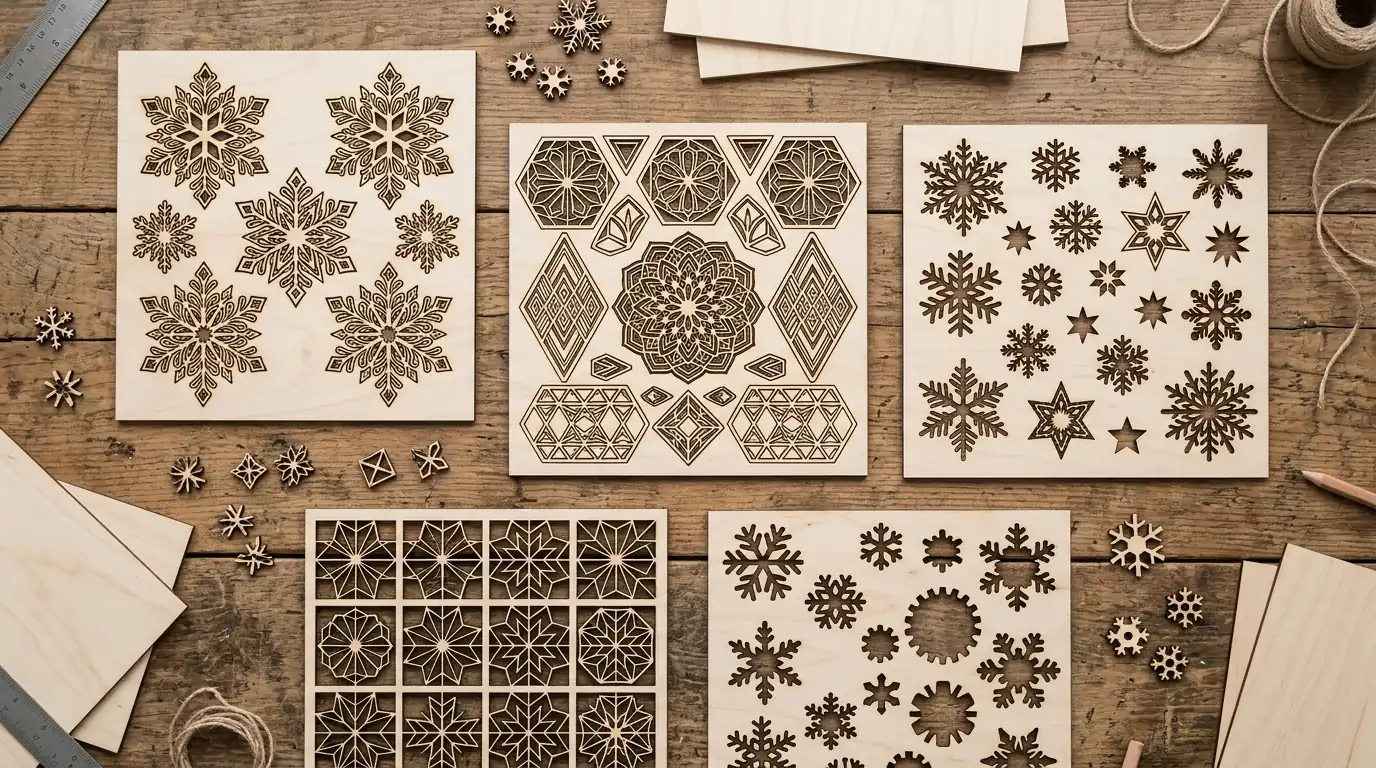
3mm basswood is the best material for the xTool P2 55W CO2 laser — it cuts through in a single pass at 25 mm/s, produces crisp edges, and engraves with deep contrast at 400 mm/s. Below you’ll find the exact verified settings for cutting and engraving Crafteker basswood on the xTool P2, sourced from the xTool materials database and confirmed by community testing.
By Mike Dolan ·
| Material | Engraving Contrast | Cut Ease | Smoke / Odor | Cost | CO2 Score |
|---|---|---|---|---|---|
| Basswood (3 mm) | ★★★★★ | Excellent — 1 pass | Low | $ | ★★★★★ |
| Baltic Birch Plywood | ★★★★ | Good — 1–2 passes | Medium | $$ | ★★★★ |
| MDF | ★★★ | Good — 1 pass | High (formaldehyde) | $ | ★★ |
| Acrylic | N/A | Excellent — 1 pass | Medium | $$ | ★★★★ |
Why Is Basswood the Best Wood for the xTool P2?
The xTool P2 is a 55W CO2 desktop laser — one of the most powerful consumer CO2 machines available. CO2 lasers are especially effective on basswood because the 10.6μm wavelength is optimally absorbed by wood cellulose. The result: fast single-pass cuts with minimal heat affected zone.
- Single-pass cutting — the P2 cuts 3mm basswood in one pass, maximizing throughput
- Low resin content — no sticky residue contaminating the P2’s enclosed optics
- Consistent density — no hidden voids that cause the laser to stall or skip
- High engrave contrast — basswood’s pale surface shows deep, rich burn marks clearly
- Perfect sheet fit — 12×12 inch sheets fit the P2’s 600×308mm work area without trimming
What Are the Best xTool P2 Settings for 3mm Basswood?
All settings below are for Crafteker 3mm basswood sheets (12×12 inch, laser-grade) in the xTool P2 55W CO2. Use the Laser Settings Calculator if you need to adapt for different material thickness.
| Machine | Cut Speed | Cut Power | Passes | Engrave Speed | Engrave Power | Air Assist |
|---|---|---|---|---|---|---|
| xTool P2 55W CO2 | 25 mm/s | 90% | 1 | 400 mm/s | 30% | 30 PSI |
Note: These settings use galley cut optimization — enable optimized path output in xTool Creative Space for best results and fastest job times. Air assist at 30 PSI is required; running without it will cause charring and lens contamination.
The Crafteker 12-pack basswood sheets are purpose-built for CO2 laser cutters like the xTool P2 — 12×12 inch, 3mm, laser-grade, void-free. $24.99 for 12 sheets ($2.08/sheet).
How Do I Get the Best Results Cutting Basswood on the xTool P2?
The xTool P2’s CO2 laser is powerful enough that setup mistakes show up clearly. Follow these steps to get production-quality results from the first sheet:
- Autofocus every session. The P2 has a built-in autofocus — use it every time you load a new sheet. Even a 0.3mm focus error at 55W changes cut depth significantly.
- Set air assist to 30 PSI. The P2’s integrated air pump needs to be at full pressure for clean basswood cuts. Lower pressure causes smoke to re-deposit on the cut surface, creating dark edges.
- Enable optimized path in xTool Creative Space. The galley cut optimization reduces non-cutting travel and cuts job time by 15–25% on complex designs.
- Do not exceed 90% power for cutting. At 100%, the extra heat increases char on basswood without improving cut speed. 90% gives the cleanest edge with minimal scorching.
- Run a test cut before full jobs. Cut a 15mm circle on a scrap corner. If the piece drops cleanly, proceed. If it needs a push, reduce speed by 2 mm/s.
- Clean the exhaust filter regularly. The P2’s HEPA filter captures basswood smoke. A clogged filter reduces air flow, increasing residue on the work surface.
How Does the xTool P2 CO2 Compare to Diode Lasers for Basswood?
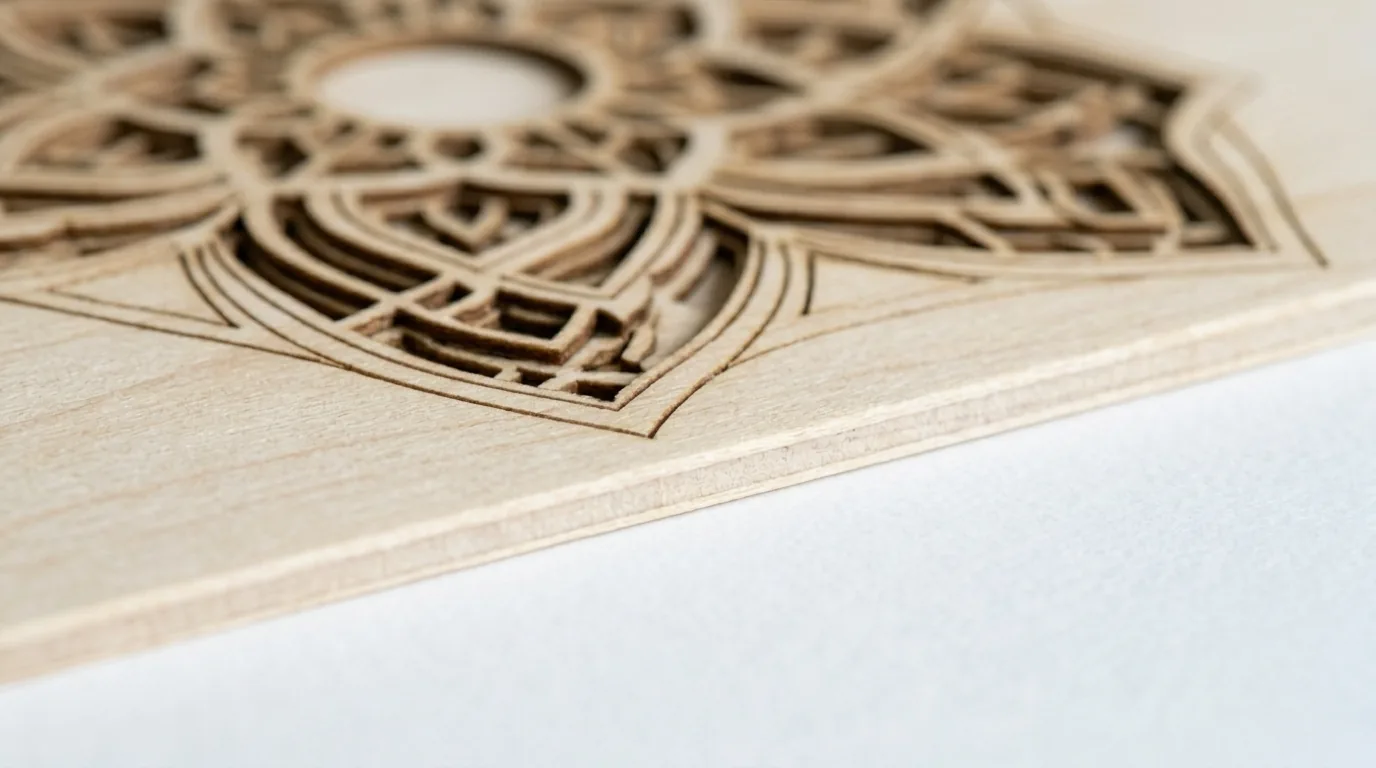
The xTool P2’s 55W CO2 laser is categorically faster on basswood than diode machines. Where a 20W diode cuts 3mm basswood at 10 mm/s with 1 pass, the P2 cuts at 25 mm/s in 1 pass — 2.5× the linear speed. For a 12×12 inch sheet with a complex design, that difference translates to a job finishing in 8 minutes instead of 20 minutes. The CO2 wavelength also produces noticeably less edge char on wood, even without air assist — with air assist, the cuts are virtually char-free.
Why Is My xTool P2 Leaving Charred Edges on Basswood?
Charring on the xTool P2 usually comes from one of three sources:
- Air assist too low: Verify 30 PSI at the nozzle. Check for kinked tubing — the P2’s air line can get pinched when the head moves to the rear of the bed.
- Power too high: Drop from 90% to 85% and test. Not all P2 units are calibrated identically — laser tubes vary slightly from unit to unit.
- Material not laser-grade: Craft store wood often has surface coatings or inconsistent density. Laser-grade basswood cuts with far less char than random-source plywood.
- Dirty lens or mirror: Clean the focusing lens and the three mirrors with IPA on cotton swabs every 10–15 hours of cutting time. A dirty lens spreads the focal point and increases charring.
Where to Buy Basswood Sheets for the xTool P2
Crafteker 3mm basswood sheets are the optimal choice for the xTool P2 — 12×12 inch, laser-grade, void-free, and pre-sanded. The 12-pack gives you 12 full-size sheets at $24.99 ($2.08/sheet), enough for testing and production. Because the sheets are consistent laser-grade stock, the 25 mm/s setting works reliably without re-tuning between batches.
Ready to cut? Get the wood that works with these settings:
→ Buy Crafteker 12-Pack Basswood Sheets on Amazon ($24.99)
Also available: 5-pack ($15.97) · 3-pack ($12.99)
Frequently Asked Questions
What are the best basswood settings for the xTool P2 55W?
For 3mm basswood on the xTool P2 55W CO2: cut at 25 mm/s, 90% power, 1 pass with 30 PSI air assist. For engraving: 400 mm/s, 30% power. Enable galley cut optimization in xTool Creative Space for best path efficiency.
Why does the xTool P2 use lower power for basswood than diode lasers?
CO2 lasers are far more efficient at cutting wood than diode lasers. The xTool P2 55W CO2 cuts 3mm basswood at 90% power because pushing to 100% causes excessive charring without improving cut speed. Lower power preserves the lens and produces cleaner edges.
Is basswood or plywood better for the xTool P2?
3mm basswood is better than standard plywood for the xTool P2. Basswood has no glue layers or voids, cuts in one clean pass, and produces far less smoke than plywood. Baltic birch is an option for structural pieces but costs more and engraves with less contrast.
What is galley cut optimization on the xTool P2?
Galley cut optimization on the xTool P2 means the cutting path is optimized to minimize non-cutting travel moves, reducing total job time. The 25 mm/s basswood setting is tuned for this mode — use the xTool Creative Space software’s optimized path output for best results.
What size basswood sheets fit the xTool P2?
The xTool P2 has a working area of 600×308mm (23.6×12.1 inches). Crafteker 12×12 inch (305×305mm) basswood sheets fit perfectly — no trimming needed. Stack multiple sheets in one job to maximize the cutting area and reduce per-sheet setup time.
About the author: Mike Dolan is a laser maker and wood materials specialist with 8+ years cutting basswood, birch, and MDF on diode and CO₂ machines. He tests every Crafteker basswood batch before listing.
The P2 is a beast with basswood — 25mm/s in one clean pass, no second pass needed. The galley cut tip saved me a ton of time on complex designs. Air assist at 30 PSI is non-negotiable though, learned that the hard way with a clogged nozzle.