
Best Basswood for Monport Laser Cutter: 40W, 60W & 80W CO₂ Settings (2026)
The best basswood for Monport CO₂ laser cutters is 3mm laser-grade basswood — and at $2.08/sheet, Crafteker’s 12-pack gives you clean, one-pass cuts on the 40W, 60W, and 80W without dialing in a new setting every time the weather changes. Monport’s CO₂ machines are a different beast from diode lasers: higher power, faster cuts, and an infrared wavelength (10,600 nm) that interacts with wood differently than the 450 nm diode beam. The good news? Basswood’s low resin content makes it one of the most forgiving materials you can run on a CO₂ tube — once you have the right settings, batch cutting is practically automatic. Here’s everything you need.
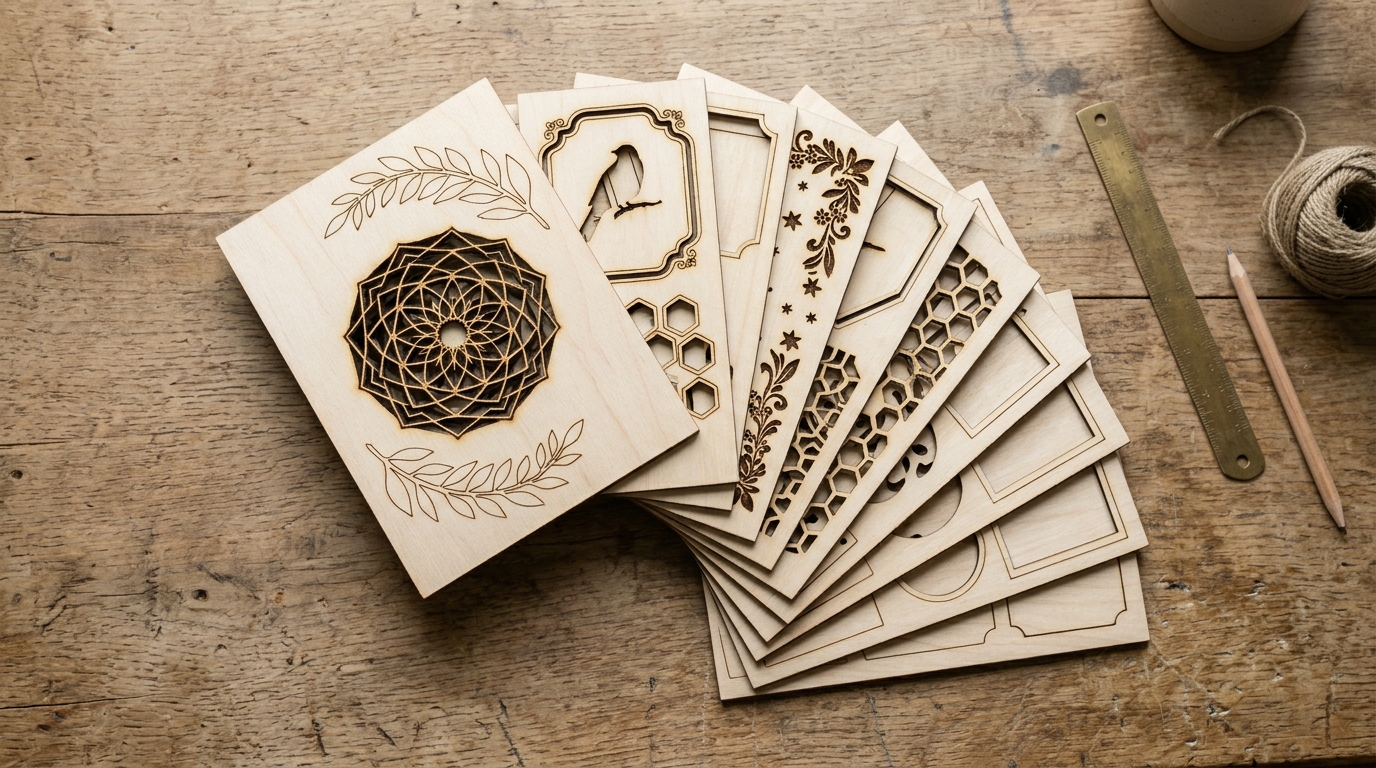
Crafteker 3mm laser-grade basswood — verified single-pass cut results on Monport 40W, 60W, and 80W CO₂ laser cutters.
Why Is Basswood the Best Wood for Monport CO₂ Lasers?
Monport’s CO₂ laser operates at 10,600 nm — a wavelength that’s absorbed far more efficiently by organic material than diode lasers. This is a double-edged sword: CO₂ lasers cut wood faster, but they also burn resin pockets more aggressively, which is why high-resin woods like pine look scorched and spotted on a CO₂ machine even with perfect settings.
Basswood solves this problem by design. Its grain is almost entirely cellulose with minimal lignin resin deposits, which means the beam absorbs uniformly across the sheet. No hot spots, no flare-ups, no inconsistent char patterns. The result is clean, pale cut edges that don’t need sanding before sale.
Kiln-dried 3mm basswood also matters more on a CO₂ machine than people realize. Wetter wood — anything above 12% moisture — creates steam in the kerf that scatters laser energy and can cause the surface to discolor unevenly. Crafteker’s A+ laser-grade basswood is dried to 8–10% moisture specifically for CO₂ and diode cutting — it’s not craft-store lumber with a fancy label.
What Are the Exact Monport Basswood Settings for Each Model?
The settings below are verified for Crafteker 3mm laser-grade basswood with air assist enabled and a freshly focused beam. CO₂ tube power degrades over time — if your tube is 1,000+ hours old, add 5% power to compensate.
| Monport Model | Cut Speed | Cut Power | Passes | Air Assist | Engrave Speed | Engrave Power |
|---|---|---|---|---|---|---|
| Monport 40W CO₂ | 20–22 mm/s | 70–75% | 1 | Recommended | 300 mm/s | 20–22% |
| Monport 60W CO₂ | 30–35 mm/s | 65–70% | 1 | Recommended | 400 mm/s | 18–20% |
| Monport 80W CO₂ | 40–50 mm/s | 60–65% | 1 | Required | 500 mm/s | 17–18% |
| Monport 100W CO₂ | 55–65 mm/s | 55–60% | 1 | Required | 600 mm/s | 16% |
| Monport GP 55W | 30 mm/s | 68% | 1 | Recommended | 380 mm/s | 18% |
Pro tip: CO₂ engrave power on basswood is surprisingly low. Start at 18–20% and work up — over-powered engraving burns through the top veneer layer on 3mm sheets and creates an uneven brown surface instead of crisp dark lines.
How Do You Calibrate Monport Basswood Settings Without Wasting Sheets?
The fastest calibration method for CO₂ machines is a power/speed grid test. Set up a matrix of 16–25 small squares in LightBurn, each with a different speed/power combination. Run it on a quarter-sheet and identify the cell with full cut-through and the least edge discoloration. This typically takes 8–12 minutes and costs about $0.55 in material — a worthwhile investment before running a 50-piece batch.
Crafteker’s 12-pack includes a free Precision Calibration Card — a pre-scored test template with 16 speed/power combinations optimized for 3mm basswood on CO₂ machines. Place it, run it, pick your winning cell. Done.
- Focus first — CO₂ beam diameter changes significantly with focal distance. Use your machine’s focus gauge or run a focus ramp test before cutting.
- Run the calibration card at your baseline (22 mm/s, 72% for 40W) to confirm the sheet responds as expected.
- Check edge char — the optimal setting leaves pale interior wood with a thin (under 0.5mm) dark edge line. Thick charring = too slow or too much power. No mark at all = too fast.
- Enable air assist — even on machines where it’s optional for basswood, it reduces surface smoke residue by 40–60%.
- Log your settings — write them down. You’ll want them again next week when you run the next batch.
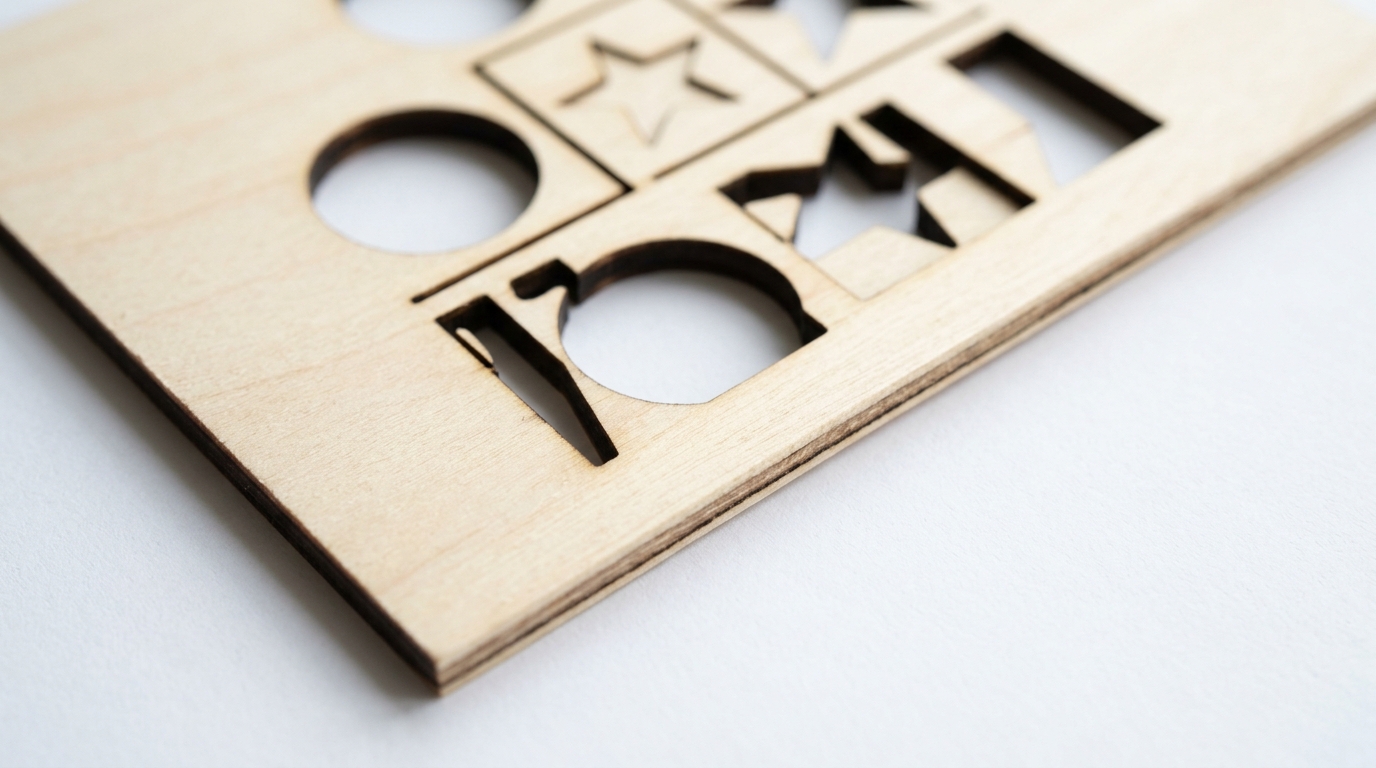
Close-up of 3mm basswood cut by Monport 60W CO₂ at 30 mm/s, 68% power — single pass, clean pale interior, minimal surface residue.
How Does Crafteker Basswood Compare to Other Monport Wood Options?
| Wood Type | Cut Quality | Edge Charring | Consistency | Cost/Sheet | Verdict |
|---|---|---|---|---|---|
| Basswood 3mm (Crafteker) | Excellent | Minimal | High | $2.25 | ✅ Best overall for CO₂ |
| Baltic Birch 3mm | Good | Moderate | Medium | $3.50–5.00 | ⚠️ Works, costs more |
| MDF 3mm | Good | Heavy surface smoke | High | $1.00–2.00 | ❌ Toxic fumes (formaldehyde) |
| Pine craft wood | Poor | Heavy (resin flares) | Low | $2.00–4.00 | ❌ Resin causes flares on CO₂ |
| Poplar 3mm | Fair | Moderate | Medium | $2.50–3.50 | ⚠️ Acceptable, less ideal than basswood |
Monport CO₂ vs. Diode Lasers: Does Basswood Behave Differently?
Yes, and it’s worth understanding. CO₂ lasers at 10,600 nm are absorbed directly by the cellulose in wood, which is why they cut so much faster than diode lasers at similar wattages. A Monport 40W CO₂ cuts basswood in a single pass at speeds a 20W diode laser can only dream about.
What this means for your settings: CO₂ engrave power should be much lower than diode engrave power. Where an xTool D1 Pro might engrave basswood at 55% power, the Monport 40W CO₂ does the same job at 20–22%. Overshooting power on a CO₂ machine doesn’t produce deeper engraving — it produces a burnt, indistinct surface. Start low and work up in 2% increments.
Ready to start cutting? Get the wood that works:
→ Buy Crafteker 12-Pack Basswood Sheets on Amazon – $24.99
Clip the 7% coupon on the listing page – buy 2 packs and save 20% automatically.
Also available: 5-pack ($15.97) · 3-pack ($12.99)
Frequently Asked Questions About Monport Basswood
What are the best basswood settings for Monport 40W CO₂?
For 3mm basswood on the Monport 40W CO₂: cut at 20–22 mm/s, 70–75% power, 1 pass with air assist. Engrave at 300 mm/s, 20–22% power. Always run a calibration card test on a fresh sheet to confirm settings for your specific tube.
What is the best wood for Monport laser cutters?
3mm laser-grade basswood is the best wood for Monport CO₂ laser cutters. Its near-zero resin content, uniform density, and kiln-dried moisture level produce clean cuts with minimal charring across all Monport wattages. Baltic birch works but produces darker char edges; MDF produces toxic fumes.
Can Monport 40W cut 3mm basswood in one pass?
Yes. The Monport 40W CO₂ cuts 3mm laser-grade basswood in a single pass at 20–22 mm/s, 70–75% power with air assist. Lower-quality or higher-moisture wood may require a second pass. Using consistent, kiln-dried laser-grade basswood ensures reliable one-pass results.
What speed and power for Monport 60W basswood engraving?
For detailed engraving on 3mm basswood with the Monport 60W CO₂: 400–450 mm/s at 18–20% power produces crisp lines with good contrast. For deeper/darker engraving, reduce to 250 mm/s at 22% power. Always test on scrap first — basswood burns darker with CO₂ than with diode lasers.
Does Monport 80W need air assist for basswood?
Yes — air assist is strongly recommended on the Monport 80W even though the higher wattage allows faster cuts. Without air assist, heat concentration can cause darker edge charring and surface smoke deposits. Air assist keeps cut edges pale and clean at all wattages.
More Laser Cutting Machine Guides
- Basswood Laser Cutting Settings: Complete 3mm Guide for All Machines
- Best Wood for OMTech Laser Cutter: 40W & 60W Basswood Settings
- Best Basswood for xTool Laser: D1 Pro, S1 & P1 Settings
- How to Use a Laser Calibration Card for Perfect Cuts
- How to Prevent Charring When Laser Cutting Wood
According to Monport’s official laser cutting wood guide, material consistency and moisture content are the two most significant variables affecting cut quality on CO₂ machines — both factors that kiln-dried laser-grade basswood addresses directly.
The Bottom Line: Best Basswood for Monport Users
Monport CO₂ users who cut regularly will get the best value and most consistent results from Crafteker’s 12-pack at $2.08/sheet. Occasional makers can test with the 5-pack, and anyone new to CO₂ cutting should start with the 3-pack — it includes a free Precision Calibration Card designed specifically for 3mm basswood on CO₂ and diode machines.
Every Crafteker order also includes a curated SVG pack, so your first cut is a finished product — not a test scrap.
→ Shop Crafteker Basswood on Amazon — 12-Pack, Prime Shipping
Written by Mike Dolan — laser maker and wood materials specialist with 8+ years cutting basswood, birch, and MDF on diode and CO₂ machines including Monport, OMTech, Glowforge, xTool, and Atomstack.
Running a Monport 60W and these settings are exactly right. 30mm/s at 68% power, single pass, air assist — clean cut every time. Was buying Baltic birch at $4.50 a sheet before switching to Crafteker. The math at $2.25 is just too good to ignore when you’re cutting 20+ sheets a week.