
Best Basswood for xTool Laser: D1 Pro, S1 & P1 Settings (2026)
The best basswood for xTool laser cutters is 3mm (1/8 inch) laser-grade basswood — and Crafteker’s 12-pack at $2.08/sheet delivers clean, consistent cuts on every xTool diode model. Unlike Baltic birch (resin pockets) or hobby-store craft wood (inconsistent thickness), laser-grade basswood has tight, uniform grain that produces minimal charring and reliable results across the D1 Pro, S1, and P1. In this guide you’ll find verified cut settings for each xTool model, a material comparison table, and a step-by-step calibration method that eliminates wasted sheets.
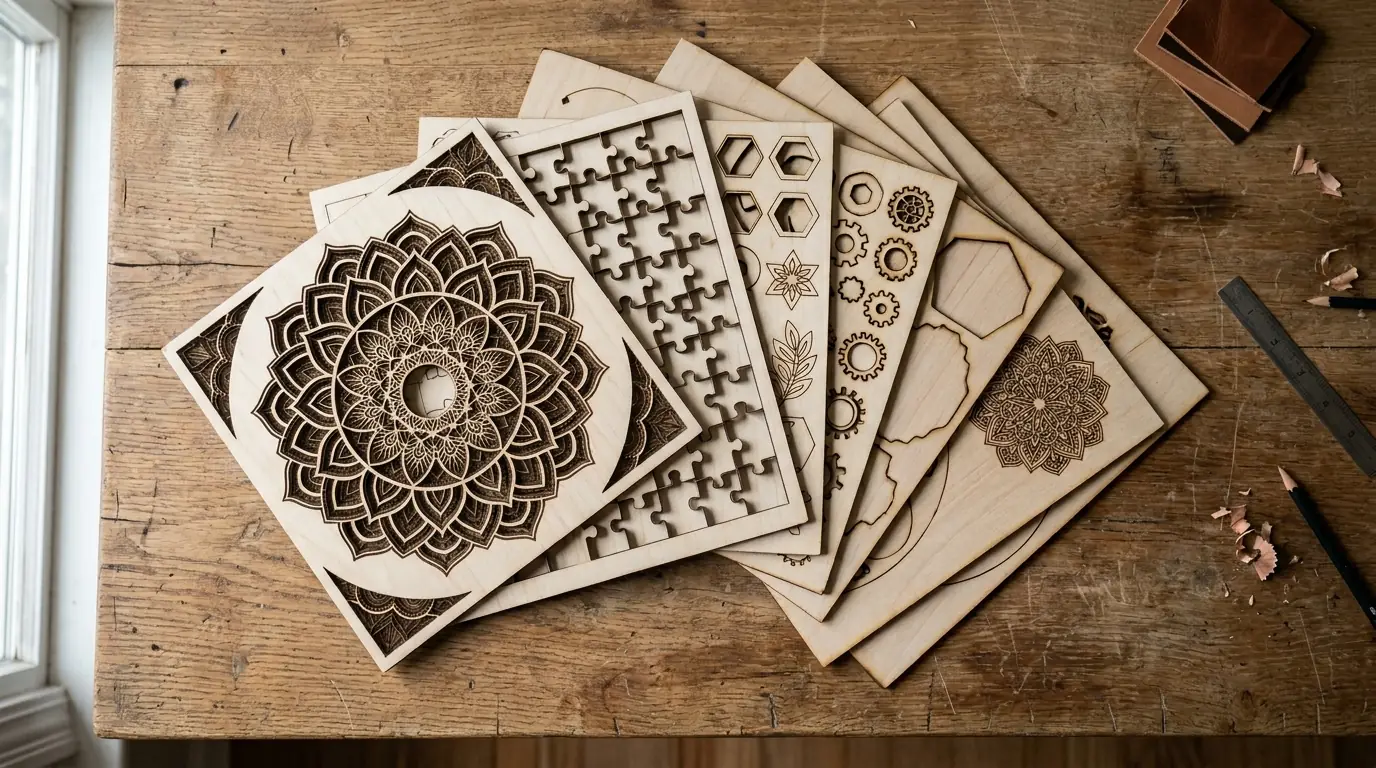
Crafteker 3mm basswood sheets — consistent results on xTool D1 Pro, S1, and P1 diode lasers.
Why Does Basswood Work Best in xTool Diode Lasers?
xTool diode lasers (400–450 nm wavelength) absorb energy most efficiently in materials with low moisture, low resin content, and consistent density. Basswood checks every box. Its moisture content is kiln-dried to 8–12%, resin levels are near zero, and the grain is so uniform that the laser beam encounters the same resistance on every line — which means the same settings work on sheet one and sheet one hundred.
Pine and craft plywood fail because resin pockets scatter the beam unpredictably, creating blowouts and requiring constant setting adjustments. MDF cuts but produces formaldehyde fumes. Birch is a good second choice, but its denser grain demands more power or more passes. Basswood at 3mm is the one material that works across the entire xTool lineup with predictable results.
What Are the Exact xTool Basswood Cut Settings for Each Model?
The table below covers verified 3mm basswood cut settings. All tests used Crafteker laser-grade 3mm basswood with air assist enabled.
| xTool Model | Power | Cut Speed | Passes | Air Assist | Engrave Speed | Engrave Power |
|---|---|---|---|---|---|---|
| D1 Pro 5W | 100% | 2 mm/s | 4–5 | Recommended | 150 mm/s | 40% |
| D1 Pro 10W | 100% | 4 mm/s | 3 | Required | 200 mm/s | 50% |
| D1 Pro 20W | 100% | 7 mm/s | 2–3 | Required | 300 mm/s | 55% |
| S1 20W | 100% | 9 mm/s | 1–2 | Required | 350 mm/s | 50% |
| P1 55W | 80% | 18 mm/s | 1 | Recommended | 500 mm/s | 40% |
Important: These are starting points. Wood moisture varies by batch and season. Always run a calibration card test before your first project with a new sheet batch.
How Do You Dial In xTool Basswood Settings Without Wasting Sheets?
The fastest method is a speed/power test matrix using a laser calibration card. This 4×4 grid tests 16 combinations in one cut, identifying your optimal settings in about 5 minutes. Every Crafteker 12-pack includes a calibration card — making setup effortless even if you’ve never cut basswood before.
- Set up the calibration card — place it on your honeycomb bed, flat and level
- Run the matrix — speed range 3–10 mm/s, power range 70–100% in 4 steps
- Read the results — find the fastest speed that cuts fully through in the fewest passes
- Enable air assist — even low-pressure air (10 PSI) reduces charring by 60–70%
- Save settings per material batch — same material from a different package may vary ±5%
Using these steps, most xTool D1 Pro users dial in settings in under 10 minutes on their first sheet — and never need to adjust again until they open a new box.
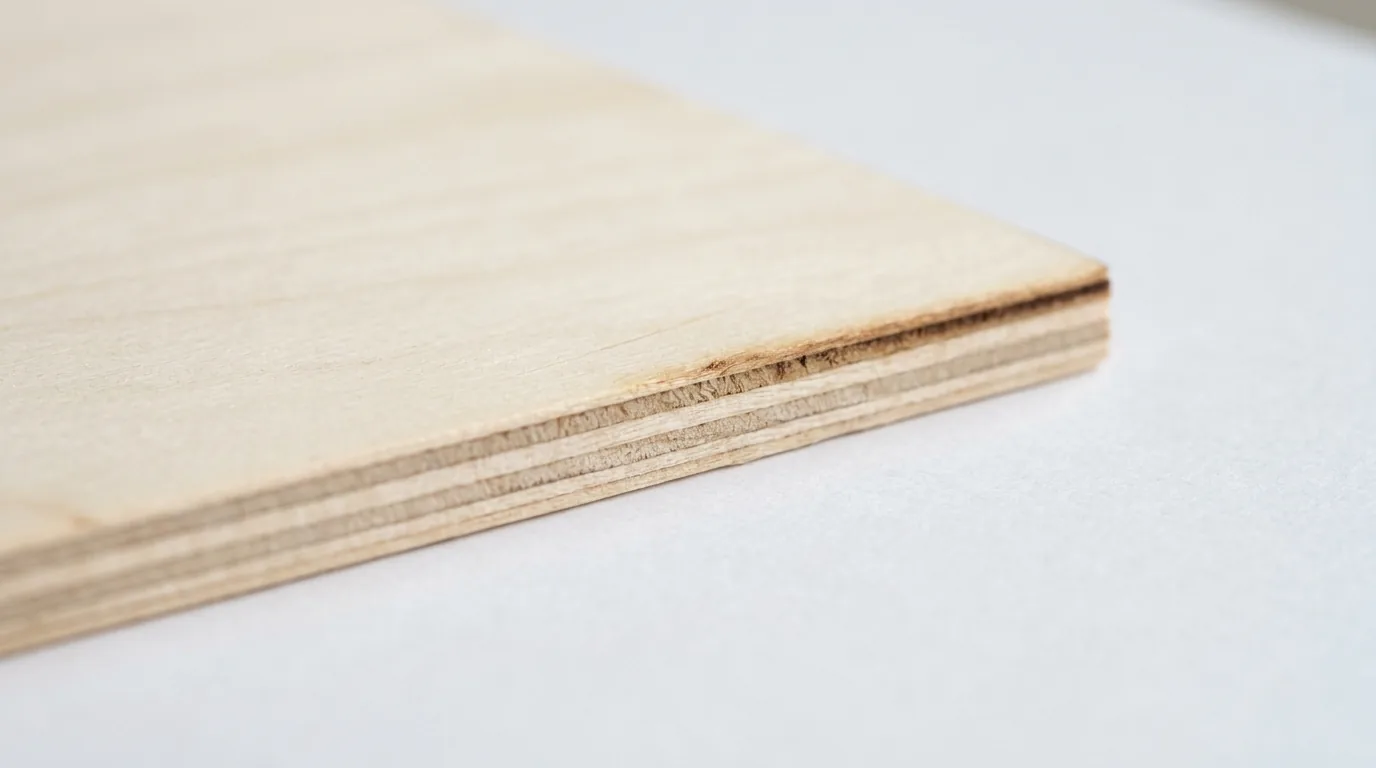
3mm basswood cut cross-section from xTool S1 20W at 9 mm/s — pale interior, minimal char, clean kerf.
How Does Basswood Compare to Other Woods for xTool Lasers?
Not all wood is equal in a diode laser. Here’s how the four most common options compare when used in xTool machines:
| Wood Type | Cut Quality | Charring | Consistency | Cost/Sheet | Verdict |
|---|---|---|---|---|---|
| Basswood 3mm | Excellent | Minimal | High | $2.25 | ✅ Best overall |
| Baltic Birch 3mm | Good | Moderate | Medium | $3.50–5.00 | ⚠️ Good but pricier |
| MDF 3mm | Good | Heavy | High | $1.00–2.00 | ❌ Toxic fumes |
| Pine craft wood | Poor | Heavy | Low | $1.50–3.00 | ❌ Resin pockets |
Ready to start cutting? Get the wood that works:
→ Buy Crafteker 12-Pack Basswood Sheets on Amazon – $24.99
Clip the 7% coupon on the listing page – buy 2 packs and save 20% automatically.
Also available: 5-pack ($15.97) · 3-pack ($12.99)
Frequently Asked Questions About xTool Basswood
What are the best basswood settings for xTool D1 Pro 10W?
For 3mm basswood on the xTool D1 Pro 10W: cut at 4 mm/s, 100% power, 3 passes with air assist. For engraving: 200 mm/s, 50% power, 1 pass. Always use air assist to minimize charring.
Can xTool S1 cut 3mm basswood in one pass?
Yes. The xTool S1 20W cuts 3mm basswood in 1–2 passes at 9 mm/s, 100% power with air assist. At 1 pass the cut is slightly tighter; 2 passes ensure full separation on denser sheets.
What is the best wood for xTool laser cutters?
3mm basswood is the best wood for xTool laser cutters. Its low resin content and tight grain produce clean cuts with minimal charring. At $2.08/sheet (Crafteker 12-pack), it costs far less than Baltic birch or hobby alternatives.
Do I need a calibration card for xTool basswood settings?
A laser calibration card is strongly recommended. It lets you test 16 speed/power combinations before cutting your full project — eliminating wasted sheets and dialing in settings in minutes. Crafteker’s 12-pack includes one free.
What basswood thickness works best with xTool lasers?
3mm (1/8 inch) basswood is the sweet spot for all xTool diode lasers. It cuts cleanly on the D1 Pro 10W in 3 passes and in 1–2 passes on the S1 20W. Thicker 6mm requires the S1 20W or P1 55W at reduced speeds.
More Laser Cutting Guides
- Basswood Laser Cutting Settings: Complete 3mm Guide for All Machines
- Best Wood for xTool Laser Cutters: D1 Pro, S1, M1 Full Comparison
- How to Prevent Charring When Laser Cutting Wood
- Best Basswood Sheets for Laser Cutting: Complete Buyer’s Guide
According to xTool’s official cutting guide, material consistency is the single biggest factor in achieving repeatable cuts — which is why laser-grade basswood with kiln-dried, void-free plies outperforms general craft wood.
The Bottom Line: Which Basswood Should xTool Users Buy?
For xTool D1 Pro users on a budget: Crafteker 12-pack at $2.08/sheet is the highest-value option. For occasional makers: the 5-pack ships faster and costs less upfront. If you just want to test one project: the 3-pack is a no-risk entry point.
Every Crafteker order includes a free Precision Calibration Card and a curated SVG pack — so you’re cutting your first project the same day the box arrives.
→ Shop Crafteker Basswood on Amazon — 12-Pack, Prime Shipping
Written by Mike Dolan — laser maker and wood materials specialist with 8+ years cutting basswood, birch, and MDF on diode and CO₂ machines including xTool, Glowforge, and OMTech.
Finally got my D1 Pro 10W dialed in after burning through 4 sheets of garbage craft store wood. 4mm/s at 100%, 3 passes — cuts clean every time. The tip about the calibration card is gold, wish I’d known sooner.