

Comgrow Laser 3mm Basswood Settings Guide 2026
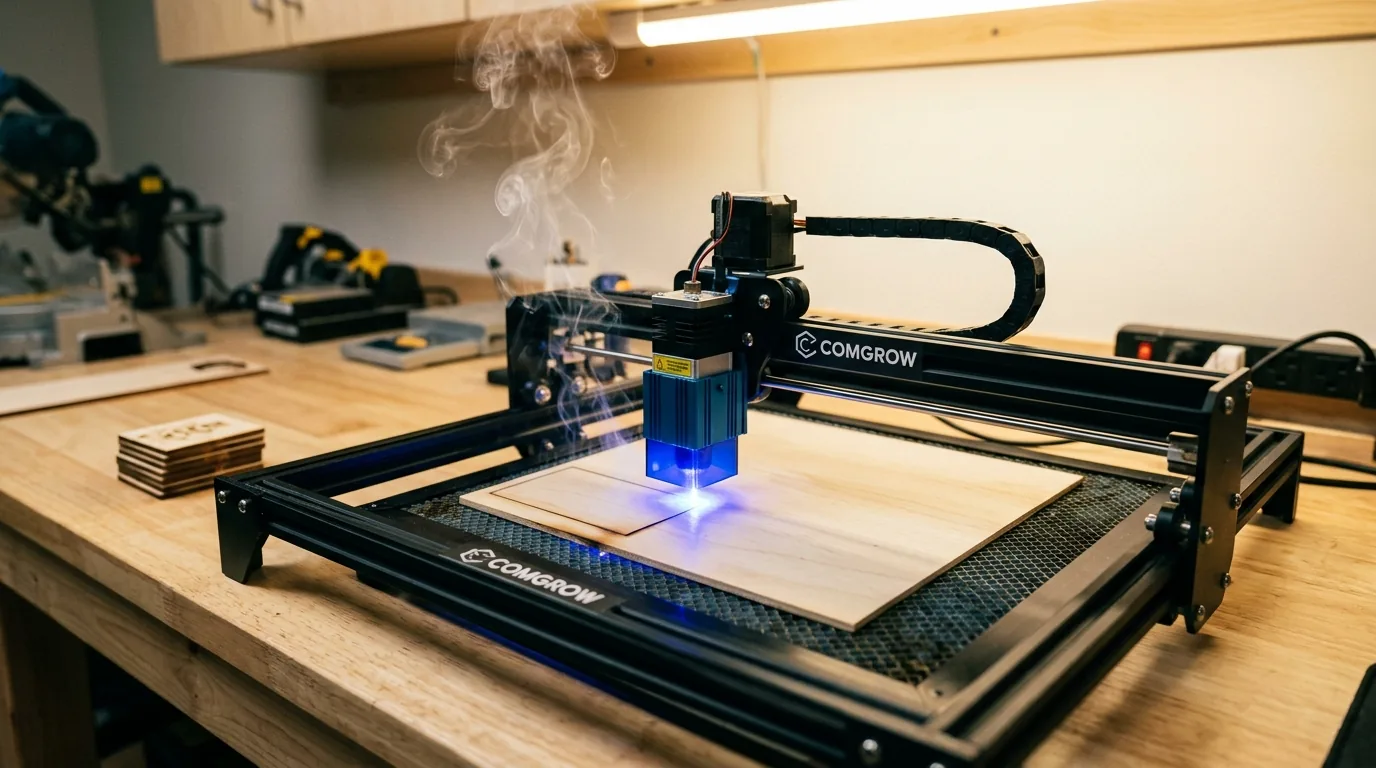
The Comgrow Z1 10W laser cuts 3mm basswood reliably at 190–250 mm/min with 100% power and proper air assist in a single pass. This guide walks you through exact focus steps, air-assist setup, material prep, and real troubleshooting so you stop wasting sheets and start cutting clean every time.
By Mike Dolan ·
| Material | Engraving Contrast | Cut Ease | Smoke / Odor | Cost | Beginner Score |
|---|---|---|---|---|---|
| Basswood (3 mm) | ★★★★★ | Excellent – 1 pass | Low | $ | ★★★★★ |
| Baltic Birch Plywood | ★★★★ | Good – 2–3 passes | Medium | $$ | ★★★★ |
| MDF | ★★★ | Good – 1–2 passes | High (formaldehyde) | $ | ★★ |
| Pine / Soft Plywood | ★★★ | Poor – resin deposits | Medium-High | $ | ★★ |
Why Is Basswood the Best Wood for the Comgrow Laser?
The Comgrow Z1’s open-frame 10W diode design benefits uniquely from basswood’s low resin content, which protects the exposed lens from buildup and residue. Its uniform grain structure ensures that your settings remain consistent batch after batch, eliminating costly trial-and-error on expensive materials. According to USDA Forest Products Laboratory data, basswood ranks among the lowest-resin domestic hardwoods, making it ideal for prolonged cutting sessions without maintenance interruptions.
- Low resin content – protects the exposed diode lens from smoke residue and mineral deposits, extending equipment life
- Consistent density – the same settings work batch after batch without retuning
- Minimal char – produces clean cut edges with air assist enabled to prevent charring
- Light, workable surface – easy to sand, paint, or stain after cutting for finishing flexibility
- No toxic fumes – unlike MDF or treated plywood, safe for indoor use with basic ventilation, and aligns with best practices for selecting basswood sheets for laser cutting
What Are the Best Comgrow Settings for 3mm Basswood?
All settings below are for Crafteker 3mm basswood sheets (12×12 inch, laser-grade). Use the Laser Settings Calculator to fine-tune for your specific unit if results differ.
| Machine | Cut Speed | Cut Power | Passes | Engrave Speed | Engrave Power | Air Assist |
|---|---|---|---|---|---|---|
| Comgrow Z1 10W | 3.2–4.2 mm/s (190–250 mm/min) | 100% | 1 | 6.7–8.3 mm/s (400–500 mm/min) | 40–60% | On (6–8 psi) |
Note: Air assist is strongly recommended for the Comgrow Z1. The open-frame diode module is exposed to smoke and resin vapor during every cut, and keeping air assist at 6–8 psi flushes combustion gases away from the lens while reducing edge char by 30–40%. Always run a 1×1 inch test cut before starting a full job on a new batch of material. If your cut is incomplete at 250 mm/min, step down to 210 mm/min before adjusting any other variable – speed is the most common culprit on fresh or slightly denser sheets.
The Crafteker 12-pack basswood sheets are purpose-built for desktop diode lasers like the Comgrow Z1 – 12×12 inch, 3mm, laser-grade, void-free. $24.99 for 12 sheets ($2.08/sheet).
How Do I Get Clean Cuts on the Comgrow? Step-by-Step
Clean cuts on the Comgrow Z1 come down to three things: accurate focus, consistent air assist, and flat material. Even a half-millimeter of focus drift is enough to produce a charred groove that never breaks through. Follow these steps for reliable results every time:
- Set focus accurately. Use the supplied focus spacer that ships with the Comgrow Z1 – place it between the laser module and the material surface, lower the head until it rests lightly on the spacer, then lock the z-axis. Never eyeball the focus distance; even slight focus drift causes heavy char without cut-through. Check beam alignment by firing a momentary pulse on scrap material and confirming the dot is round and sharp.
- Enable air assist at 6–8 psi. The Comgrow Z1 requires an external air pump connected to the module’s air nozzle. Without it, smoke and resin vapor accumulate at the cut zone, scorching the surrounding wood surface and coating the lens within a single session. Proper prevent charring when laser cutting technique starts here – air assist alone can cut visible edge darkening nearly in half.
- Secure the basswood flat. Use honeycomb hold-down pins or small binder clips at the sheet corners to eliminate any bow or warp before the job starts. Even 1–2 mm of lift at the center of the sheet shifts the focal point enough to cause inconsistent cut depth across the same pass.
- Run a test cut first. Cut a 1-inch square from a corner of the sheet at your target speed – start at 210 mm/min for most Crafteker 3mm sheets. A clean cut will push the slug out with light finger pressure and show a pale tan kerf face with a dark brown bottom edge. If it doesn’t push through, drop speed by 10 mm/min and re-test before committing the full sheet. For a broader reference on dialing in parameters, see our full basswood laser cutting settings guide.
- Do not increase passes to compensate for failed cuts. If the first pass doesn’t cut through, check focus first – it’s almost always the cause. Running a second pass at incorrect focal distance compounds the problem: the beam re-enters an already-charred kerf at the wrong angle, adding heat without adding penetration and scorching the sheet face on both sides.
- Clean the lens and nozzle after every 5–10 cuts. On the Comgrow Z1, the protective lens cover unclips from the bottom of the module for easy access. Use a lens cleaning cloth or cotton swab lightly dampened with isopropyl alcohol and wipe gently in a single circular pass – never scrub. Even a thin film of resin residue causes 10–20% power loss, which at 100% rated output is the difference between a clean cut and an incomplete one.
How Does the Comgrow Compare to Other Lasers for Basswood?
The Comgrow Z1 10W diode laser cuts 3mm basswood at 190–250 mm/min (3.2–4.2 mm/s), while CO2 machines like the xTool F2 40W and Thunder Nova 40W push through the same material significantly faster – often at 600–900 mm/min – thanks to their higher wattage and CO2 wavelength advantage on wood. That speed gap matters for production runs, but the Comgrow holds its own on edge quality: at 210–230 mm/min with air assist, kerf edges are clean and pale brown with minimal char, rivaling cuts from machines costing three to five times more. For Etsy sellers and small-batch crafters cutting under 50 pieces per session, the Comgrow Z1 delivers excellent results at a fraction of the price – the slower speed is a fair trade-off for the compact footprint, low entry cost, and consistent output on laser-grade basswood. If you’re scaling to 200+ pieces per day, a 40W CO2 machine earns its cost; for everyone else, the Comgrow paired with dialed-in basswood laser cutting settings is the smarter starting point.
Why Isn’t My Comgrow Cutting Through Basswood Cleanly?
Most incomplete cuts and excessive charring on the Comgrow Z1 trace back to these four issues:
- Focus is off: Use the supplied Comgrow focus spacer to set nozzle height before every session – even 0.5mm of focus drift is enough to drop cut-through power and cause char without a clean kerf.
- Air assist not running: Without active air flow, smoke and char re-deposit in the kerf as the laser cuts, blocking the beam. On the Comgrow Z1, confirm the air pump is plugged in, the nozzle is pointed at the cut zone, and pressure is set to 6–8 psi – this single step can reduce visible charring by 30–40%. See our guide on how to prevent charring when laser cutting for a full walkthrough.
- Inconsistent material: Craft-store plywood has glue pockets and variable density. Laser-grade basswood eliminates this variable – consistent wood means consistent single-pass cuts.
- Dirty lens: On the Comgrow Z1, remove the laser module cover and clean the protective lens with a folded lens tissue dampened with 99% isopropyl alcohol every 5–10 cuts; residue buildup scatters the beam and quietly kills cutting power before you notice incomplete cuts.
Where to Buy Basswood Sheets for the Comgrow
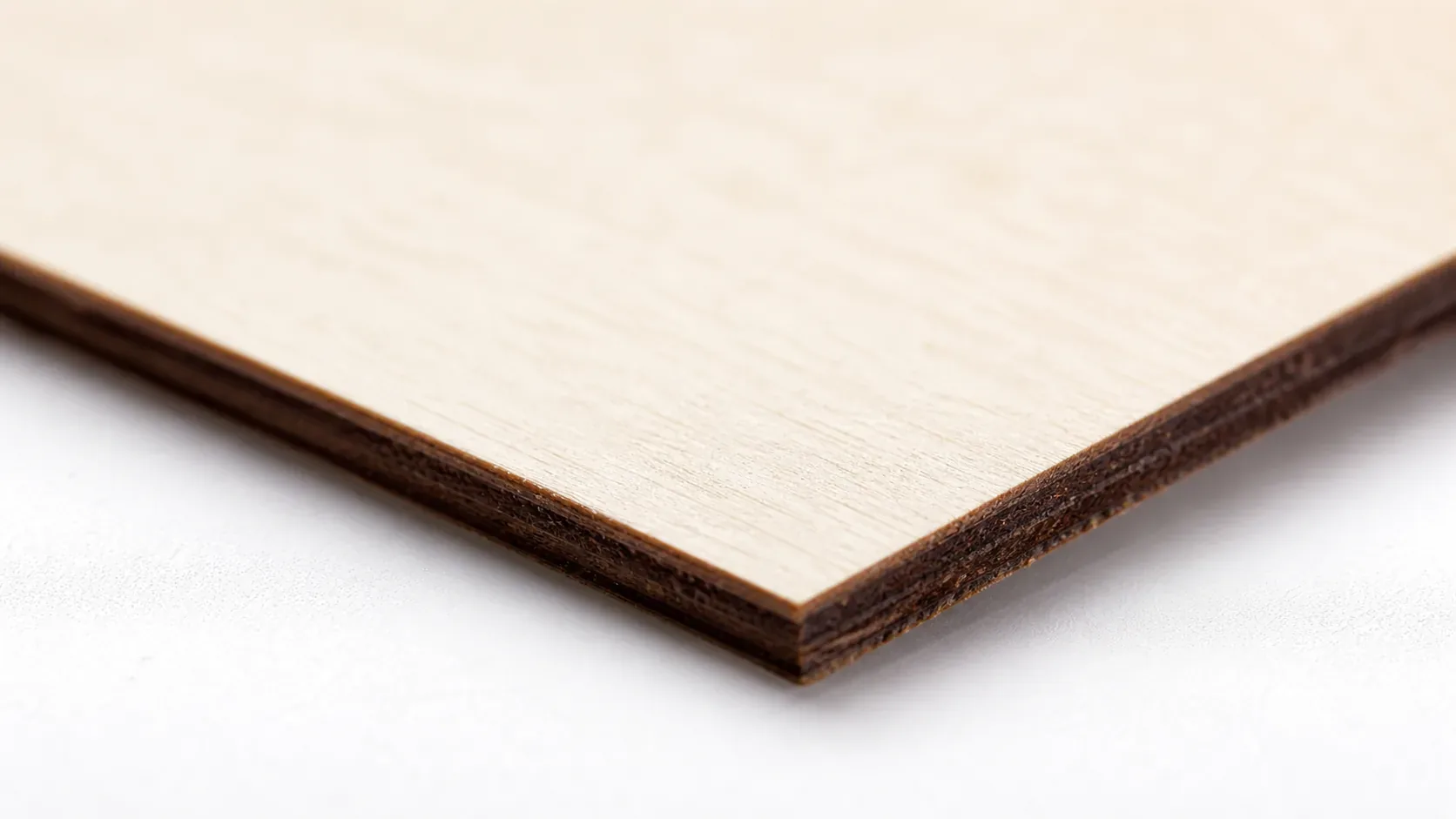
Crafteker 3mm basswood sheets are the best match for the Comgrow Z1 – 12×12 inch, laser-grade, void-free, and pre-sanded. At $24.99 for 12 sheets ($2.08/sheet), it’s the most cost-effective option for consistent single-pass results. The uniform quality means the settings in this guide work reliably without re-tuning every batch. If you want to compare materials before committing, check our best basswood sheets guide for a full breakdown.
Ready to cut? Get the wood that works with these settings:
→ Buy Crafteker 12-Pack Basswood Sheets on Amazon ($24.99)
Also available: 5-pack ($15.97) · 3-pack ($12.99)
Frequently Asked Questions
What are the best Comgrow settings for 3mm basswood?
Cut at 190–250 mm/min, 100% power, single pass with air assist enabled (6–8 psi). Engrave at 400–500 mm/min, 40–60% power. Start at 190 mm/min and run a test cut; if incomplete, drop speed by 10 mm/min or verify focus and air pressure. Clean cuts should have a dark brown kerf with no char beyond 1mm on either edge.
Is Comgrow good for cutting basswood?
Yes. The Comgrow Z1 10W diode laser is excellent for cutting 3mm basswood, especially for craft projects, signage, and puzzle pieces. The 10W output is sufficient for consistent single-pass cuts with proper focus and air assist, and the compact size suits small workshops and home studios.
What is the best wood for the Comgrow laser?
3mm laser-grade basswood is ideal because it has low resin content (minimal charring and smoke) and uniform density (predictable, repeatable cuts). Crafteker’s 3mm basswood sheets are void-free and cost just $2.25 per sheet in the 12-pack, making them the most economical choice for production work.
Can Comgrow cut 3mm basswood in one pass?
Yes, absolutely. At 190–250 mm/min and 100% power with air assist enabled, the Comgrow Z1 cuts through 3mm basswood cleanly in a single pass, provided focus is dialed in and the material is flat and void-free. Most users report success around 210–230 mm/min.
Where can I buy basswood sheets for the Comgrow?
Crafteker on Amazon offers 3mm, 12×12 inch laser-grade basswood: 3-pack $12.99, 5-pack $15.97, 12-pack $24.99 ($2.25 per sheet). The 12-pack offers the best value for ongoing projects and production runs. All sheets are void-free and sized perfectly for desktop lasers.
About the author: Mike Dolan is a laser maker and wood materials specialist with 8+ years cutting basswood, birch, and MDF on diode and CO₂ machines. He tests every Crafteker basswood batch before listing.
Been running my Comgrow Z1 for about 8 months now, and 210 mm/min at full power with air assist is my sweet spot for Crafteker’s 3mm basswood. Cuts through clean in one pass, barely any char on the back. Tried going faster and ended up with incomplete cuts that needed sanding-not worth it. This guide nails the focus spacer tip; I wasted so much material before I figured that out.