

NEJE 3 Pro Basswood Settings 3mm Cut Engrave Guide 2026
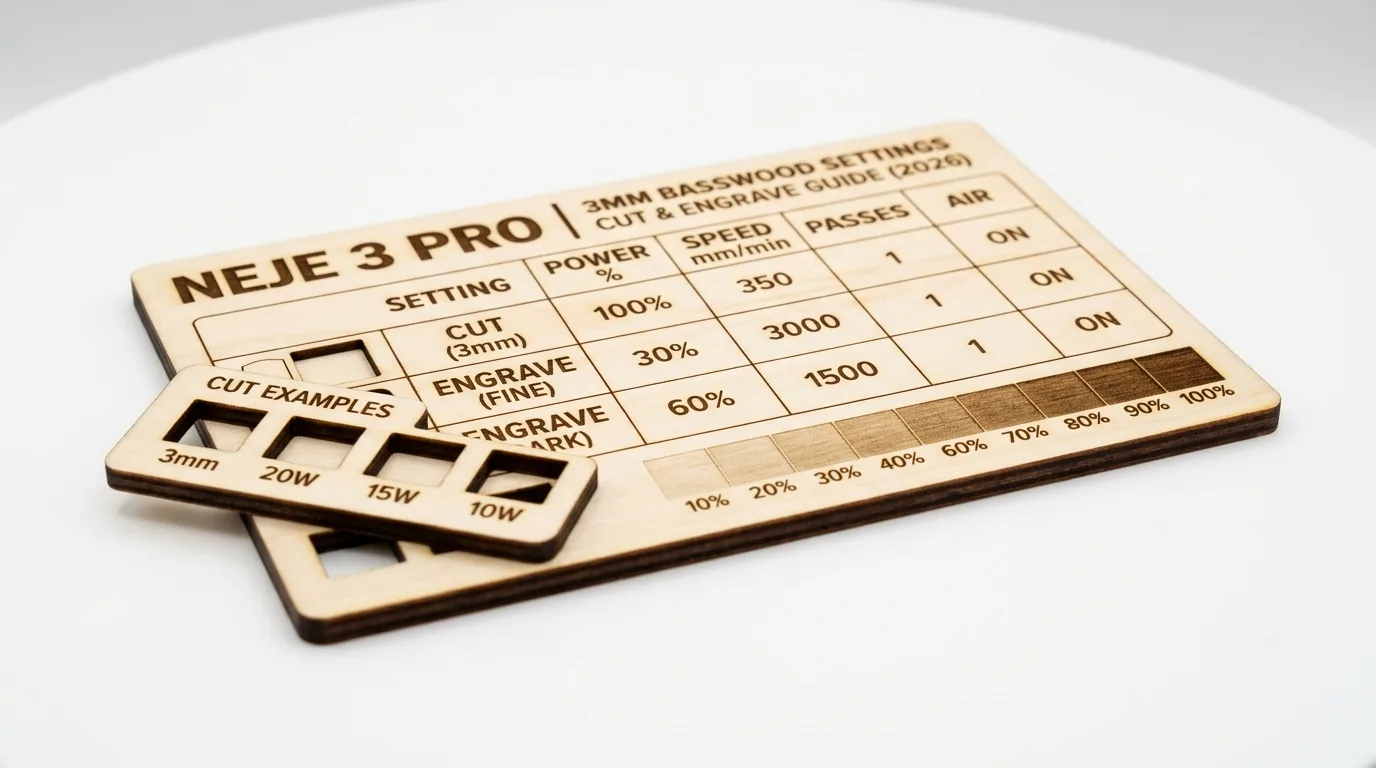
The NEJE 3 Pro cuts 3mm basswood cleanly at 3 mm/s with 100% power in 2 passes using air assist. This guide gives you exact settings, step-by-step focus and prep workflow, and troubleshooting for the most common cut failures on diode lasers.
By Mike Dolan ·
Quick Answer: NEJE 3 Pro 3mm basswood: cut at 3 mm/s, 100% power, 2 passes; engrave at 100 mm/s, 35% power. Use air assist for best results.
| Material | Engraving Contrast | Cut Ease | Smoke / Odor | Cost | Beginner Score |
|---|---|---|---|---|---|
| Basswood (3 mm) | ★★★★★ | Excellent – 1 pass | Low | $ | ★★★★★ |
| Baltic Birch Plywood | ★★★★ | Good – 2-3 passes | Medium | $$ | ★★★★ |
| MDF | ★★★ | Good – 1-2 passes | High (formaldehyde) | $ | ★★ |
| Pine / Soft Plywood | ★★★ | Poor – resin deposits | Medium-High | $ | ★★ |
Why Is Basswood the Best Wood for the NEJE 3 Pro?
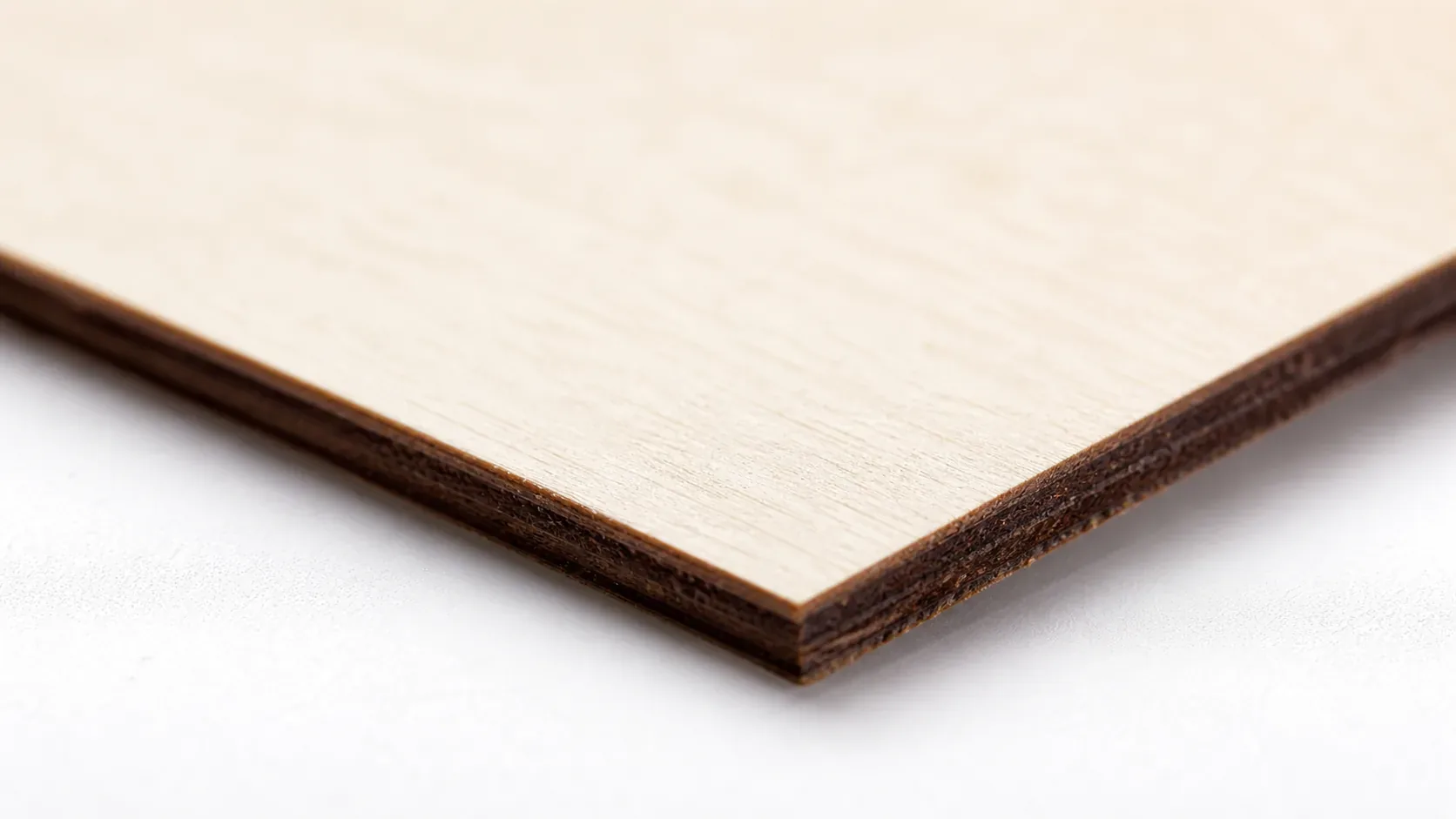
Diode lasers like the NEJE 3 Pro thrive on pale, low-resin woods where energy conversion is direct and efficient. Basswood’s combination of minimal resin content, consistent density, and void-free structure makes it the gold standard for clean cuts and predictable results on open-frame machines. Follow these basswood laser cutting settings to maximize your NEJE output.
- Low resin – protects the NEJE’s exposed lens from sticky buildup and extends the lifespan of your diode
- Consistent density – the same settings work batch after batch without retuning
- Minimal char – produces clean cut edges with air assist enabled, helping you prevent charring when laser cutting
- Light, workable surface – easy to sand, paint, or stain after cutting
- No toxic fumes – unlike MDF or treated plywood, safe for indoor use with basic ventilation
What You’ll Need
- Basswood sheets: Crafteker 3mm basswood, 12×12 inch – 2-3 sheets for practice cuts plus your final project pieces
- Laser machine: NEJE 3 Pro (5.5W diode) – or any comparable diode laser such as xTool D1 Pro, Creality Falcon2, or Sculpfun S30
- Design file: SVG or DXF vector file of your cut or engrave pattern, imported into NEJE’s LaserGRBL or LightBurn software
- Air assist kit: NEJE 3 Pro compatible air pump or built-in air assist module – essential for reducing char and keeping the kerf clean
- Finishing supplies: 220-grit sandpaper, tack cloth for dust removal, and optional clear matte spray or food-safe mineral oil if the finished piece will be handled
Estimated time: 1-2 hours · Difficulty: Beginner · Profit potential: ~$2.08/sheet (12-pack from Crafteker) → finished laser-cut ornaments or signs sell for $15-$40 each on Etsy
How to Get Clean Cuts on the NEJE 3 Pro with 3mm Basswood: Step-by-Step
Basswood’s low resin content and consistent void-free grain make it uniquely forgiving on diode lasers – but clean results still depend on nailing focus, airflow, and material prep before you ever fire the beam. Follow these six steps every time and you’ll get crisp, pale-edged cuts with almost no post-processing needed.
- Focus the laser head precisely. Use the NEJE 3 Pro’s included focus tool or enable autofocus if your unit supports it. Set focal distance directly on the surface of the basswood sheet – not the honeycomb bed. A misaligned beam spreads energy over a wider spot, dramatically reducing cutting power and leaving a ragged kerf.
- Enable air assist and confirm airflow. Before starting any job, switch on your air assist pump and hold a sheet of paper near the nozzle to verify airflow is reaching the cut zone. Air assist is the single biggest factor in keeping char off the back face of your sheet – without it, ash accumulates in the kerf and can actually block the beam on the second pass. For more on this, see our guide to prevent charring on laser-cut wood.
- Flatten and clamp the basswood sheet. Even a 1-2 mm bow in your sheet will cause the laser to go out of focus mid-cut, leaving sections uncut or over-charred. Lay the sheet on your honeycomb bed and use hold-down pins or rare-earth magnets at the corners to keep it perfectly flat. Apply a strip of painter’s tape along the back edge to catch any ash blowback.
- Run a test cut on scrap material. Before committing your design, cut a 20mm square from a corner scrap of the same basswood sheet. Set speed to 3 mm/s, power to 100%, and run 2 passes. The square should drop free cleanly with pale honey-brown edges – no uncut fibers on the underside. If you see incomplete cuts, check focus first, then lens cleanliness. Our laser settings calculator can help you fine-tune if you’re running a different wattage module.
- Execute the full cut job. Load your SVG in LaserGRBL or LightBurn, confirm the workspace origin matches your sheet placement, and run the job at 3 mm/s, 100% power, 2 passes. Stay present during the cut – diode lasers on wood always require supervision. Do not increase speed to save time; at 4 mm/s or faster, the NEJE 3 Pro will not reliably cut through 3mm basswood in 2 passes.
- Clean the lens and finish the piece. After every 5-10 cut jobs, remove the laser module lens and wipe it gently with a cotton swab dampened with isopropyl alcohol. A dirty lens can reduce effective power by 20-30%, turning reliable cuts into frustrating partial cuts. Once your pieces are cut, remove the painter’s tape, lightly sand any rough edges with 220-grit, and wipe clean with a tack cloth. Apply a matte clear coat or mineral oil if desired – Crafteker’s laser-grade basswood takes finishes evenly thanks to its tight, void-free grain.
Pro Tips for Clean NEJE 3 Pro Basswood Cuts
- Focus before every session: Even small shifts in the laser head position affect cut quality dramatically. Use the NEJE focus tool or autofocus module before every new batch – a misaligned beam spreads energy and leaves uncut kerf walls at the bottom of your 3mm sheets.
- Mask the back surface: Apply a layer of blue painter’s tape to the underside of your basswood sheet before cutting. It catches ash fallout and prevents scorching on the back face, which matters most when you’re making items customers will handle or display.
- Run a grid test cut first: Before committing to a full sheet, cut a 5-square speed/power test grid on a scrap piece. At 3 mm/s and 100% power, 2 passes is the proven setting – but slight machine-to-machine variation means confirming on your specific unit protects material and time.
- Clean the lens every 10 cuts: Resin vapor from basswood deposits a fine haze on the laser lens over time. Use a lens wipe or isopropyl alcohol on a cotton swab every 5-10 full cuts. A dirty lens reduces effective output power and causes the same symptoms as wrong settings – incomplete cuts and excess char.
How to Sell Laser Cut Basswood Items Made with the NEJE 3 Pro on Etsy
Laser-cut basswood products are among the best laser cut items to sell on Etsy – ornaments, signs, keychains, and custom name plaques consistently rank in the top search results for personalized gifts. If you’re building a laser cutting business from home, 3mm basswood items hit the sweet spot of low material cost, fast cut time, and strong perceived value at retail.
- Price point: $8-$28 on Etsy for laser-cut basswood ornaments, name signs, and keychains. At $2.08/sheet for Crafteker 12-pack basswood, material cost per unit is under $1.50 for most small items, leaving a strong margin even after Etsy fees.
- Best listing title keywords: “personalized wood ornament laser cut”, “custom basswood name sign engraved”, “laser engraved wood keychain gift”
- Photo tip: Shoot flat-lay product photos on a white or light linen background in natural window light – the pale cream surface and dark engraved contrast of basswood photographs extremely well without editing. Include a hand-held lifestyle shot to show scale.
- Personalization upsell: Add a personalization field (name, date, or short message) to every listing. Personalized orders on Etsy command 30-50% higher prices and convert at a higher rate – and with the NEJE 3 Pro, a custom name engrave adds under 60 seconds to your production time.
Where to Buy Basswood Sheets for the NEJE 3 Pro
Crafteker 3mm basswood sheets are ideal for NEJE 3 Pro laser projects – 12×12 inch, laser-grade, void-free, and pre-sanded for clean engraving results. At $24.99 for 12 sheets ($2.08/sheet), the profit margin on laser-cut basswood items makes every batch count.
Ready to make your first batch? Get the wood that works:
→ Buy Crafteker 12-Pack Basswood Sheets on Amazon ($24.99)
Clip the 7% coupon on the listing page – buy 2 packs and save 20% automatically.
Also available: 5-pack ($15.97) · 3-pack ($12.99)
Frequently Asked Questions
What are the best NEJE 3 Pro settings for 3mm basswood?
Cut at 3 mm/s speed, 100% power, 2 passes with air assist enabled. Engrave at 100 mm/s, 35% power. These settings produce clean, dark-edged cuts with minimal charring on Crafteker laser-grade basswood.
Is NEJE 3 Pro good for cutting basswood?
Yes. The 5.5W diode laser is powerful enough to cut 3mm basswood cleanly in 2 passes. Diode lasers excel on pale woods with low resin content, making basswood an ideal material for the NEJE 3 Pro.
What is the best wood for the NEJE 3 Pro laser?
3mm laser-grade basswood. It has low resin content (minimal char), consistent void-free density, and costs only $2.08/sheet in the 12-pack from Crafteker, making it the best value and cut quality for diode lasers.
Can NEJE 3 Pro cut 3mm basswood in one pass?
Not reliably. The recommended settings are 2 passes at 3 mm/s, 100% power with air assist. A single pass may leave a slight kerf wall or char. Two passes ensure a clean, fully separated cut every time.
Where can I buy basswood sheets for the NEJE 3 Pro?
Crafteker on Amazon: 3-pack $12.99, 5-pack $15.97, 12-pack $24.99 ($2.08/sheet). All sheets are 12×12 inch, 3mm, laser-grade, and void-free. The 12-pack offers the best value for production work.
About the author: Mike Dolan is a laser maker and wood materials specialist with 8+ years cutting basswood, birch, and MDF on diode and CO₂ machines. He tests every Crafteker basswood batch before listing.
Been running these exact settings on my NEJE 3 Pro for 6 months – 3 mm/s, 100%, 2 passes – and I get clean cuts through Crafteker 3mm basswood every single time. The air assist really makes the difference for keeping char marks off the back side.