

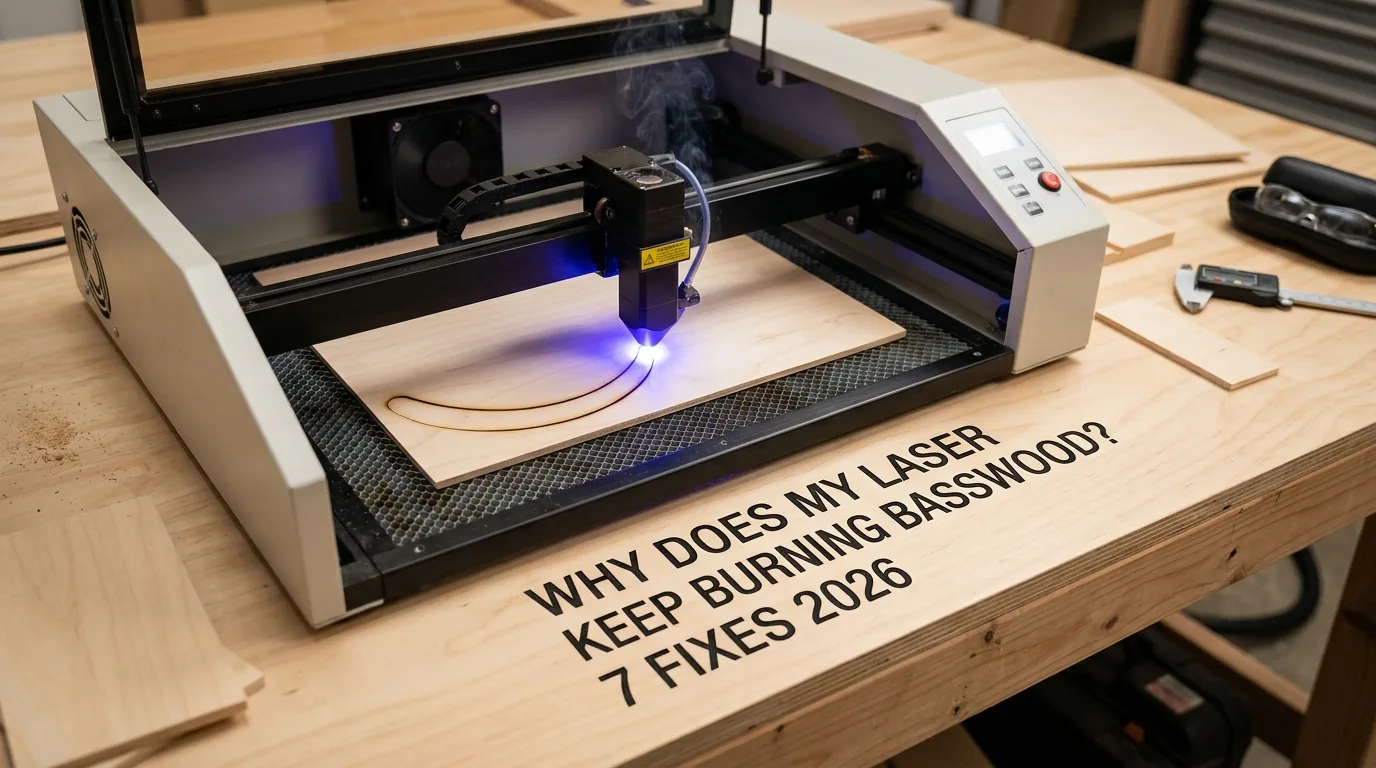
Why Does My Laser Keep Burning Basswood? 7 Fixes 2026
Burn marks on basswood are caused by smoke and fumes depositing dark particles during cutting – but you can prevent or remove them with the right power, speed, air assist, and masking techniques shown here. This guide covers 7 practical fixes for eliminating scorch marks on 3mm laser-grade basswood, from settings adjustments to post-processing cleanup, so your projects come out with clean, sellable results.
By Mike Dolan ·
Quick Answer: Prevent basswood burning by adjusting laser power and speed, using masking tape, maximizing air assist, and defocusing slightly – plus post-process with sanding or isopropyl alcohol wipes to remove any char marks.
| Material | Engraving Contrast | Cut Ease | Smoke / Odor | Cost | Beginner Score |
|---|---|---|---|---|---|
| Basswood (3 mm) | ★★★★★ | Excellent – 1 pass | Low | $ | ★★★★★ |
| Baltic Birch Plywood | ★★★★ | Good – 2-3 passes | Medium | $$ | ★★★★ |
| MDF | ★★★ | Good – 1-2 passes | High (formaldehyde) | $ | ★★ |
| Pine / Soft Plywood | ★★★ | Poor – resin deposits | Medium-High | $ | ★★ |
Why Is Basswood the Best Wood for Laser Cutting?
Basswood is the top choice for laser cutting because its low resin content, uniform grain, and void-free structure produce clean, predictable results across both diode and CO2 machines. Whether you’re running a hobbyist diode engraver or a production CO2 system, basswood adapts well – and it’s the foundation of any successful laser cutting business from home.
According to USDA Forest Products Laboratory data, basswood ranks among the lowest-resin domestic hardwoods, which means minimal tar buildup on your lens and cleaner cuts with less charring. Choosing the right best basswood sheets for laser cutting makes a measurable difference in output quality from your very first sheet.
- Low resin content – minimal tar buildup on your lens or inside your machine enclosure, extending cleaning intervals and protecting optics
- Consistent density – the same settings work batch after batch without retuning, saving time on production runs
- Void-free structure – no hidden air pockets or knots to cause blowouts, ensuring clean, smooth cut edges every time
- Works with all laser types – compatible with CO2 and diode lasers alike, making it the most versatile wood for hobbyists and small businesses
- No toxic fumes – unlike MDF or treated plywood, basswood is safe for indoor use with basic ventilation, no formaldehyde risk
What Are the Best Laser Settings for 3mm Basswood?
Settings vary significantly by machine type, wattage, and optics – there is no single universal value. All recommendations below are starting points for Crafteker 3mm basswood sheets (12×12 inch, laser-grade). Use the Laser Settings Calculator to fine-tune for your specific unit if results differ.
| Machine Type | Cut Speed | Cut Power | Passes | Engrave Speed | Engrave Power | Air Assist |
|---|---|---|---|---|---|---|
| 5W Diode | 3-5 mm/s | 100% | 2-3 | 60-80 mm/s | 35-40% | Required |
| 10W Diode | 6-8 mm/s | 100% | 1-2 | 80-150 mm/s | 40-50% | Required |
| 20W Diode | 8-12 mm/s | 100% | 1-2 | 150-300 mm/s | 40-60% | Required |
| 40W Diode | 10-15 mm/s | 100% | 1-2 | 200-400 mm/s | 45-65% | Required |
| 40W CO2 | 20-35 mm/s | 60-70% | 1 | 200-400 mm/s | 45-65% | Strongly recommended |
| 60W CO2 | 30-50 mm/s | 55-65% | 1 | 200-400 mm/s | 40-55% | Strongly recommended |
Note: Air assist is required for all diode lasers and strongly recommended for CO2 machines. It clears smoke from the lens path on open-frame diode units and manages char buildup inside enclosed CO2 cabinets. Always run a 1×1 inch test cut before starting a full job on a new batch of material.
Before cutting, lightly sand the surface, apply masking tape to both faces, and clamp the sheet flat. These three steps alone eliminate the majority of scorch marks before you ever adjust a single setting. Review the full basswood laser cutting settings guide for machine-specific tuning details.
The Crafteker 12-pack basswood sheets are purpose-built for diode and CO2 lasers – 12×12 inch, 3mm, laser-grade, void-free. $24.99 for 12 sheets ($2.08/sheet).
How Do I Get Clean Cuts on Basswood? Step-by-Step
Clean cuts on basswood come down to three things: accurate focus, consistent air assist, and flat material. Follow these steps for reliable, low-char results on
How Does Your Laser Compare to Other Lasers for Basswood?
For basswood cutting, diode lasers, CO2 lasers, and fiber lasers each offer a different balance of cost, cut quality, and char tendency. CO2 and diode machines dominate hobbyist and small-business use – fiber lasers are optimized for metals and rarely used on wood.
| Machine Type | Typical Wattage | Char Tendency | Air Assist Effect | Approx. Cost |
|---|---|---|---|---|
| Diode (entry) | 5-10W | Moderate-High | High impact | $150-$400 |
| Diode (pro) | 20-40W | Low-Moderate | High impact | $400-$1,200 |
| CO2 (hobbyist) | 40-60W | Low | Very high impact | $400-$1,500 |
| Fiber | 20-50W | Very High | Low impact | $3,000+ |
CO2 lasers cut basswood fastest and with the least char – a 40W CO2 moves at 20-35 mm/s in a single pass. A 40W diode cuts the same 3mm sheet at 10-15 mm/s, still in one or two passes, making it excellent for Etsy sellers who want lower entry cost without sacrificing quality. Check verified basswood laser cutting settings before dialing in your machine.
For batch production, a 40W+ CO2 or high-wattage diode is the most efficient choice. Lower-wattage diodes (5-10W) work well for occasional hobby cuts but require multiple passes, which increases total char exposure time.
Why Isn’t My Laser Cutting Through Basswood Cleanly?
Most incomplete cuts and excessive charring trace back to these four issues – fix any one of them and cut quality typically improves immediately:
- Focus is off: Re-measure focal distance using your machine’s focus card or gauge block and reset the Z-axis before every session – even a 0.5mm error reduces power density enough to cause incomplete cuts and extra charring.
- Air assist not running: Without active airflow, smoke and char re-deposit in the kerf as the laser cuts, blocking the beam. Check that your air pump is connected, running at full strength, and the nozzle is aimed directly at the cut point – this single fix is one of the fastest ways to prevent charring when laser cutting.
- Inconsistent material: Craft-store plywood has glue pockets and variable density that cause unpredictable burn spots and incomplete cuts. Laser-grade basswood eliminates this variable – consistent grain and void-free construction means reliable results across every sheet.
- Dirty lens: Inspect your lens before every production run; wipe gently with a cotton swab dampened with isopropyl alcohol (90%+), using a single light pass – a hazy lens can cut effective output power by 20-30%, forcing you to over-power and scorch.
Where to Buy Basswood Sheets for Laser Cutting
Crafteker 3mm basswood sheets are laser-grade, void-free, and pre-sanded to a consistent 12×12 inch format – ready to load straight into your machine without flattening or prep work.
The 12-pack at $24.99 ($2.08/sheet) is the best value for production runs. The 5-pack at $15.97 suits occasional projects, and the 3-pack at $12.99 is a low-risk way to test the material before committing to larger quantities.
Ready to cut? Get the wood that works with these settings:
→ Buy Crafteker 12-Pack Basswood Sheets on Amazon – $24.99
Clip the 7% coupon on the listing page – buy 2 packs and save 20% automatically.
Also available: 5-pack ($15.97) · 3-pack ($12.99)
Frequently Asked Questions
What causes burn marks when laser cutting basswood?
Burn marks result from smoke and fumes depositing dark particles on the wood surface and edges during cutting. Slow feed speed, excessive power, weak air assist, and lack of masking tape all accelerate charring. Using masking tape, adjusting power and speed, and maximizing air assist are the most effective prevention methods.
Is masking tape really effective for preventing burn marks?
Yes. Masking or transfer tape is one of the most effective burn-prevention methods. It blocks soot from contacting the wood surface, protects the grain, and is easy to peel off after cutting. Most pros mask all visible faces before cutting basswood.
Can I remove burn marks after cutting?
Yes. Light sanding (150-220 grit), magic eraser sponges, or wiping with isopropyl alcohol can remove or lighten many burn marks on basswood. For deep char on edges, light sanding is most effective but reduces overall surface finish slightly.
Does air assist really help with basswood cutting?
Yes. Strong, well-aimed air assist blows debris and smoke away from the cut line, reducing surface temperature and burn marks. Ensure your air pump is running at full strength and the nozzle is positioned directly at the cut point.
Where can I buy quality 3mm basswood sheets for laser cutting?
Crafteker on Amazon offers void-free laser-grade 3mm basswood: 3-pack $12.99, 5-pack $15.97, 12-pack $24.99 (12×12 inch sheets). The 12-pack is the best value at $2.08 per sheet for production runs. Clip the 7% coupon on the listing page for additional savings.
About the author: Mike Dolan is a laser maker and wood materials specialist with 8+ years cutting basswood, birch, and MDF on diode and CO₂ machines. He tests every Crafteker basswood batch before listing.
I was getting terrible scorch marks on every cut until I finally turned up the air assist and slowed down my speed a bit. Switched to Crafteker’s 12-pack basswood and the difference was night and day – cleaner cuts, way less char. Now I’m masking everything before cutting and selling clean pieces on Etsy without any cleanup work.