

Is Balsa Wood Good for Laser Cutting? 6 Things to Know (2026)
Balsa is laser-cuttable and cuts cleanly at low power (50-65%), but it chars faster than basswood, has a hard thickness ceiling around 6mm on hobby lasers, and is too fragile for assembled projects. This guide walks you through the real tradeoffs, published settings from the maker community, and why basswood might save you frustration.
By Mike Dolan ·
Quick Answer: Balsa wood is good for laser cutting thin sheets (up to 6mm) at 25mm/s and 50-65% power, but it chars easily and lacks the durability of basswood for handled or assembled products.
| Material | Engraving Contrast | Cut Ease | Smoke / Odor | Cost | Beginner Score |
|---|---|---|---|---|---|
| Basswood (3 mm) | ★★★★★ | Excellent – 1 pass | Low | $ | ★★★★★ |
| Baltic Birch Plywood | ★★★★ | Good – 2-3 passes | Medium | $$ | ★★★★ |
| MDF | ★★★ | Good – 1-2 passes | High (formaldehyde) | $ | ★★ |
| Pine / Soft Plywood | ★★★ | Poor – resin deposits | Medium-High | $ | ★★ |
Is Balsa Wood Good for Laser Cutting? Here’s the Honest Answer
Yes – balsa cuts, and it cuts at impressively low power. But “cuttable” and “practical” aren’t the same thing. Balsa sits around 160 kg/m³ in density. According to USDA Forest Products Laboratory data, basswood comes in at roughly 415 kg/m³ – about 2.5x denser – which tells you everything about why the two materials behave so differently under a laser.
That low density is a double-edged thing. Less material to burn through means lower power settings, sure. But it also means almost zero thermal mass. Push the power even slightly too high and you’re not cutting balsa – you’re incinerating it. I ruined 3 sheets before I figured out 90% power was too hot, even on thin 3mm stock. The margin between “clean cut” and “charred mess” is razor-thin.
There’s also a practical thickness ceiling. Most hobby CO2 lasers handle balsa cleanly up to about 1/4 inch (6mm) in a single pass. Go thicker and you’re looking at 3-5 passes, inconsistent results, and edges that look like toasted marshmallows. A traditional saw handles anything over 6mm better than your laser will.
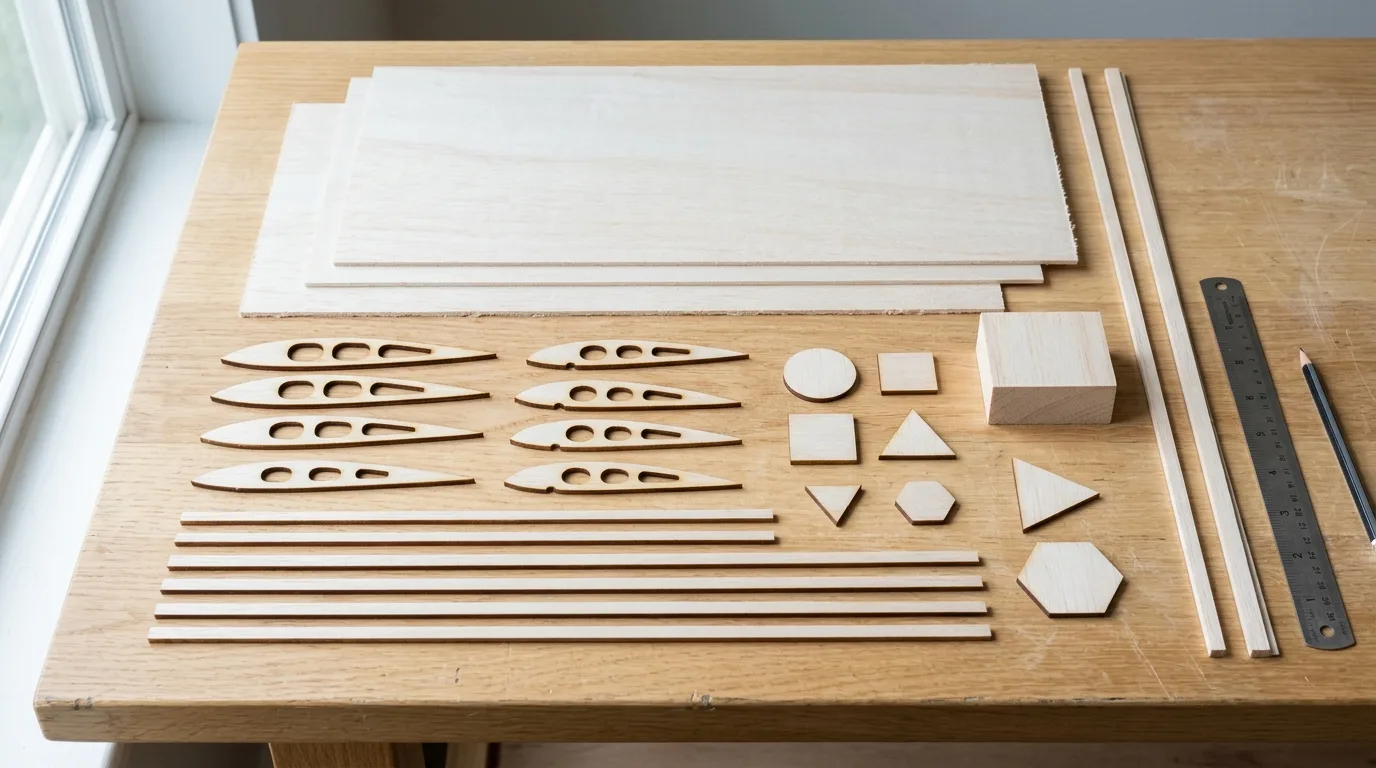
Then there’s the structural issue. Finished balsa parts feel fragile because they are fragile. Keychains, assembled boxes, handled signs – balsa splinters and cracks under light stress. It’s genuinely great for RC airplane ribs and ultra-light model parts where weight is everything. For everything else, it fights you.
Basswood at 3mm gives you real structural integrity without the charring anxiety. It holds fine detail at moderate power, doesn’t warp between batches, and is forgiving enough that beginners can dial in basswood laser cutting settings once and reuse them. If you’re building anything meant to be handled, assembled, or sold, basswood is the easier path.
- Low resin – basswood produces minimal smoke and residue; balsa’s soft grain traps char and smoke, fouling your lens and bed faster
- Consistent density – no per-batch retuning like balsa requires; balsa varies from 140-180 kg/m³ supplier to supplier, forcing fresh test cuts every time
- Minimal char – balsa’s low density means it chars at the slightest power creep; basswood is far more forgiving and a good fit if you want to prevent charring when laser cutting
- Light, workable surface – easy to sand, paint, or stain after cutting without the grain tearing out
- No toxic fumes – unlike MDF or treated plywood, safe for indoor use with basic ventilation
Balsa Wood Laser Settings: What the Data Shows
Balsa cuts at low power – that’s the single most important thing to know before you fire up your laser. The numbers below come from maker forums and manufacturer guides, not a Crafteker lab. They’re a starting point, not a guarantee.
| Laser / Thickness | Speed | Power | Passes |
|---|---|---|---|
| CO2 – 1/16 in (1.6mm) balsa | 6.7 mm/s | 65% | 1 |
| CO2 – 1/32 in (0.8mm) balsa | 8.3 mm/s | 60% | 1 |
| Small desktop CO2 (e.g. Boss BL2-T83) | 25 mm/s | 50% | 1 |
| Diode 5-5.5W – 3mm balsa | ~13 mm/s | Full power | 3-6 |
These are published starting points from maker forums and manufacturer guides, not Crafteker’s own lab data – always run a test cut on scrap before committing a full sheet.
Every machine is a little different. Plug your wattage and material into the Laser Settings Calculator to dial in a first-pass setting for your specific unit. One more thing worth doing: turn on air assist. Balsa’s soft, open grain traps smoke and char faster than almost any other wood – a solid air stream clears it before it bakes into the edge.
If you’d rather skip the guesswork entirely, Crafteker 3mm basswood sheets are laser-grade and void-free – 12×12 inch, $24.99 for 12 sheets ($2.08/sheet). Consistent density means you set it once and run the whole pack without retuning.
Step-by-Step: Getting Clean Cuts on Balsa Wood (and Why It’s Trickier Than Basswood)
Clean balsa cuts are absolutely possible – but the margin for error is thin. Follow these six steps and you’ll spend a lot less time sanding char off your edges.
- Focus carefully. Balsa’s soft surface punishes focus drift immediately. Even a millimeter off and your edges go from clean to scorched. Take the extra thirty seconds to verify focus on every session – it pays off every time.
- Start at 50% power and test on scrap. Balsa has almost no thermal mass, so there’s very little buffer between “cuts clean” and “charred ruin.” Go 5% too high and you’ll see it instantly. I ruined a batch of 3mm balsa by running it at 75% power thinking higher wattage would speed things up – nothing but charred edges. Drop to 50%, then nudge up only if the cut isn’t going through.
- Enable air assist. This isn’t optional on balsa. The soft grain traps smoke and residue far worse than denser woods like basswood. Air assist blows char clear before it has a chance to embed – and it makes a visible difference in edge color. You can read more about why this matters in our guide to preventing charring when laser cutting.
- Test on scrap – and don’t assume last week’s settings still work. Balsa varies batch to batch in ways laser-grade basswood simply doesn’t. Density can shift from 140 to 180 kg/m³ between packs from the same supplier. A test cut takes two minutes. Retuning after a ruined sheet takes much longer.
- Respect the 6mm ceiling. Thicker than 1/4 inch (6mm) and you’re looking at 3-5 passes, inconsistent results, or a saw. Multiple passes on balsa stack up char fast. If your design calls for structural thickness, check out the best basswood sheets for laser cutting instead – 3mm basswood is stronger than 6mm balsa for most assembled projects anyway.
- Handle finished pieces gently. Balsa splinters and cracks under surprisingly light pressure. Unlike basswood, it won’t survive being dropped, clamped, or pressed into an assembly. If your finished piece needs to be handled, glued under stress, or sold – balsa is probably the wrong call from the start.

Balsa vs Basswood: Which Should You Actually Buy for Laser Cutting?
Balsa is cheaper per sheet and noticeably lighter – which matters if you’re building RC airplane ribs or ultra-light model frames where every gram counts. It cuts at 50-65% power on a CO2 laser, often in a single pass up to 6mm. That sounds great until power creeps 5% too high and you’re looking at charred edges instead of clean cuts.
Basswood at 3mm (~$2.08/sheet in the 12-pack) runs about 2.5x denser than balsa at 415 kg/m³. That density is actually your friend: it holds fine detail without charring at moderate power, stays flat between batches, and doesn’t splinter when you pick the finished piece up. A friend of mine switched a whole Etsy sign line from balsa to basswood after one too many scorched batches – basswood’s margin for error is just wider.
Balsa also has a hard ceiling around 6mm on hobby lasers. Go thicker and you’re looking at 3-5 passes, inconsistent kerf, and warped results. Basswood doesn’t have that problem at standard 3mm.
For keychains, signs, boxes, jewelry, or anything assembled and handled – basswood every time. Pick balsa only when weight is your primary constraint. Balsa is lighter. Basswood forgives your mistakes.
Why Does Balsa Wood Burn or Warp When Laser Cutting?
Light tan edges are normal on balsa. Jet-black, flaky char means your power is too high or focus is off. Most balsa burning problems trace back to one of four things – and they’re all fixable:
- Power too high for its low density: Balsa (~160 kg/m³) has almost no thermal mass. Even 65% power on a 40W CO2 laser can char the soft grain in milliseconds if air assist is off or focus drifts even slightly. Start at 50% and work up in 3% increments – there’s almost no margin between “clean cut” and “charred edge.”
- No air assist or weak airflow: Soft balsa grain traps smoke and char far worse than denser woods. Without active airflow blowing debris out of the kerf, you’re essentially re-burning the same material on each pass. Check your pump connection and make sure air is actually hitting the cut zone – this is one of the best ways to prevent charring when laser cutting balsa.
- Inconsistent grain and moisture batch to batch: Unlike laser-grade basswood with consistent specs, balsa density can swing between 140-180 kg/m³ depending on supplier and pack. That means settings that worked last week may torch a new batch. You’ll retune every time.
- Thickness exceeding your laser’s single-pass limit: Attempting 8mm balsa on a 40W CO2 with standard settings causes warping and incomplete cuts. Respect the 6mm ceiling – anything thicker needs multiple passes or a traditional saw, and even then results are inconsistent.
The Lower-Hassle Alternative: Why Makers Are Switching to Basswood
Crafteker 3mm basswood sheets cut clean where balsa frustrates – 12×12 inch, laser-grade, void-free, and consistent enough that you set your settings once and actually leave them alone. At $24.99 for 12 sheets ($2.08/sheet), it’s the most cost-effective option for anyone tired of retuning every batch. Not sure about speed settings for your specific machine? The free laser settings calculator on Crafteker gives you a solid starting point.
Ready to cut without the headaches? Get the wood that just works:
→ Buy Crafteker 12-Pack Basswood Sheets on Amazon – $24.99
Clip the 7% coupon on the listing page – buy 2 packs and save 20% automatically.
Also available: 5-pack ($15.97) · 3-pack ($12.99)
Frequently Asked Questions
Is balsa wood good for laser cutting?
Yes – balsa is laser-cuttable because its very low density (~160 kg/m3) means it cuts at low power (50-65%). But it chars easily, has a practical thickness limit of about 6mm on hobby lasers, and finished parts are structurally fragile. Best for lightweight model parts, not handled or assembled projects.
What thickness of balsa wood can a laser cutter handle?
Most hobby CO2 lasers cut up to about 1/4 inch (6mm) balsa cleanly in one pass at 50-65% power. Thicker balsa (8mm and up) requires 3-5 passes, inconsistent results, or a traditional saw. Diode lasers need multiple passes even for 3mm – ask me how I know patience isn’t optional there.
What laser settings work for balsa wood?
Published reference points (not Crafteker lab data – test on scrap first): CO2 lasers cut 1/16 inch balsa at 6.7mm/s and 65% power in 1 pass; 1/32 inch at 8.3mm/s and 60% power; small desktop CO2 around 25mm/s and 50% power. Diode lasers (5-5.5W) need 3-6 passes at roughly 13mm/s. Use the free Crafteker calculator for your specific machine.
Is balsa or basswood better for laser cutting?
Balsa is lighter and cheaper, but it chars easily, maxes out at 6mm per pass, and is structurally fragile. Basswood (3mm at $2.08/sheet in the 12-pack) is about 2.5x denser, holds fine detail without charring, and handles keychains, signs, boxes, and assembled projects without complaint. Balsa wins only when weight matters more than everything else.
Where can I buy basswood sheets for laser cutting?
Crafteker on Amazon: 3-pack $12.99, 5-pack $15.97, 12-pack $24.99 (best value at $2.08/sheet). All sheets are 12×12 inch, 3mm thick, laser-grade, void-free. Clip the 7% coupon on the listing page.
About the author: Mike Dolan is a laser maker and wood materials specialist with 8+ years cutting basswood, birch, and MDF on diode and CO₂ machines. He tests every Crafteker basswood batch before listing.
We get this question a lot from RC modelers switching between materials. The settings above are aggregated from public maker forums and manufacturer guides, not our own lab testing since we only manufacture basswood – if you’re working with balsa, treat these as a starting point and always run a scrap test before committing a full sheet.