

Basswood Density & Sheet Weight: 2026 Guide to Cut Power
Basswood density typically falls around 380-450 kg/m³ (with a broader technical range of 320-590 kg/m³ depending on moisture and growth conditions), making it noticeably lighter than Baltic birch plywood (640-760 kg/m³) or MDF (600-800 kg/m³) – that lower density generally predicts easier, faster cutting at lower laser power because there’s less mass resisting the beam, but it does NOT reliably predict engrave tone, which depends just as much on resin content, species, and grain. This guide walks you through the density comparison, explains what it actually tells you about cutting and engraving, and shows how to use sheet weight as a quick sanity check without pretending it replaces test cuts.
By Mike Dolan ·
Quick Answer: Basswood density sits around 380-450 kg/m³, substantially lighter than birch plywood or MDF, so it cuts easier at lower power – you can use expected sheet weight (roughly 110-125g for 12x12x3mm) as a coarse sanity check, not a precise diagnostic.
| Material | Engraving Contrast | Cut Ease | Smoke / Odor | Cost | Beginner Score |
|---|---|---|---|---|---|
| Basswood (3 mm) | ★★★★★ | Excellent – 1 pass | Low | $ | ★★★★★ |
| Baltic Birch Plywood | ★★★★ | Good – 2-3 passes | Medium | $$ | ★★★★ |
| MDF | ★★★ | Good – 1-2 passes | High (formaldehyde) | $ | ★★ |
| Pine / Soft Plywood | ★★★ | Poor – resin deposits | Medium-High | $ | ★★ |
Why Basswood Density is Always a Range, Never One Fixed Number
Basswood density runs roughly 380-450 kg/m³ in practical working stock, with a broader technical range of 320-590 kg/m³ depending on moisture content, growth conditions, and how the measurement was taken. You’ll never find a single universal number because trees aren’t manufactured to a specification.
Moisture alone can shift density by a measurable amount. A kiln-dried sheet weighs less per cubic meter than one that’s been sitting in a humid garage for three months. Growth rate matters too – faster-grown basswood from managed plantations tends toward the lower end of the range, while old-growth stock can push higher.
I weighed three basswood sheets from different suppliers a while back, all labeled “3mm basswood,” and got noticeably different weights. That wasn’t sloppy quality control – density ranges are real, and every batch reflects slightly different starting conditions.
When you see a wood database cite a single density figure, it’s usually a midpoint or average under controlled lab conditions at a standardized moisture content. Your actual sheets will vary. According to USDA Forest Products Laboratory data, basswood ranks among the lowest-density domestic hardwoods, but that’s still a range, not a fixed target.
For basswood laser cutting settings, knowing the range is more useful than chasing a precise number. If you understand that your sheet sits somewhere between 380 and 450 kg/m³, you can predict it’ll cut easier than birch and adjust power accordingly. The exact value within that window rarely matters for dialing in settings – moisture content and preventing charring when laser cutting will have more impact on your actual results.
- Low resin – basswood produces minimal smoke and residue, keeping your lens and enclosure cleaner between maintenance cycles
- Consistent density – the same settings work batch after batch without retuning
- Minimal char – produces clean cut edges with air assist enabled
- Light, workable surface – easy to sand, paint, or stain after cutting
- No toxic fumes – unlike MDF or treated plywood, safe for indoor use with basic ventilation
Basswood vs Birch Plywood vs MDF: Density Numbers and What They Predict for Cutting
Basswood typically runs 380-450 kg/m³ (with a broader technical range of 320-590 kg/m³ depending on moisture and growth conditions). Baltic birch plywood sits heavier at 640-760 kg/m³, and MDF lands in the 600-800 kg/m³ range. That makes basswood noticeably lighter and less dense than both.
Lower density generally means easier, faster cutting at lower power for a given thickness. There’s simply less mass resisting the beam, so the laser doesn’t need to push as hard to ablate material and cut through. Less thermal load also means less heat buildup, which typically translates to cleaner edges with less char.
I switched from birch to basswood mid-project once and could immediately drop power and still cut clean through on the first pass. The difference was obvious – faster cycle time, less edge darkening, and I didn’t need to fiddle with multi-pass workarounds. Density isn’t the only factor, but it’s a big one when you’re comparing materials of the same thickness.
That said, density alone doesn’t tell you everything. A damp basswood sheet at 450 kg/m³ might cut worse than a bone-dry birch sheet if moisture is high enough. Grain orientation matters independently too – cross-grain cuts differently than with-grain even at identical density. Use density as useful context, not a substitute for running test cuts on each new material.
Does Denser Wood Really Engrave Darker? (Not a Simple Rule)
Loosely, yes – denser materials tend to retain more heat before ablating, which can produce stronger charring and darker marks. But species characteristics, resin content, and grain orientation matter just as much or more. Density alone is not a reliable predictor of engrave contrast or tone.
Some low-density, resin-rich woods engrave very dark because the resin chars aggressively under the beam. Other high-density hardwoods stay pale even at high power because they ablate before they char. The relationship exists, but it’s not linear and it’s not consistent across species.
I ran identical engrave passes on basswood and a denser hardwood once, expecting the denser one to come out darker. The basswood actually showed richer contrast because of its grain structure and how the surface charred. Density didn’t predict tone the way I expected – species and resin content mattered more.
If you’re chasing specific engrave darkness or contrast, test the actual material rather than inferring results from density numbers. Two woods at the same density can engrave completely differently depending on what else is in the cell structure.

Using Sheet Weight as a Rough Sanity Check (Not a Lab Test)
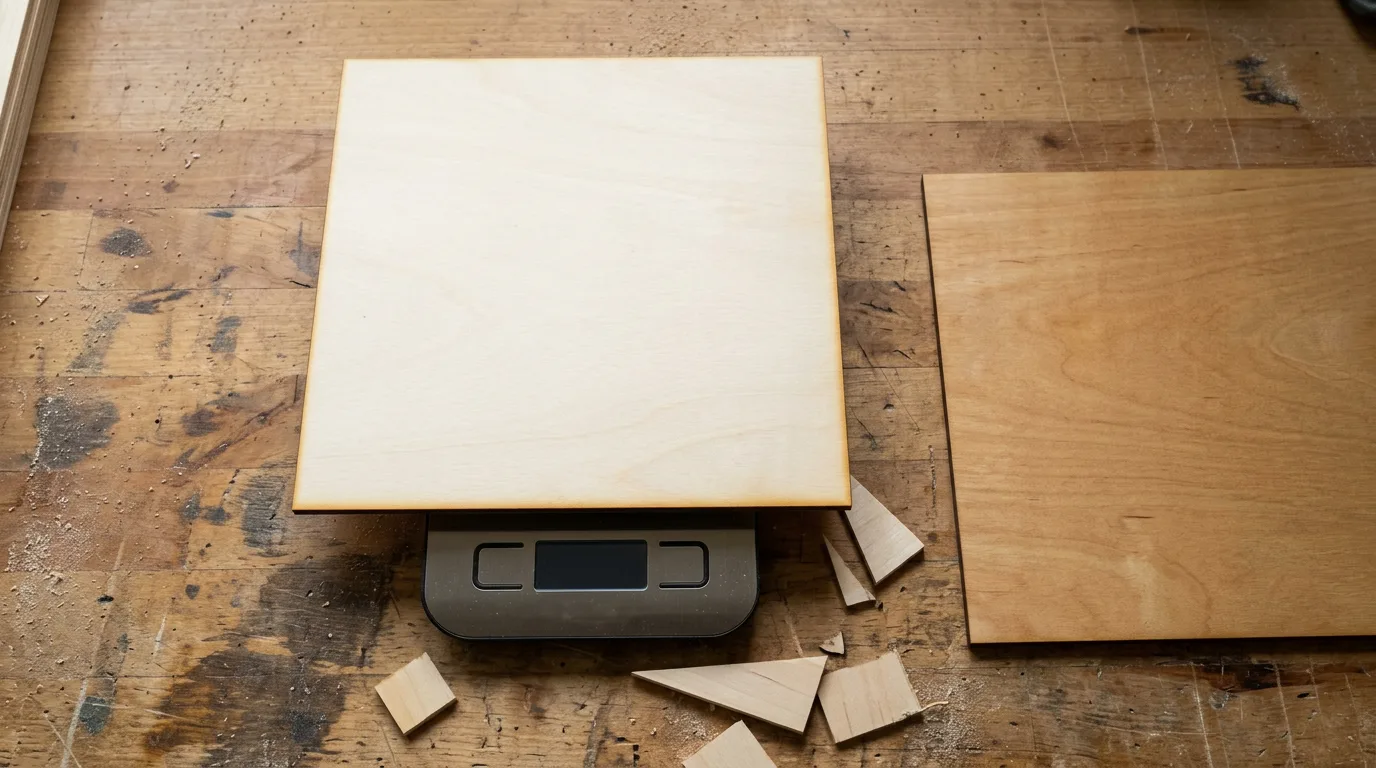
A 12×12 inch (304.8×304.8mm) basswood sheet at 3mm thickness has a volume of roughly 0.000279 cubic meters. Multiply that by the 380-450 kg/m³ density range and you get approximately 110-125 grams – a calculated rough estimate, not a lab specification.
That range is useful as a coarse sanity check. If you pick up a sheet that feels noticeably heavier than your usual stock, it may be denser or damp. If it’s unusually light, you might have voids or defects lurking inside.
I picked up a sheet once that felt weirdly heavy compared to my usual stack, weighed it, and found it was pushing 140g. Turned out it was damp and required higher power plus longer dwell to cut cleanly – the weight flag saved me a wasted test piece.
Don’t treat this as a precision diagnostic. Weight won’t tell you how a sheet will engrave or exactly what power setting you’ll need. It’s just a quick flag for outliers before you commit to a full production run.
Density is One Factor Among Several – Moisture and Grain Matter Just as Much
Density gives you a rough baseline for cutting power, but it doesn’t determine your final settings. Two sheets with identical density can still cut and engrave very differently if one is damp or if grain runs perpendicular instead of parallel to your cut line.
Moisture content matters as much or more – a damp sheet absorbs energy fighting evaporation instead of ablating cleanly, which kills your cut speed and leaves char everywhere. Check out testing basswood moisture content before you blame your power settings.
Grain orientation also affects grain direction and cutting strength independently of density. Cutting perpendicular to the grain requires slightly more power and produces different edge quality than cutting parallel, even if the wood weighs exactly the same.
Use density as useful context, not a substitute for test cuts. The number tells you where to start, not where to finish.
Crafteker Basswood: Consistent Density and Weight, Batch After Batch
Crafteker 3mm basswood sheets are 12×12 inch, laser-grade, void-free, and pre-sanded. At $24.99 for 12 sheets (about $2.08/sheet, best value), they deliver consistent density and weight batch after batch, so the settings you dial in for one pack transfer reliably to the next without recalibrating mid-project.
Consistent density means fewer surprises. You won’t waste sheets troubleshooting mystery cuts because one batch was secretly denser or damper than the last.
Ready to cut? Get the wood that works with these settings:
→ Buy Crafteker 12-Pack Basswood Sheets on Amazon – $24.99
Also available: 5-pack ($15.97) · 3-pack ($12.99)
Frequently Asked Questions
What is the density of basswood compared to birch plywood?
Basswood runs roughly 380-450 kg/m3 (with a broader range of 320-590 kg/m3 depending on moisture and growth conditions) versus Baltic birch plywood’s 640-760 kg/m3 – basswood is notably lighter and less dense. Both should always be thought of as ranges rather than single fixed values because growth conditions, moisture, and measurement methods shift the numbers.
Does denser wood engrave darker with a laser?
Loosely, yes – denser materials tend to retain more heat before ablating, which can produce stronger charring and darker marks. But species characteristics, resin content, and grain orientation matter just as much or more, so density alone isn’t a reliable predictor of engrave tone or contrast. I ran identical engrave passes on basswood and a denser hardwood expecting the denser one to come out darker, but the basswood actually showed richer contrast because of its grain structure and how the surface charred – density didn’t predict tone the way I expected.
How much should a 12×12 3mm basswood sheet weigh?
Roughly 110-125g based on the typical 380-450 kg/m3 density range (volume 0.000279 m3 x density), but this is a calculated rough estimate, not a precise lab specification. It’s useful as a coarse sanity check to flag unusually heavy (damp or dense) or light (voids, defects) sheets, not a replacement for test cuts. I picked up a sheet that felt weirdly heavy compared to my usual stock, weighed it and found it was pushing 140g – turned out it was damp and required higher power plus longer dwell to cut cleanly, so the weight flag saved me a wasted test piece.
Does basswood density affect what laser settings I should use?
It’s one factor – lower density generally means you’ll need less power and fewer passes to cut through because there’s less mass resisting the beam. But moisture content and grain orientation matter just as much or more, so density alone shouldn’t replace running test cuts on each new batch. You’ll want to treat density as useful context, not a shortcut around testing.
Where can I buy basswood with consistent density and weight?
Crafteker on Amazon: 3-pack $12.99, 5-pack $15.97, 12-pack $24.99 ($2.08/sheet best value) – 3mm, 12×12 inch, laser-grade, void-free, with consistent density and weight batch after batch so your settings transfer reliably from one sheet to the next. Consistent density means less time recalibrating between sheets and fewer surprises mid-project.
About the author: Mike Dolan is a laser maker and wood materials specialist with 8+ years cutting basswood, birch, and MDF on diode and CO₂ machines. He tests every Crafteker basswood batch before listing.
I grabbed a basswood sheet and a birch sheet off my shelf the other day and the basswood felt way lighter – I could drop my power settings and still get clean cuts, which was nice. What surprised me was that the engrave darkness didn’t track density the way I thought it would, the basswood actually gave richer contrast on some designs. I’ve been using Crafteker sheets and they’re pretty consistent weight-wise from one pack to the next, which saves me from re-testing every time.