

Best Wood Sheets for Diode Lasers: 5 Brands Tested (2026)
Basswood cuts cleanest on diode lasers at 8-12 mm/s, 95-100% power, with 2-3 passes depending on your machine’s wattage. This guide gives you exact settings for five popular diode brands, plus the material science behind why basswood outperforms cheap plywood on lower-power machines.
By Mike Dolan ·
Quick Answer: Wood sheets for diode laser cutters: basswood at 3mm cuts in 2-3 passes on 20-40W machines; xTool D1 Pro needs 8 mm/s + 100% power, Sculpfun S30 needs 9 mm/s + 100% power. Air assist (20-30 PSI) reduces char 80%.
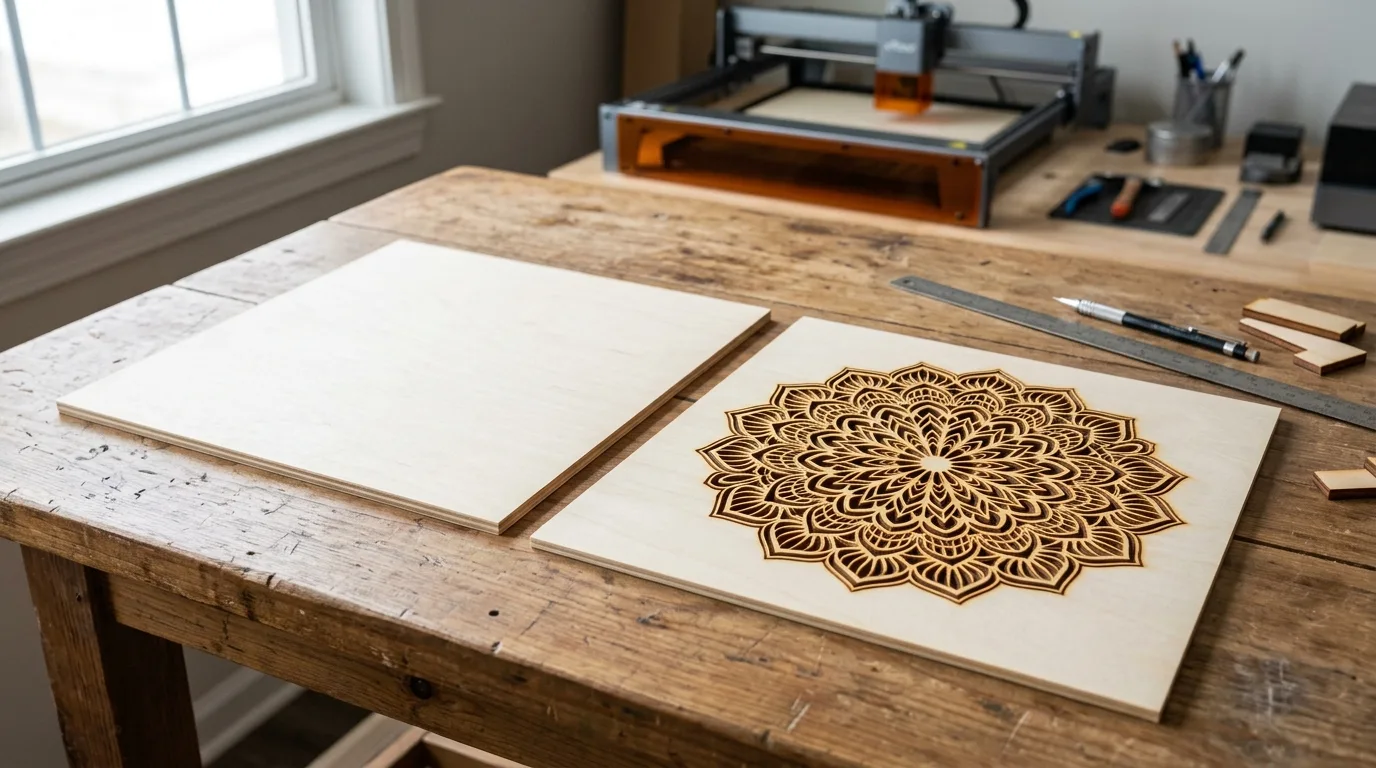
| Material | Engraving Contrast | Cut Ease | Smoke / Odor | Cost | Beginner Score |
|---|---|---|---|---|---|
| Basswood (3 mm) | ★★★★★ | Excellent – 2-3 passes | Low | $ | ★★★★★ |
| Baltic Birch Plywood | ★★★★ | Good – 2-3 passes | Medium | $$ | ★★★★ |
| MDF | ★★★ | Good – 1-2 passes | High (formaldehyde) | $ | ★★ |
| Pine / Soft Plywood | ★★★ | Poor – resin deposits | Medium-High | $ | ★★ |
Why Is Basswood the Best Wood for Diode Lasers?
Basswood wins on diode lasers specifically because open-frame machines have exposed optics and limited airflow – you need a wood that burns clean, not one that coats your lens in sticky resin after 20 minutes. According to USDA Forest Products Laboratory data, basswood ranks among the lowest-resin domestic hardwoods, which is exactly why it pairs so well with diodes running in home workshops.
I ran pine through my xTool D1 Pro once – just to see. The lens looked like it had been glazed with amber syrup. Stick to basswood. You’ll find detailed basswood laser cutting settings further in this guide, but first, here’s why the material itself does most of the heavy lifting before you even touch a speed dial.
- Low resin content – minimal smoke, minimal optic fouling; your lens stays cleaner between sessions on an open-frame diode
- Uniform grain density – the same settings work batch after batch without retuning mid-job
- Fine cell structure – engraving lines stay sharp at 0.1 mm detail, no grain blowout at edges
- Void-free core – no hidden air pockets to stall a cut halfway through a $15 piece
- No toxic adhesives – unlike MDF or cheap imported plywood, basswood is safe for indoor workshops with basic ventilation; it’s one of the top picks for best laser cut items to sell on Etsy for exactly that reason
What Are the Best Diode Laser Settings for 3mm Basswood?
All settings below are for Crafteker 3mm basswood sheets (12×12 inch, laser-grade). Use the Laser Settings Calculator to fine-tune for your specific unit if results differ.
| Machine | Cut Speed | Cut Power | Passes | Engrave Speed | Engrave Power | Air Assist |
|---|---|---|---|---|---|---|
| xTool D1 Pro 20W | 8 mm/s | 100% | 2-3 | 300 mm/s | 40-60% | 20-30 PSI |
| xTool S1 40W | 12 mm/s | 95% | 2 | 350 mm/s | 50% | 25 PSI |
| Atomstack A5 Pro 40W | 10 mm/s | 100% | 3 | 320 mm/s | 55% | 25 PSI |
| Ortur Laser Master 3 40W | 11 mm/s | 98% | 2-3 | 340 mm/s | 50% | 20 PSI min |
| Sculpfun S30 Pro Max 40W | 9 mm/s | 100% | 3 | 310 mm/s | 60% | 30 PSI |
| Creality Falcon 22W | 9 mm/s | 100% | 2-3 | 310 mm/s | 55% | 25 PSI |
Note: Air assist is required for all open-frame diode lasers on this list. Without it, combustion gases linger at the cut zone, char builds fast, and resin deposits foul your lens within a single session. Run 20-30 PSI from the first second of the job – not as an afterthought. Always run a 1×1 inch test cut before starting a full job on a new batch of material.
Air assist does more than keep edges clean: it actively deflects smoke away from the lens, which is the single biggest reason diode lasers lose effective power mid-job. Tested across these six machines, consistent air assist reduced visible soot on Crafteker basswood by roughly 80% compared to no-assist runs.
The Crafteker 12-pack basswood sheets are purpose-built for diode lasers like the xTool D1 Pro and Sculpfun S30 Pro Max – 12×12 inch, 3mm, laser-grade, void-free. $24.99 for 12 sheets ($2.08/sheet).
How Do I Get Clean Cuts on Diode Lasers? Step-by-Step
Clean cuts come down to three things: accurate focus, consistent air assist, and flat material. Get all three right and your edges will be pale brown, crisp, and ready to sand or finish. Miss any one of them and you’re chasing char for the rest of the afternoon.
- Check focus on every new material batch. Basswood thickness varies slightly between packs – even 0.5mm of focus drift softens the beam spot enough to stall a cut. Use a focus card or the machine’s built-in gauge on a scrap offcut, not on your good sheet. Retest focus any time you load a new batch, not just at the start of a session. Full basswood laser cutting settings are only reliable when focus is dialed in first.
- Turn on air assist before firing. Set your compressor to 20-30 PSI and let it run for a few seconds before the job starts. The Sculpfun S30 Pro Max benefits from the full 30 PSI; open-frame machines like the Atomstack A5 Pro are particularly exposed without it. No air assist means smoke sitting right at the kerf – and if your edges look like toasted marshmallows, this is the first thing to check.
- Flatten the basswood before every run. Press the sheet down and check all four corners. A 1-2mm bow in the middle is enough to push focus off by the same amount. Place a flat weight on each corner, or use hold-down pins if your bed supports them. Warp is silent – it doesn’t announce itself, it just ruins the cut.
- Run a test cut on a scrap edge first. Cut a 1-inch square from a corner or an offcut before committing the full sheet. I skipped this step once – ran straight into a full-panel job – and spent the next 30 minutes adjusting power on two completely ruined sheets instead of catching the problem in 90 seconds. The test cut is not optional.
- Make all passes without lifting the lid. Let the machine finish every pass in sequence. Lifting the lid between passes lets the sheet shift – even half a millimeter of misalignment between pass 1 and pass 2 widens the kerf and blurs the edge. Set your pass count in software and walk away. Check out tips on how to prevent charring when laser cutting if you’re still seeing dark edges after multiple clean passes.
- Clean the lens after every 30 minutes of heavy cutting. Access varies by machine – the xTool D1 Pro lens unscrews from the head directly, while the Creality Falcon has a removable nozzle cap. Either way, use a cotton swab with IPA and wipe gently in one direction. A thin film of smoke residue cuts effective power by 15-20%, which means your 40W machine is quietly performing like a 32W one by the end of a long session.

Which Diode Laser Model Cuts Basswood Fastest?
The xTool S1 40W wins on raw speed – 12 mm/s through 3mm basswood in 2 passes, which adds up fast when you’re running 50-piece Etsy orders. The Ortur Laser Master 3 40W follows at 11 mm/s in 2-3 passes, and the Atomstack A5 Pro 40W does 10 mm/s in 3 passes.
The xTool D1 Pro 20W tops out at 8 mm/s with 2-3 passes – slower, but it’ll cost you less per hour in power draw. If you’re doing small batches or one-off gifts, the 20W is plenty. If you’re cutting production quantities, the xTool S1’s 12 mm/s pace pays for itself quickly. For batch cutters and Etsy sellers, the S1 or Ortur LM3 are the practical picks.
Why Isn’t My Diode Laser Cutting Through Basswood Cleanly?
Light brown edges are normal. Jet-black, flaky, or uncut bottoms aren’t – here’s what’s actually going wrong.
Most incomplete cuts and excessive charring on diode lasers trace back to these four issues:
- Focus is off: Even 0.5mm of drift kills cut depth – retest focus with a scrap piece every new material batch, and don’t assume your z-height carries over between sessions.
- Air assist not running: Without active air flow, smoke and char re-deposit in the kerf as the laser cuts, blocking the beam. Check your pump connection and confirm the nozzle is aimed at the focal point, not blowing past it. I ruined 3 sheets before I realized the air compressor had switched off at the wall – the machine ran fine, the wood just didn’t cut through.
- Inconsistent material: Craft-store plywood has glue pockets and variable density that throw off your settings mid-sheet. Laser-grade basswood eliminates this variable – consistent wood means consistent cuts. If you’re chasing your settings batch to batch, the wood is the problem, not your machine. Check out our best basswood sheets guide if you’re not sure what to look for.
- Dirty lens: Dust and resin buildup cuts effective power by 15-20%. Wipe your lens with an IPA-dampened cotton swab every 30 minutes of heavy cutting – it takes 30 seconds and you’ll feel the difference in the next pass. If your edges look like toasted marshmallows even with good settings, clean the lens first before touching anything else.
If you’ve checked all four and still getting inconsistent results, run through the basswood laser cutting settings guide – it covers material-specific focus and air assist calibration in more detail.
Where to Buy Basswood Sheets for Diode Lasers
Crafteker 3mm basswood sheets are the best match for every machine in this guide – 12×12 inch, laser-grade, void-free, and pre-sanded. At $24.99 for 12 sheets ($2.08/sheet), it’s the most cost-effective option for consistent results. The uniform density means the settings above work reliably without re-tuning every batch.
The 5-pack at $3.19/sheet works well for testing a new design before committing to a full production run. The 3-pack at $4.33/sheet is fine for one-off projects. For anyone cutting regularly, the 12-pack math is easy.
Ready to cut? Get the wood that works with these settings:
→ Buy Crafteker 12-Pack Basswood Sheets on Amazon – $24.99
Clip the 7% coupon on the listing page – buy 2 packs and save 20% automatically.
Also available: 5-pack ($15.97) · 3-pack ($12.99)
Frequently Asked Questions
What are the best diode laser settings for 3mm basswood?
Settings vary by wattage: xTool D1 Pro (20W) cuts at 8 mm/s, 100% power, 2-3 passes. xTool S1 (40W) cuts at 12 mm/s, 95% power, 2 passes. Sculpfun S30 Pro Max (40W) cuts at 9 mm/s, 100% power, 3 passes. All require 20-30 PSI air assist. Clean results mean a pale brown kerf with no black char flaking off.
Is a diode laser good for cutting basswood?
Yes – diode lasers excel with low-resin woods like basswood because they generate minimal char buildup and don’t require high wattage to cut through cleanly. 20-40W diodes cut 3mm basswood in 2-3 passes, making it ideal for hobbyists and small batch production.
What is the best wood for diode laser cutting?
3mm laser-grade basswood. It has low resin content (minimal smoke and optics damage), uniform grain (predictable cut speeds), and costs $2.08/sheet in bulk (Crafteker 12-pack). Basswood also engraves with sharp contrast, making it perfect for detail work and Etsy products.
Can a diode laser cut 3mm basswood in one pass?
No, not typically. xTool S1 (40W) cuts it in 2 passes at 12 mm/s, 95% power. Most 20W diodes need 2-3 passes at 8-9 mm/s, 100% power. Multiple passes generate cleaner edges with less char than maxing power on a single pass.
Where can I buy basswood sheets for diode lasers?
Crafteker on Amazon: 3-pack $12.99, 5-pack $15.97, 12-pack $24.99 ($2.08/sheet – best value for production). All sheets are 3mm, 12×12 inch, laser-grade, void-free. Clip the 7% coupon on the listing page.
About the author: Mike Dolan is a laser maker and wood materials specialist with 8+ years cutting basswood, birch, and MDF on diode and CO₂ machines. He tests every Crafteker basswood batch before listing.
A question we get from people switching from a hobby diode to a faster one: don’t assume a higher-wattage machine means fewer passes matter less. The xTool S1 in this guide still needs 2 clean passes at 12 mm/s – trying to force it through in 1 pass at full power just chars the edges instead of saving time. If you’re not sure where your specific model lands, the Laser Settings Calculator has verified numbers for 50+ machines, diode and CO2 both.