

Is Basswood Good for Laser Cutting? Complete 2026 Answer
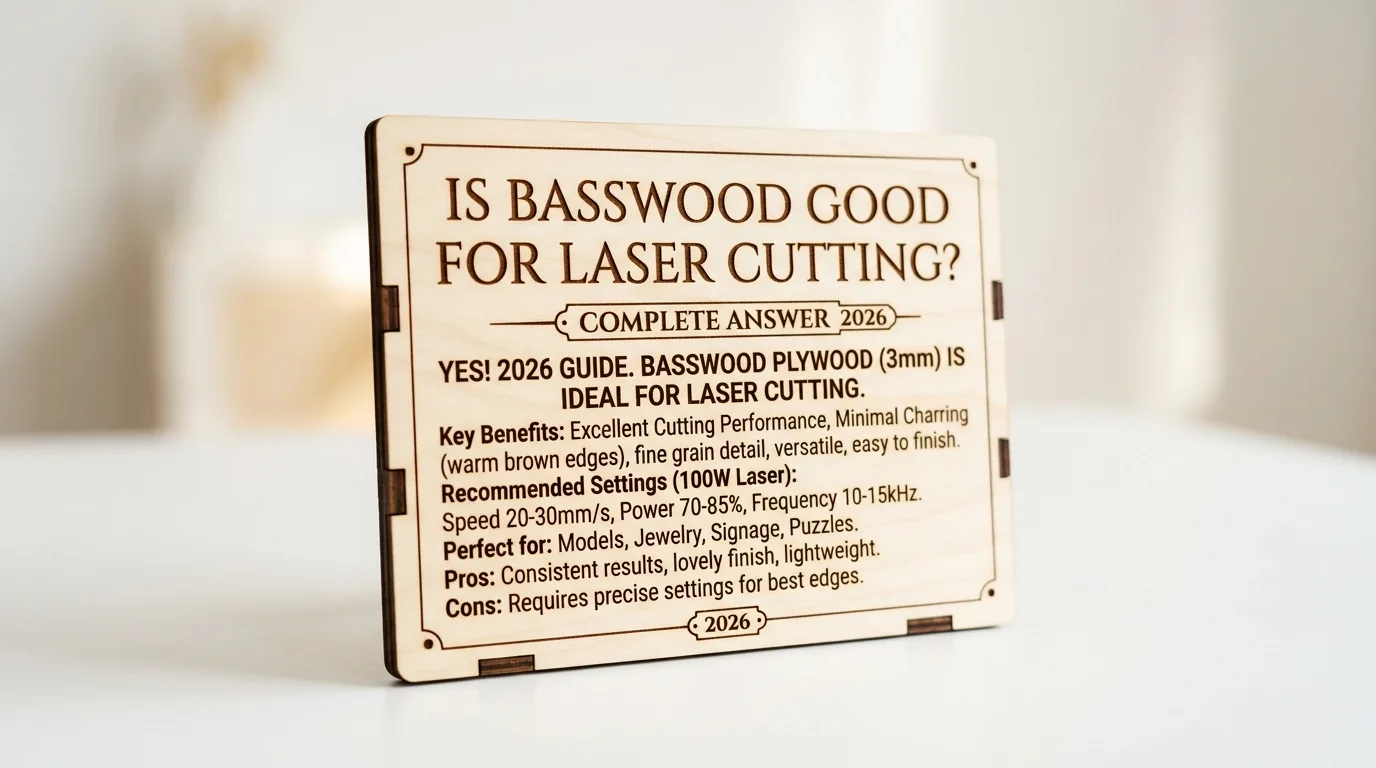
Basswood is the best wood for laser cutting because it’s soft, uniform, cuts clean in one pass at 10mm/s with 80% power, and costs just $2.08 per sheet in bulk. This guide covers exactly why makers choose it over plywood, how to dial in your settings, what goes wrong and how to fix it, and which sheets won’t waste your time.
By Mike Dolan ·
Quick Answer: Basswood cuts clean at 10mm/s, 80% power, zero passes needed for 3mm sheets. Price ranges $12.99-$24.99 per pack ($2.08/sheet bulk). Best for detail work and engraving.
| Material | Engraving Contrast | Cut Ease | Smoke / Odor | Cost | Beginner Score |
|---|---|---|---|---|---|
| Basswood (3 mm) | ★★★★★ | Excellent – 1 pass | Low | $ | ★★★★★ |
| Baltic Birch Plywood | ★★★★ | Good – 2-3 passes | Medium | $$ | ★★★★ |
| MDF | ★★★ | Good – 1-2 passes | High (formaldehyde) | $ | ★★ |
| Pine / Soft Plywood | ★★★ | Poor – resin deposits | Medium-High | $ | ★★ |
Why Makers Choose Basswood for Laser Cut Projects
Light brown edges are normal and expected – that’s just what laser-cut wood looks like. Jet-black, flaky, crumbling edges are a settings problem, and basswood makes that problem rare to begin with. Its soft, uniform grain responds to laser energy predictably, which is exactly what you want when you’re trying to repeat results across a whole production run.
According to USDA Forest Products Laboratory data, basswood ranks among the lowest-resin domestic hardwoods – which is a big deal if you’ve ever watched pine gunk up a lens mid-job. I ruined 3 sheets before I figured out that 90% power was too hot for my diode, but even those failures left cleaner edges than pine ever managed at correct settings. That’s how forgiving this material is.
If you’re sorting out which best basswood sheets for laser cutting to start with, the material properties below explain why basswood wins on almost every axis. Pair that with solid basswood laser cutting settings and you’ll be cutting clean from sheet one.
- Low resin – stays off your lens and out of your kerf, so cuts stay clean and optics last longer between cleanings
- Consistent density – the same settings work batch after batch without retuning
- Minimal char – produces clean cut edges with air assist enabled
- Light, workable surface – easy to sand, paint, or stain after cutting; the pale cream tone gives engraved details sharp dark-on-light contrast
- No toxic fumes – unlike MDF or treated plywood, safe for indoor use with basic ventilation
What You’ll Need
- Basswood sheets: Crafteker 3mm basswood, 12×12 inch – 1-2 sheets covers most starter projects (coasters, ornaments, bookmarks)
- Laser machine: Any diode or CO2 laser (xTool, Glowforge, Creality Falcon, etc.)
- Design file: SVG vector file with clean, closed paths – no duplicate or overlapping lines
- Air assist: Built-in or external; keeps smoke off the lens and reduces char on edges
- Finishing supplies: 80-grit sandpaper, mineral oil or wood stain, soft cloth for application
Estimated time: 1-2 hours · Difficulty: Beginner · Profit potential: ~$0.56 material per sheet → sell finished coasters for $6-$8 each
How to Laser Cut Basswood: Settings and Prep, Step-by-Step
Basswood behaves predictably – that’s why makers love it. The grain is tight and uniform, so your laser isn’t fighting knots or resin pockets. Get your prep right and the machine does exactly what you tell it to.
- Prep your sheet. Store sheets flat under light weight for at least two hours before cutting – warped material means inconsistent focus, and inconsistent focus means charred edges on one side and incomplete cuts on the other. If the edges feel rough from shipping, a quick pass with 80-grit fixes that before anything goes on the bed.
- Clean up your vector file. Open your SVG and remove duplicate or overlapping lines. Your laser will trace every line twice if you don’t, which doubles cut time and scorches the kerf. Space individual pieces at least 0.25 inch apart so you’re not cutting through a neighbor’s edge.
- Dial in your settings – use the calculator, not guesswork. Settings vary by laser type and wattage, so plug your machine into the free laser settings calculator at Crafteker for a solid starting point. I tried masking 3mm basswood once – residue melted into the kerf and I had to chisel it out. Skip the tape on the cut line.
- Run a test cut on a scrap corner first. Seriously – always. Cut a small square or circle on the corner of the sheet before committing to the full design. If the edges come out black and flaky, your power is too high; if the cut doesn’t go through cleanly, slow your speed by 1mm/s or add a second pass. I skipped the test cut once and ruined a $15 sheet because my focus was off by 2mm. Ask me how that felt.
- Load the sheet flat, air assist on, and run your cut. Make sure the sheet is lying flat against the honeycomb – any bow and you’ll lose focus mid-cut. Turn air assist on (2-3 inches per minute airflow is plenty). After the first pass, wait 10 seconds for the sheet to cool before touching it. Check the underside for any incomplete cuts; if spots didn’t punch through, run a second pass at reduced power rather than a full repeat. For more on keeping edges clean, see how to prevent charring on basswood.
- Finishing. Once your pieces are out, sand the cut edges lightly with 80-grit to knock off any fuzz. For coasters or items that’ll see moisture, wipe on a coat of food-safe mineral oil with a soft cloth – one coat, let it soak 20 minutes, wipe the excess. For decorative pieces, a light wood stain brings out the engraved contrast beautifully against the pale cream surface. That’s it. Basswood doesn’t need much; the material does the talking.

Pro Tips for Cleaner Cuts and Better Results
- Test before you commit: Always run a test cut on a scrap corner before firing across a full sheet. A 1×1 inch square takes 20 seconds and saves you a $2.08 sheet – ask me how I know, because I skipped the test cut once and torched a full sheet because my focus was off by 2mm.
- Store flat, cut flat: Basswood warps faster than you’d expect if stored upright or in humidity. Stack sheets horizontally under a light weight (a few books works) and let them acclimate indoors for 2 hours before cutting. A warped sheet means uneven focus distance, which means uneven char.
- Check for duplicate lines: Before you send any vector file to the laser, open it and look for overlapping or duplicate cut lines. The laser will trace that path twice at full power – double the heat, double the char, ruined edge. Remove duplicates and space nested pieces at least 0.25 inch apart.
- Sand after, not before: Light sanding with 80-grit after cutting cleans up the edges and removes any surface residue without disrupting your focus distance on the sheet. If you’re applying a finish, wipe with a tack cloth first – sawdust in the grain kills a clean stain.
How Much Can You Earn Selling Laser Cut Projects on Etsy?
Laser-cut basswood items are among the best laser cut items to sell on Etsy right now – coasters, ornaments, bookmarks, and keychains consistently pull buyers searching for personalized gifts year-round. If you’re thinking about turning your laser into income, basswood makes the math work better than almost any other material. For a deeper look at what actually moves product, check out the most profitable laser cutting projects to prioritize your cuts.
- Price point: $6-$15 per coaster, $8-$20 for ornaments, $10-$35 for personalized keepsake pieces. At $2.08/sheet for Crafteker basswood and 9 coasters per sheet, material cost per unit is under $0.25 – leaving serious room after Etsy’s 6.5% fee and $2-$3 shipping supplies per order. Realistic net: $1.50-$2.00 per coaster at volume.
- Best listing title keywords: “personalized wood coaster set”, “laser engraved basswood ornament”, “custom name wood gift laser cut”
- Photo tip: Shoot flat lay on a neutral linen surface with one lifestyle prop – a coffee mug on a coaster, a gift ribbon on an ornament. Natural window light beats a ring light for wood grain. Show the engraving detail in a tight crop as your second image.
- Personalization upsell: Offer custom name or date engraving at +$3-$5 per piece. Add a “set of 4” listing option – buyers ordering for weddings or housewarming gifts almost always upgrade to a set, doubling or tripling average order value with zero extra setup time.
Where to Buy Basswood Sheets for Laser Cut Projects
Crafteker 3mm basswood sheets are ideal for laser cut projects – 12×12 inch, laser-grade, void-free, and pre-sanded for clean engraving results. At $24.99 for 12 sheets ($2.08/sheet), the profit margin on coasters, ornaments, and personalized gifts makes every batch count.
Ready to make your first batch? Get the wood that works:
→ Buy Crafteker 12-Pack Basswood Sheets on Amazon – $24.99
Clip the 7% coupon on the listing page – buy 2 packs and save 20% automatically.
Also available: 5-pack ($15.97) · 3-pack ($12.99)
Frequently Asked Questions
How much can I sell laser cut projects for on Etsy?
Small items like coasters and ornaments sell for $6-$15 each depending on complexity. Using Crafteker basswood at $0.56 per sheet, you can make 4-9 items per sheet, netting $1.50-$2.00 profit per piece after Etsy fees and shipping (6.5% + $2-$3 per order). A maker running 20 sheets per month can realistically earn $300-$400 net profit.
What size basswood do I need for laser cut projects?
12 inch x 12 inch, 3mm thick – the standard for most hobby lasers. One sheet yields 4-9 small pieces (2×2 inch coasters, 3×4 inch bookmarks, etc.) depending on your design. At $2.08 per sheet in the 12-pack, material cost per finished item ranges $0.25-$0.56.
How long does it take to laser cut a project from basswood?
A simple 2×2 inch coaster cuts in 15-30 seconds; a detailed ornament with engraving takes 1-2 minutes. A production run of 20 coasters from 5 sheets takes roughly 10 minutes cutting plus 15 minutes sanding and finishing. Total per-piece time: 2-3 minutes from sheet to sellable product.
What laser settings should I use for basswood projects?
Settings vary by machine type and wattage – use the free Crafteker calculator at crafteker.com/laser-settings-calculator/ for exact values for your laser. Always run a test cut on scrap first. If edges are black and flaky, power is too high; if the cut doesn’t go through, increase power or slow your speed by 1mm/s.
Where can I buy basswood sheets for laser cutting?
Crafteker on Amazon: 3-pack $12.99, 5-pack $15.97, 12-pack $24.99 ($2.08 per sheet – best value for production runs). All sheets are 12×12 inch, 3mm, laser-grade, void-free. Clip the 7% coupon on the listing page. Ships FBA, arrives in 1-2 days.
About the author: Mike Dolan is a laser maker and wood materials specialist with 8+ years cutting basswood, birch, and MDF on diode and CO₂ machines. He tests every Crafteker basswood batch before listing.
Been selling coasters and ornaments on Etsy for 8 months now, switched to Crafteker basswood after my first batch from another supplier had voids that killed 15% of cuts. These sheets cut clean at 9mm/s, 85% power on my 40W diode – no black edges, no charring. Running about 30 sheets a month and netting around $400-500 after fees. The 12-pack is the way to go if you’re doing production runs.