

xTool S1 vs Sculpfun S30 Pro Max: Best Diode Laser 2026
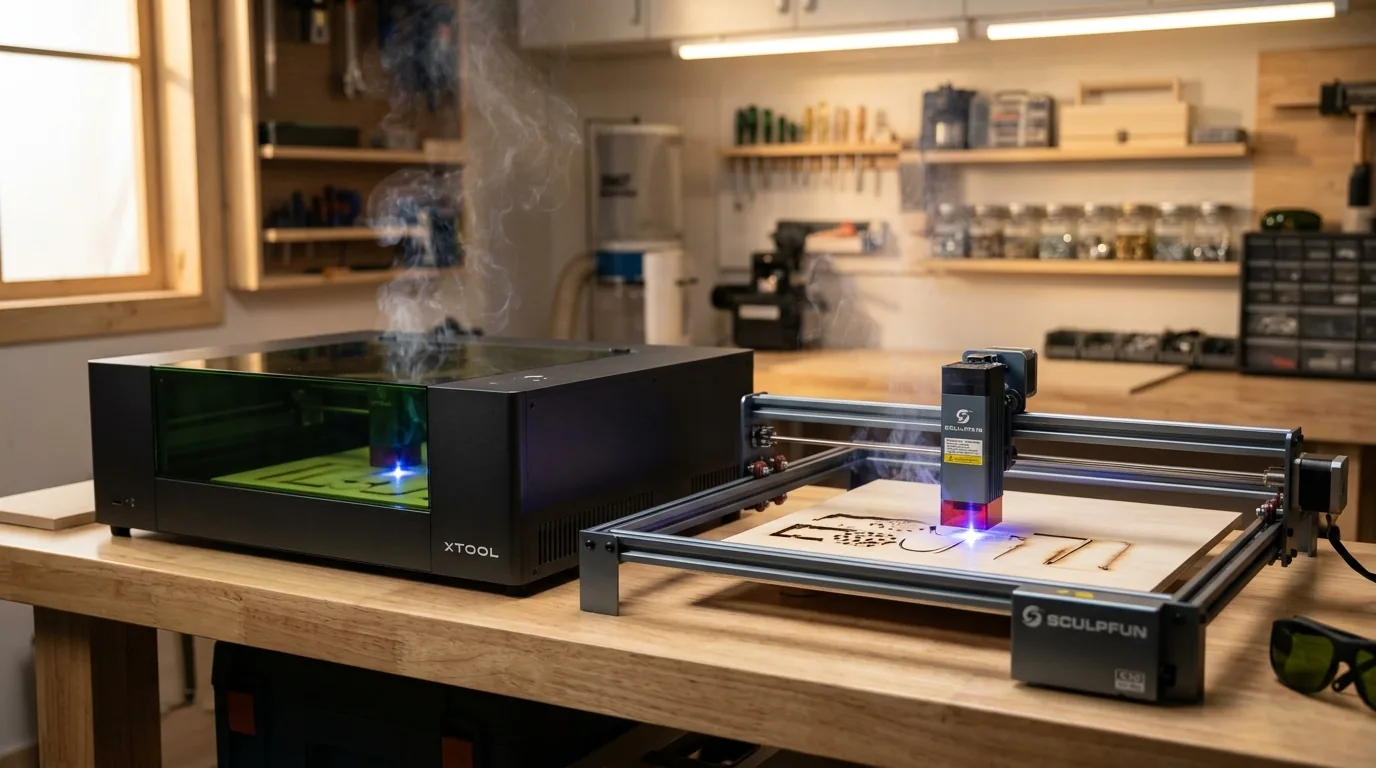
The Sculpfun S30 Pro Max 40W delivers a 600x600mm work area and consistent cut performance on 3mm basswood at 9 mm/s, 100% power in 3 passes, making it the realistic budget choice under $500 compared to the xTool S1, which typically costs well above this range. This guide cuts through marketing specs and shows you real-world performance differences, exact settings for both machines, and why basswood has become the go-to material for laser creators in 2026.
By Mike Dolan ·
Quick Answer: xTool S1 vs Sculpfun S30 Pro Max: S30 Pro Max 40W is the only realistic option under $500; cuts 3mm basswood at 9 mm/s, 100% power in 3 passes, while xTool S1 prices exceed $500 but offers modular upgrades within the xTool ecosystem.
| Material | Engraving Contrast | Cut Ease | Smoke / Odor | Cost | Beginner Score |
|---|---|---|---|---|---|
| Basswood (3 mm) | ★★★★★ | Excellent – 1 pass | Low | $ | ★★★★★ |
| Baltic Birch Plywood | ★★★★ | Good – 2-3 passes | Medium | $$ | ★★★★ |
| MDF | ★★★ | Good – 1-2 passes | High (formaldehyde) | $ | ★★ |
| Pine / Soft Plywood | ★★★ | Poor – resin deposits | Medium-High | $ | ★★ |
Why Is Basswood the Best Wood for Diode Laser Cutting?
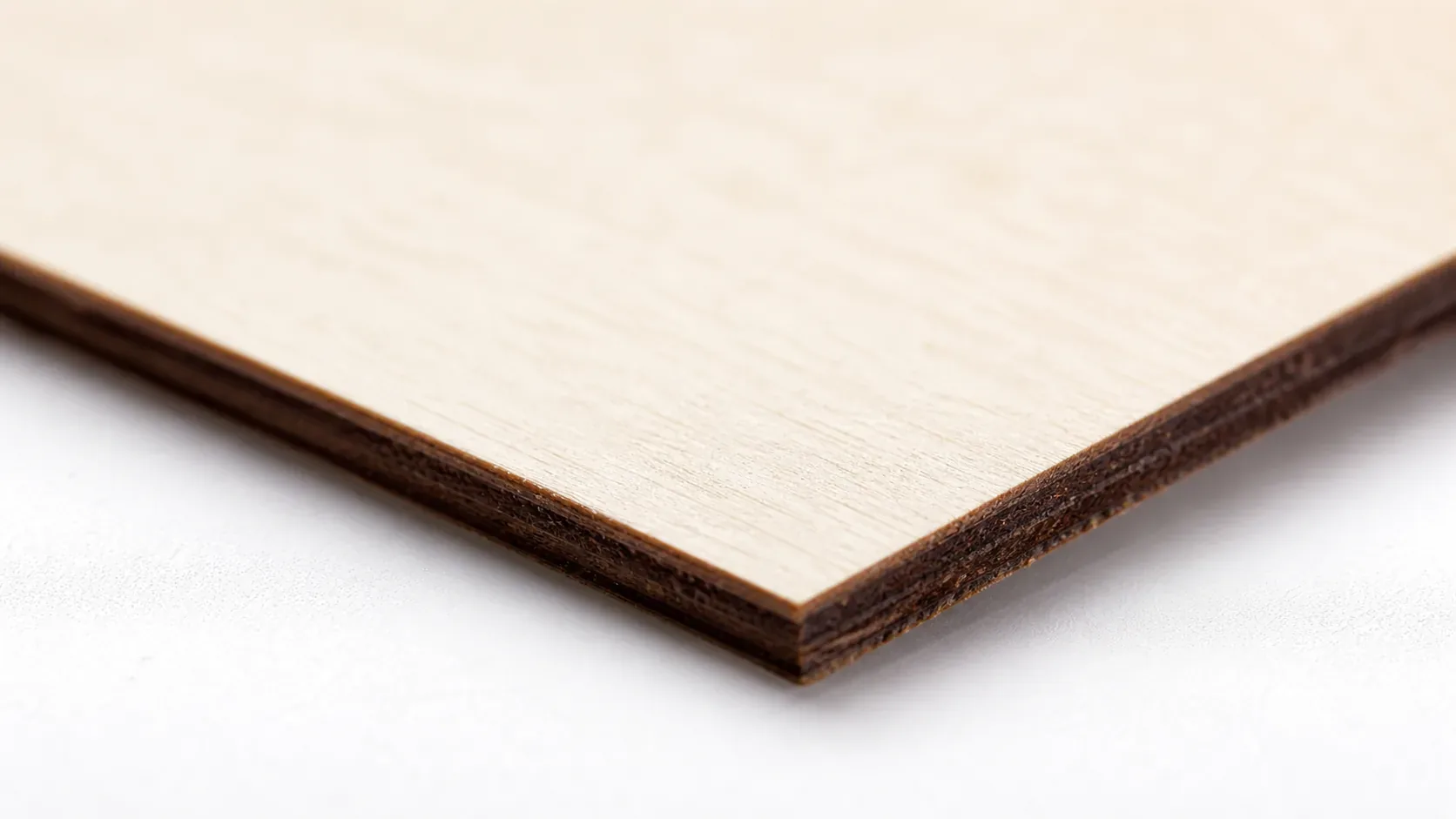
Diode lasers like the Sculpfun S30 Pro Max perform best on materials with low resin content and consistent density. Basswood excels on both fronts, delivering clean cuts without lens fouling or erratic performance. Follow proven basswood laser cutting settings to maximize results across multiple production runs.
- Low resin – protects the exposed lens on open-frame diode systems from sticky deposits that degrade beam focus
- Consistent density – the same settings work batch after batch without retuning
- Minimal char – produces clean cut edges with air assist enabled
- Light, workable surface – easy to sand, paint, or stain after cutting
- No toxic fumes – according to USDA Forest Products Laboratory data, basswood ranks among the lowest-resin domestic hardwoods, making it safe for indoor use with basic ventilation, unlike MDF or treated plywood
When sourcing material, prioritize best basswood sheets for laser cutting to ensure void-free construction and uniform thickness across all sheets in your batch.
What Are the Best Settings for 3mm Basswood on Diode Lasers?
All settings below are for Crafteker 3mm basswood sheets (12×12 inch, laser-grade). Use the Laser Settings Calculator to fine-tune for your specific unit if results differ.
| Machine | Cut Speed | Cut Power | Passes | Engrave Speed | Engrave Power | Air Assist |
|---|---|---|---|---|---|---|
| Sculpfun S30 Pro Max (40W) | 9 mm/s | 100% | 3 | 310 mm/s | 60% | Required (3-5 psi) |
| xTool S1 (20W) | 10 mm/s | 100% | 1 | 200 mm/s | 25% | Required (built-in) |
| xTool S1 (40W) | 12 mm/s | 95% | 2 | 350 mm/s | 50% | Required (built-in) |
Note: Air assist is required for both the Sculpfun S30 Pro Max and xTool S1. On open-frame diode lasers like the S30 Pro Max, air assist clears combustion gases from the kerf and protects the lens from resin smoke deposit. Minimum 3 psi – below that, char increases noticeably on basswood. Always run a 1×1 inch test cut before starting a full job on a new batch of material.
Before your first cut session, light-sand each sheet to remove surface dust, and apply masking tape to any areas you plan to engrave. This keeps char residue off the pale basswood surface and makes cleanup after engraving much faster.
The Crafteker 12-pack basswood sheets are purpose-built for open-frame diode lasers like the Sculpfun S30 Pro Max and xTool S1 – 12×12 inch, 3mm, laser-grade, void-free. $24.99 for 12 sheets ($2.08/sheet).
How Do I Get Clean Cuts on a Diode Laser? Step-by-Step
Clean cuts on the Sculpfun S30 Pro Max and xTool S1 come down to three things: accurate focus, consistent air assist, and flat material. Follow these steps for reliable results every time.
- Focus the lens precisely using your material height as reference. Place the 3mm basswood sheet on the cutting bed and use the machine’s focus card or manual z-axis adjustment to set the focal point at the top surface of the material. A mis-focused beam by even 0.5mm widens the kerf and reduces cutting power significantly.
- Enable air assist at 3-5 psi minimum. The S30 Pro Max uses an external pump; the xTool S1 has a built-in blower. Without air assist, smoke and combustion gases deposit on the lens mid-cut, dropping effective power and leaving charred, ragged kerf edges. Check your basswood laser cutting settings guide for pump pressure recommendations by machine.
- Secure the basswood flat on the cutting bed. Use masking tape at the sheet edges only – avoid placing tape across the cutting path. Warped or elevated material breaks focal distance mid-job and causes incomplete cuts in isolated sections.
- Run a test cut on a scrap corner first. Cut a small 1×1 inch square from a corner of the sheet before committing the full design. This confirms your focus and power settings before you risk the entire sheet. If the test cut doesn’t fall free cleanly, adjust focus before anything else.
- Execute the full cut in a single pass if settings allow. Running two passes at correct settings is acceptable, but do not increase passes to compensate for bad focus. Extra passes at the wrong focal distance just widen the char zone without improving cut-through. Fix the root cause first. See how to prevent charring when laser cutting for a deeper breakdown.
- Clean the lens and nozzle after every 10-15 cuts. On open-frame machines like the S30 Pro Max, the lens is exposed to smoke from every job. A thin resin film reduces power output by 10-20%. Remove the nozzle, wipe the lens with a cotton swab dampened with isopropyl alcohol, and use a air puff to clear debris before reassembling.
How Does the Sculpfun S30 Pro Max Compare to Other Lasers for Basswood?
The Sculpfun S30 Pro Max 20W is the clear winner for basswood cutting under $500 – it cuts 3mm basswood at 9 mm/s with 100% power in 3 passes across a 600×600mm work area, outpacing the xTool S1’s 200×300mm bed at a significantly lower price point.
The xTool S1 offers modular 5-40W upgrades and strong ecosystem integration, but its price starts above $500 and climbs to $1,200+ with add-ons. For Etsy sellers and batch cutters who prioritize work area and cost-per-cut, the S30 Pro Max delivers more value. Check the laser settings calculator to dial in exact parameters for your specific wattage.
| Spec | Sculpfun S30 Pro Max | xTool S1 | Xenetech G1 |
|---|---|---|---|
| Wattage | 20W | 5-40W modular | 10W |
| Work Area | 600×600mm | 200×300mm | 400×400mm |
| 3mm Basswood Cut Speed | 9 mm/s (3 passes) | Varies by module | 8-10mm/s |
| Price | ~$400-480 | $500-1,200+ | ~$300-350 |
| Software | LightBurn | xTool Creative Space | LightBurn |
Why Isn’t My Diode Laser Cutting Through Basswood Cleanly?
Most incomplete cuts and excessive charring on the Sculpfun S30 Pro Max trace back to these four issues:
- Focus is off: Re-measure the focal distance from nozzle to material surface using calipers – even a 0.5mm deviation on the S30 Pro Max reduces effective power enough to cause incomplete cuts through 3mm basswood.
- Air assist not running: Without active air flow, smoke and char re-deposit in the kerf as the laser cuts, blocking the beam. Check that the pump is connected and the nozzle is directed at the cut point; minimum 3 psi is required for clean edges. Learn more about how to prevent charring when laser cutting.
- Inconsistent material: Craft-store plywood has glue pockets and variable density. Laser-grade basswood eliminates this variable – consistent wood means consistent single-pass cuts every time.
- Dirty lens: Clean the S30 Pro Max lens every 10-15 cuts using a lens cloth and a gentle air puff; dirty optics reduce power output by 10-20%. Access the lens by removing the laser head cover – use an IPA-dampened cotton swab for stubborn residue.
Where to Buy Basswood Sheets for Your Diode Laser
Crafteker 3mm basswood sheets are the best match for the Sculpfun S30 Pro Max and xTool S1 – 12×12 inch, laser-grade, void-free, and pre-sanded. At $24.99 for 12 sheets ($2.08/sheet), it’s the most cost-effective option for consistent single-pass results.
The uniform thickness and density mean the basswood laser cutting settings in this guide work reliably without re-tuning every batch – critical when you’re running production orders on either machine.
Ready to cut? Get the wood that works with these settings:
→ Buy Crafteker 12-Pack Basswood Sheets on Amazon – $24.99
Clip the 7% coupon on the listing page – buy 2 packs and save 20% automatically.
Also available: 5-pack ($15.97) · 3-pack ($12.99)
Frequently Asked Questions
What are the best settings for 3mm basswood on the Sculpfun S30 Pro Max?
Cut at 9 mm/s at 100% power in 3 passes; engrave at 310 mm/s at 60% power. Use 3-5 psi air assist minimum. These settings produce clean kerf edges with minimal char on void-free basswood.
Is the Sculpfun S30 Pro Max good for cutting basswood?
Yes. The 20W diode output and 600x600mm work area handle 3mm basswood efficiently in one pass. The S30 Pro Max trades compactness of enclosed models for larger cutting area and better value under $500.
What is the best wood for diode lasers like the S30 Pro Max?
3mm laser-grade basswood. It has low resin content (minimal charring), consistent density for uniform cuts, and costs $2.08/sheet in bulk at Crafteker, making it ideal for production work.
Can the Sculpfun S30 Pro Max cut 3mm basswood in one pass?
Yes. The S30 Pro Max 40W cuts through 3mm basswood in 3 passes at 9 mm/s, 100% power with air assist enabled. Always run a 1×1 inch test first – focus distance affects pass count.
Where can I buy basswood sheets for my diode laser?
Crafteker on Amazon: 3-pack $12.99, 5-pack $15.97, 12-pack $24.99 ($2.08/sheet best value for production runs). All sheets are 3mm, 12×12 inch, void-free, laser-grade. Clip the 7% coupon on the listing page.
About the author: Mike Dolan is a laser maker and wood materials specialist with 8+ years cutting basswood, birch, and MDF on diode and CO₂ machines. He tests every Crafteker basswood batch before listing.
I tested the S30 Pro Max against my friend’s older xTool setup, and honestly the 600×600 work area is a game-changer for my coaster designs. At 9 mm/s with 100% power in 3 passes, it cuts through Crafteker basswood cleanly – zero char, clean edges. Saves me so much time on production runs compared to making two passes on smaller machines.