
5 Checks Before Buying a Hobby Laser for Basswood (2026)
A laser works for your 12×12 inch, 3mm basswood sheets when its listed working area meets or exceeds 12×12 inches and the other buying checks below hold up on the current listing. This guide walks through the 5 checks, a 5-step buying routine, and the problems to watch for before you order.
This post contains affiliate links. As an Amazon Associate I earn from qualifying purchases, at no extra cost to you. Learn more.
By Mike Dolan ·
Quick Answer: Before buying a hobby laser for 12×12 inch 3mm basswood, confirm working area, enclosure, power class, air assist and bed, and software support against the current manufacturer listing using these 5 checks.
What a Laser Needs to Handle 12×12 Basswood Sheets
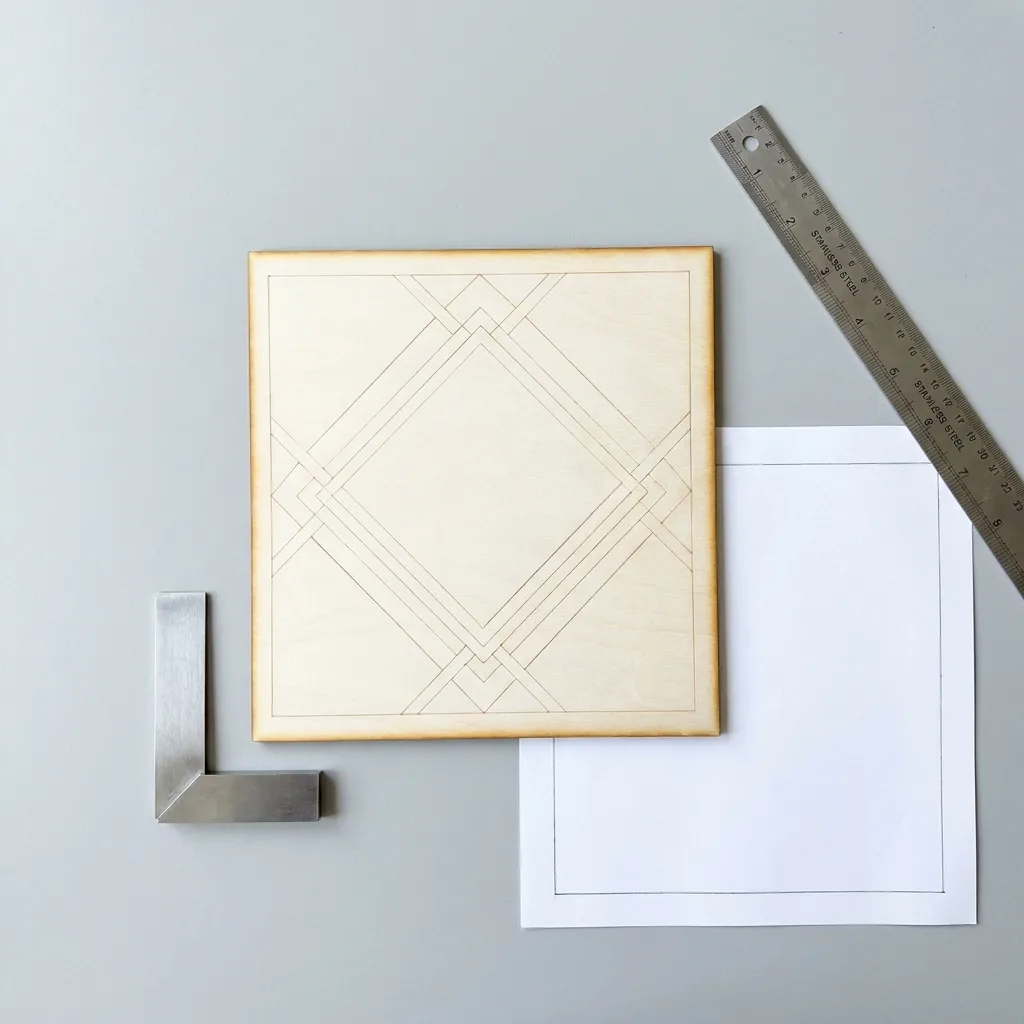
The basic rule is simple: a machine must have a listed working area that fits a 12×12 inch sheet, with room left for clamps or hold-down hardware, before any other feature matters. Always verify this against the current manufacturer or Amazon listing rather than the outer dimensions printed on the box, since outer dimensions and working area are not the same measurement.
5 Checks Before You Buy
- Working area against the 12×12 inch sheet. Find the manufacturer’s listed usable working area, not the outer case size, since those numbers are often different. Confirm the usable area is at least 12×12 inches and still leaves room for clamps, pins, or a frame that holds the sheet flat during a job. See the best laser cutter for plywood guide for more on comparing machines by working area.
- Open frame or enclosed design. Open-frame machines need more attention from you around smoke, light exposure, noise, and room ventilation, since nothing is containing the beam or the fumes. An enclosure helps contain light and smoke, but it still needs a proper exhaust path set up according to the manual, not just a closed lid.
- Power class for cutting versus engraving. Check whether the manufacturer markets the machine for cutting or for engraving only, since those are different claims even within the same laser type. Higher power in a given laser class generally cuts more reliably, and a machine that engraves plywood well is not automatically suited to cutting through 3mm sheets. The CO2 vs diode guide walks through how these claims differ by laser type.
- Air assist and bed type. Confirm whether air assist is included, offered as an option, or missing entirely, since it affects both cut quality and smoke clearing at the spot. Check whether the bed is honeycomb, slats, or solid, because bed type changes airflow, underside marking, and how flat your 3mm sheet actually sits.
- Software support and camera features. Check the maker’s required software, whether the exact model and controller are listed as LightBurn compatible, and what connection method is needed. Treat camera or autofocus features as convenience add-ons for alignment and focus, not as proof that the machine can cut 3mm basswood reliably.
A 5-Step Buying Routine
- Write down what you will actually make. Decide whether you mainly need to cut 3mm basswood, engrave it, or do both, since this single decision shapes which power class and which features actually matter for your purchase.
- Read the manufacturer’s own specifications page. Pull working area, power class, included accessories, and recommended materials straight from the maker’s site instead of relying on marketplace summaries, which can be incomplete or outdated by the time you read them.
- Compare working area and enclosure design against your sheets and room. Check that your 12×12 inch sheets fit the usable area with space to spare, and that any clamps or hold-down hardware will not shrink that space below the sheet size you need.
- Check software and support. Note the required app, any controller details the listing provides, exact LightBurn compatibility, and what support or warranty the manufacturer offers if setup or operation runs into problems later.
- Plan your space and ventilation before ordering. Measure footprint, clearance for loading sheets, electrical needs, and an exhaust route for smoke, so the machine you choose actually fits the room it will sit in day to day. The ventilation guide covers this planning step in more detail.
Diode vs CO2 for This Work
Diode and CO2 lasers differ in design, and that difference alone does not tell you whether a specific model will reliably cut 3mm basswood plywood. Each type comes with its own manufacturer resources, recommended materials, and LightBurn compatibility notes, so the laser type is a starting point for research, not a final answer. Read the documentation and recommended materials list for the exact machine you are considering before assuming it can handle your sheets. Check the manufacturer’s own site and LightBurn’s compatibility information for that specific model, and compare both laser types side by side using the CO2 vs diode guide before deciding.
4 Problems and Fixes
- Sheet does not fit the bed. Cause: the sheet was compared to the machine’s outer case size instead of its listed working area, which is usually smaller. Fix: recheck the manufacturer’s usable working area and account for any clamps or framing hardware before you buy, not after the machine arrives.
- Cut does not go through. Cause: power class, focus, air assist, or settings are not suited to 3mm basswood, even on a machine that engraves it fine. Fix: check the manufacturer’s cutting guidance for this material, confirm air assist is active, and test settings on scrap before committing a full sheet.
- Smoke fills the room. Cause: missing or inadequate ventilation and exhaust planning, which affects open-frame and enclosed machines alike. Fix: follow the manual’s ventilation requirements and set up a complete exhaust path before running real jobs, as covered in the ventilation guide.
- Hold-down is hard on a solid bed. Cause: a solid surface limits airflow and clamp placement compared to honeycomb or slat beds. Fix: use the manufacturer’s recommended hold-down method, such as pins, magnets, or a frame, positioned so it does not block the laser path, following the hold-down methods guide and the honeycomb vs slat bed guide.
After You Buy: First Jobs on Scrap
Your first jobs on a new machine belong on scrap 3mm basswood offcuts, not finished pieces, so you can confirm focus, air assist, and settings before committing a full 12×12 inch sheet. Follow the machine’s manual for setup and safe operation, and check current marketplace and shipping carrier rules for the laser itself before you buy, since those requirements change and vary by seller. Once the machine is running on scrap, grab the free Crafteker laser file bundle and move on to Crafteker’s cutting and engraving guides for basswood sheet projects, including the air assist guide and the best basswood for xTool S1 guide, for next steps.
Where to Get 3mm Basswood for Your First Jobs
Crafteker 3mm basswood sheets are 12×12 inch, laser-grade, void-free and pre-sanded: a pale, even surface for engraving and paint, and consistent sheets for repeat batches. At $24.99 for 12 sheets ($2.08/sheet), test pieces cost very little. Need designs? Grab the free Crafteker laser file bundle.
Ready for your first 12×12 test sheet?
Tools & Materials Used
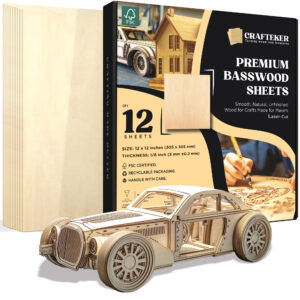
Laser-ready basswood for the projects in this guide.
Example of a machine listed on Amazon US. Check its current listing for working area and specs.
Example of a machine listed on Amazon US. Check its current listing for working area and specs.
Example of a machine listed on Amazon US. Check its current listing for working area and specs.
Eye protection. Match the wavelength of your laser.
Frequently Asked Questions
What working area do I need for a 12×12 inch basswood sheet?
Look for a manufacturer-listed usable working area of at least 12×12 inches, and check whether clamps or hold-down hardware reduce that space before you buy.
Does a bigger outer case mean a bigger working area?
No. Outer dimensions and usable working area are different specifications, so always check the working area listed in the manufacturer’s specifications rather than the case size.
Is a diode or CO2 laser better for cutting 3mm basswood?
Laser type alone does not determine whether a model cuts 3mm basswood reliably. Check the specific machine’s power class, recommended materials, and cutting guidance on its own listing.
Do I need air assist to cut basswood plywood?
Air assist helps manage smoke and supports cleaner cuts. Confirm whether it is included or optional on the exact model before buying, since this varies by manufacturer.
How do I know if a laser works with LightBurn?
Check LightBurn’s own compatibility information along with the manufacturer’s listing for your exact model, controller, and firmware, since support is not universal across every device.
About the author: Mike Dolan is a laser maker and wood materials specialist with 8+ years cutting basswood, birch, and MDF on diode and CO₂ machines.
Before buying, compare the listed working area with a 12×12 inch sheet and read the manufacturer specifications on the current listing. Specs change between versions, so check the page you are buying from.